Best ways to use crypto travel cards for Google Play purchases
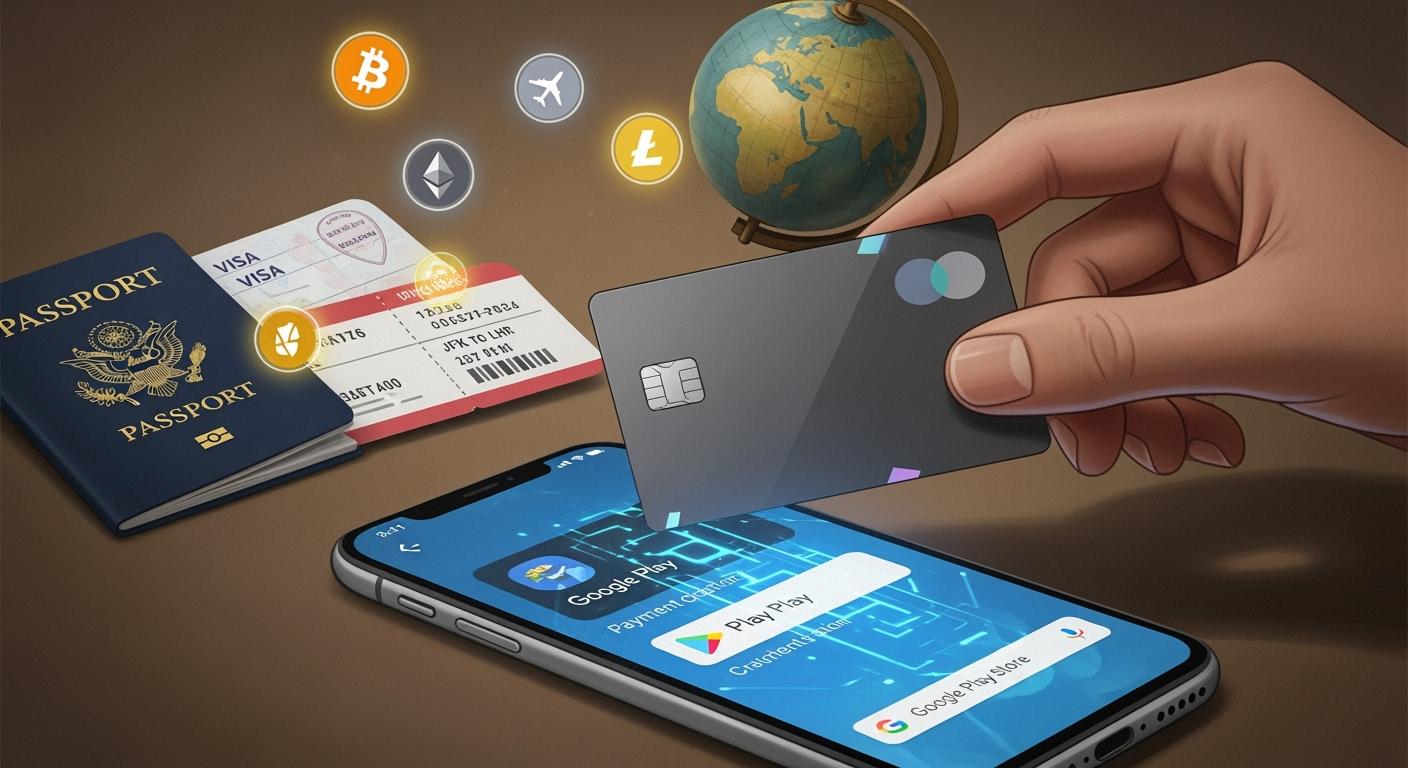
Want to buy apps or games on Google Play with your crypto travel card? You can use virtual cards or grab Google Play gift cards with crypto for extra security. These options make payments easy and safe. You might even earn rewards while spending your crypto. If you worry about mistakes or missing out on benefits, relax—this process works for beginners and pros.
Tip: Always check for secure payment methods before you start.
Key Takeaways
Make sure your crypto travel card works with Google Play before you buy anything. Add your crypto travel card to Google Play by following easy steps. Think about using virtual cards for better chances of working and more safety when you shop online. Buy Google Play gift cards from trusted places like Coinsbee or Moon so you can use your crypto safely. Turn on two-factor authentication on your card account to make it safer and keep your money safe.
Setting up your crypto travel card
Card compatibility with Google Play
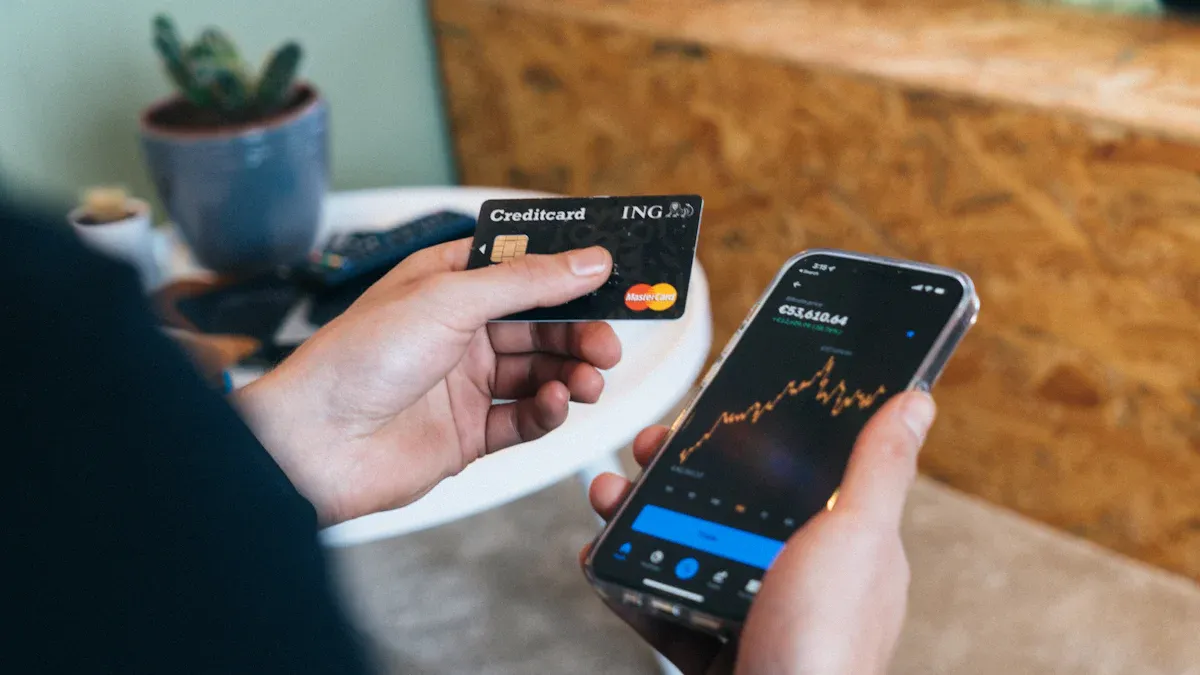
Before you start, you need to check if your crypto travel card works with Google Play. Not every card will get accepted. Some cards only support certain regions or payment networks. You can look at your card provider’s website or app for a list of supported merchants. If you see Google Play on the list, you are good to go.
Here’s a quick table to help you check compatibility:
Card Provider | Google Play Support | Notes |
|---|---|---|
Crypto.com | ✅ | Works with Google Pay |
BitPay | ✅ | Virtual card available |
Wirex | ✅ | May need activation |
Binance Card | ❌ | Not supported |
Tip: If you do not see your card listed, ask customer support. They can confirm if your crypto travel card will work for Google Play purchases.
Adding your crypto travel card
Ready to add your card? You can do this in just a few steps. First, open the Google Play Store app on your phone. Tap your profile icon, then go to "Payments & subscriptions." Choose "Payment methods," then tap "Add credit or debit card." Enter your crypto travel card details. Double-check the numbers and expiration date.
Here’s a simple checklist:
Open Google Play Store.
Tap your profile icon.
Go to "Payments & subscriptions."
Select "Payment methods."
Tap "Add credit or debit card."
Enter your card info.
Save and confirm.
If Google Play asks for extra verification, follow the prompts. Sometimes, you need to verify with a code sent to your phone or email. This step helps keep your account safe.
Note: Some crypto travel cards need activation before you use them online. Open your card provider’s app and look for an "Activate" button. Complete this step before adding your card to Google Play.
Using Google Pay with crypto cards
You can also link your crypto travel card to Google Pay. This method gives you more flexibility. Many users find Google Pay works better for contactless payments and online purchases. To add your card, open the Google Pay app. Tap "Add a card," then enter your crypto travel card details. Follow the instructions to verify your card.
Once your card is linked, you can use Google Pay for Google Play purchases. Just select Google Pay at checkout. If you run into issues, check if your card provider supports Google Pay. Some cards only work with the physical card, while others offer virtual cards for online use.
Callout: Virtual cards often have higher success rates for Google Play payments. If your provider offers a virtual version of your crypto travel card, try using it for smoother transactions.
You now have your crypto travel card set up for Google Play and Google Pay. You can buy apps, games, and more with your crypto funds. If you follow these steps, you will avoid most common problems and enjoy a fast, secure payment experience.
Buying Google Play gift cards with crypto
Trusted platforms for gift cards
You want a safe place to buy Google Play gift cards with crypto. Two popular choices are Coinsbee and Moon. These sites let you pay with Bitcoin, Ethereum, or other coins. They have good reviews and strong security. You can check their ratings on Trustpilot or look for feedback from other users. Here’s a quick table to help you compare:
Platform | Supported Cryptos | Security Features | User Rating |
|---|---|---|---|
Coinsbee | BTC, ETH, LTC | SSL, 2FA | ⭐⭐⭐⭐⭐ |
Moon | BTC, ETH | SSL, 2FA | ⭐⭐⭐⭐ |
Tip: Always use platforms with secure payment options and clear refund policies.
Step-by-step purchase process
Buying a Google Play gift card with crypto is easy. You just need to follow a few steps. First, pick a trusted platform. Next, choose the gift card amount. Then, select your crypto payment method. After you pay, you get a code by email or on the website.
Here’s how you do it:
Go to Coinsbee or Moon.
Search for Google Play gift cards.
Pick the card value you want.
Enter your email address.
Choose your crypto and pay.
Wait for your code to arrive.
Callout: If you use your crypto travel card, some platforms let you pay directly with it for extra convenience.
Redeeming gift cards on Google Play
You have your gift card code. Now you want to use it. Redeeming is simple and quick. Just follow these steps:
Tap your profile icon at the top right.
Select Payments & subscriptions, then Redeem code.
Enter your 16-character code and tap Redeem.
You can also redeem your code on a web browser. Visit the Google Play redeem page, log in, and enter your code. Your balance updates right away. Now you can buy apps, games, or movies with your new funds.
Note: Keep your gift card code safe until you redeem it. Never share it with anyone you don’t trust.
Tips for successful transactions
Payment limits and supported currencies
You want your payment to go through without a hitch. Start by checking the payment limits on your card. Some cards have daily or monthly spending caps. You can find this info in your card provider’s app or website. If you try to buy something over the limit, your payment will fail.
Not all currencies work everywhere. Google Play usually charges in your local currency. Make sure your card supports that currency. If you use a card with a different currency, you might pay extra fees. Here’s a quick table to help you remember:
What to Check | Why It Matters |
|---|---|
Card spending limit | Avoid failed payments |
Supported currencies | Lower extra charges |
Tip: If you plan a big purchase, check your card’s limit first.
Troubleshooting common issues
Sometimes, things don’t go as planned. Maybe your payment gets declined or the app won’t accept your card. Don’t worry. Here are some quick fixes:
Double-check your card details. A small typo can cause problems.
Make sure your card is activated and has enough funds.
Try another payment method if your card does not work.
Contact your card provider’s support if you see an error message.
If you buy a Google Play gift card and don’t get the code, check your spam folder. Still missing? Reach out to the platform’s support team.
Note: Always keep your receipts and screenshots. These help if you need to prove a payment.
Using virtual cards for higher success
Virtual cards can make your payments smoother. Many users find that Google Play accepts virtual cards more often than physical ones. You can create a virtual card in your crypto travel card app. Use it just like a regular card.
Why choose a virtual card?
Higher acceptance rates on Google Play
Extra security for your funds
Easy to replace if lost or stolen
If you want fewer headaches, try a virtual card for your next purchase.
Maximizing rewards and minimizing fees
Earning cashback and points
You want to get the most out of every dollar you spend. Many crypto travel cards offer cashback or reward points when you buy things on Google Play. You can check your card’s app to see what rewards you get. Some cards give you a percentage back for every purchase. Others let you collect points you can trade for gift cards or discounts.
Here’s a quick list of ways to earn more:
Use your card for Google Play purchases that qualify for rewards.
Look for special promotions in your card provider’s app.
Track your points or cashback in your account dashboard.
Tip: Set a reminder to check for new reward offers each month. You might find bonus deals for using your card on digital stores.
Reducing transaction fees
Nobody likes paying extra fees. You can lower costs by choosing the right payment method. Some crypto travel cards charge less for virtual card transactions. Others offer free currency conversion. Always check the fee schedule in your card’s app before you buy.
Here’s a table to help you compare fee types:
Fee Type | How to Avoid |
|---|---|
Foreign exchange | Use local currency |
Transaction fee | Use virtual card |
ATM withdrawal | Avoid cash outs |
If you plan to make a big purchase, try to do it in one transaction. This way, you pay fewer fees.
Leveraging card features
Your crypto travel card comes with cool features. You can freeze your card if you spot a problem. Some cards let you set spending limits or get instant alerts for every purchase. These tools help you stay in control and keep your money safe.
Here’s what you can do:
Turn on notifications for every transaction.
Set daily or weekly spending limits.
Use the freeze option if you lose your card.
Callout: Explore your card’s app to find hidden features. You might discover tools that save you money or boost your rewards.
Security best practices for crypto travel cards
Protecting your funds and data
You want to keep your money and information safe. Start by using a strong password for your card account. Pick something hard to guess. Never share your password with anyone. If your provider offers a virtual card, use it for online shopping. Virtual cards help protect your real card number. You can freeze your card in the app if you notice anything strange. This stops anyone from using it until you unfreeze it.
Tip: Always log out of your account when you finish using it, especially on shared devices.
Using two-factor authentication
Two-factor authentication (2FA) adds another layer of safety. You need your password and a code sent to your phone or email. This makes it much harder for someone to break in. Turn on 2FA in your card app settings. Most providers show you how to set it up step by step. If you get a code you did not ask for, do not enter it. Someone might be trying to access your account.
Here’s a quick checklist for 2FA:
Turn on 2FA in your app settings.
Use a phone number or email you trust.
Never share your codes with anyone.
Monitoring and dispute handling
Check your transactions often. Open your app and look for anything you do not recognize. If you see a problem, contact support right away. Most card apps let you freeze your card or start a dispute with just a few taps. Keep records of your payments and any messages with support. This helps if you need to prove something later.
What to Watch For | What to Do |
|---|---|
Unknown charges | Freeze card, contact support |
Missing funds | Start a dispute |
Suspicious activity | Change password, alert support |
Callout: Staying alert helps you catch problems early and keeps your crypto travel card safe.
You now know the best ways to use a crypto travel card for Google Play. Try adding your card, buying gift cards, and using virtual cards for smooth payments. Stay safe by turning on two-factor authentication and checking your transactions.
Keep an eye out for new features and updates in the crypto world. You can always find more ways to save and earn rewards!
FAQ
Can I use any crypto travel card on Google Play?
Not every crypto travel card works on Google Play. You need to check your card provider’s app or website for supported merchants. If you see Google Play listed, you can use your card.
What should I do if my payment gets declined?
First, check your card details and make sure your card is activated. You can try using a virtual card. If you still have trouble, contact your card provider’s support team for help.
Are Google Play gift cards bought with crypto safe?
Yes, buying gift cards from trusted platforms like Coinsbee or Moon is safe. Always check reviews and security features. Keep your gift card code private until you redeem it.
How can I earn rewards with my crypto travel card?
You can earn cashback or points by using your crypto travel card for Google Play purchases. Check your card provider’s app for reward offers. Some cards give extra bonuses for digital store spending.
See Also
Top Methods For Using USDT Cards On Google Play In Vietnam
Effective Strategies For Multi-Currency Crypto Cards To Book Flights
Optimal Techniques For Using Crypto Debit Cards On Lazada
