Buying crypto with credit card
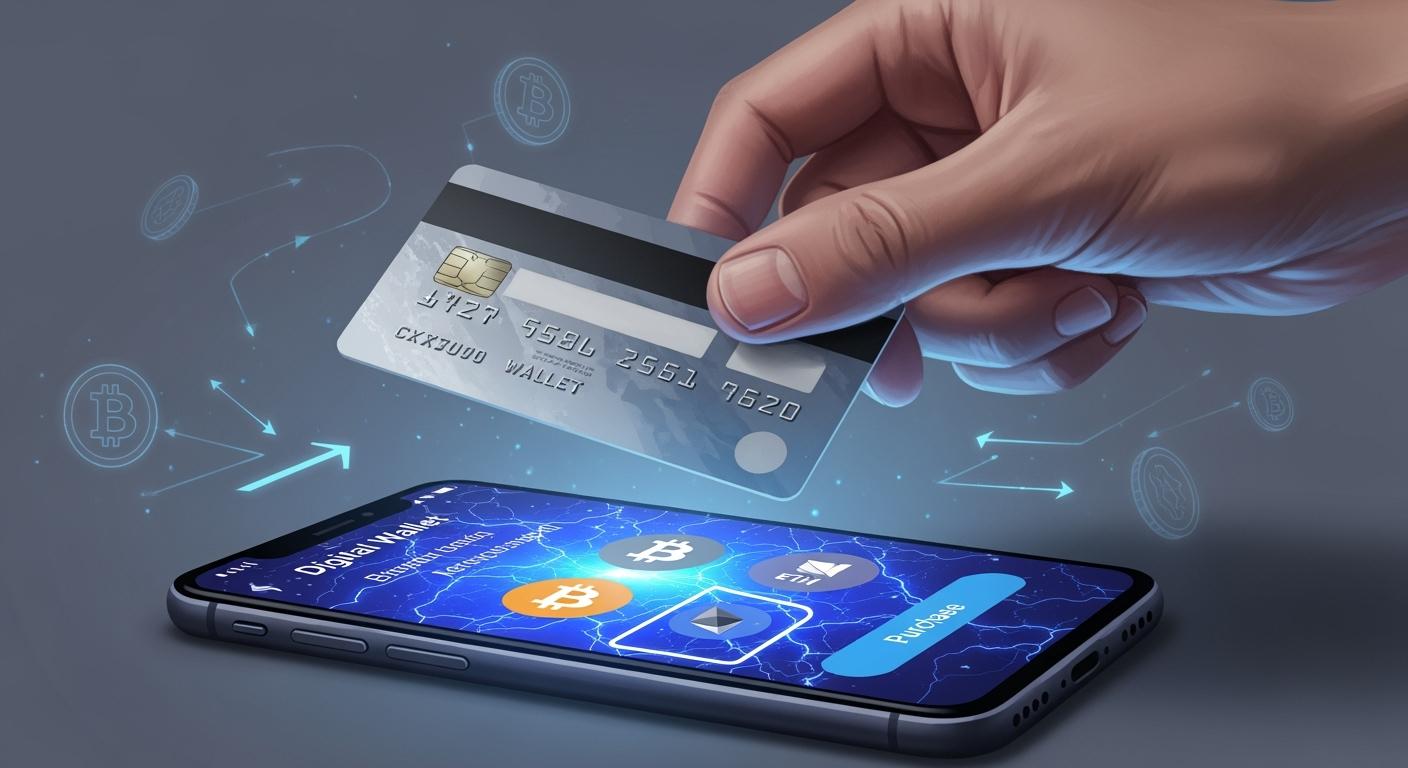
You can use your credit card for buying crypto card options on many major platforms. Sites like UUPAY, BitPay, MoonPay, Switchere, Bitcoin.com, KuCoin, MetaMask, Paybis, Nexo, Coinbase, Kraken, Uniswap (with MoonPay), Binance, Crypto.com, and eToro make buying crypto card purchases simple. You can also use other payment methods, such as Apple Pay, Google Pay, PayPal, Venmo, and Cash App. However, some credit card companies and banks may block buying crypto card transactions or charge extra fees, so always check their policies first. Want to know how to buy crypto card safely? You can find helpful tips to keep your transactions secure.
Key Takeaways
Pick a good place to buy crypto. Sites like UUPAY and Crypto.com are easy to use. They also have fair fees.
Check your bank’s rules before you buy crypto. Some banks stop these buys. Some banks treat them like cash advances. This can mean more fees for you.
Connect your credit card with care. Make sure your card lets you buy crypto. This helps you avoid problems with your payment.
Watch out for fees when you buy crypto. Each site charges different amounts. Compare them so you can spend less money.
Keep your crypto safe. Use two-factor authentication. Only use trusted sites to protect your crypto.
Buying Crypto Card: Where and How

Supported Platforms
You have plenty of choices when buying crypto card options. Here are some popular platforms you can use:
UUPAY: Right now, UUPAY waives card opening fees, offers recharge fees as low as 1%, and has no annual fee. This makes it a great pick if you want to buy crypto without extra costs.
Crypto.com: Easy for beginners, but you might notice slightly higher fees than other platforms.
Coinmama: Lets you buy crypto with a debit card. The fee starts at 3.5%. You get access to most top digital assets.
Luno: Supports credit card purchases. You can buy eth, Bitcoin, and other coins.
BitPay, MoonPay, Switchere, Bitcoin.com, KuCoin, MetaMask, Paybis, Nexo, Coinbase, Kraken, Uniswap, Binance, eToro: These platforms also support buying crypto card transactions.
If you want to know how to buy crypto, these platforms make it simple. You just need to pick the one that fits your needs.
Payment Methods
When you buy crypto, you can use several payment methods. Here are the most common ones:
Credit card
Debit card
Bank account
Apple Pay
Google Pay
PayPal
You can choose the method that works best for you. If you want to know how to buy crypto with a card, most platforms guide you through the steps.
Regional and Card Restrictions
Not every bank or credit card provider lets you buy crypto. Some banks block these transactions. Here’s a quick look:
Bank Name | Policy on Crypto Purchases |
|---|---|
Bank of America | Not allowed |
Barclays | Not allowed |
Capital One | Not allowed |
Chase | Not allowed |
Citibank | Not allowed |
Discover | Not allowed |
TD Bank | Not allowed |
Wells Fargo | Not allowed |
Major banks like Wells Fargo, Citibank, and Bank of America do not allow buying crypto card purchases. Mastercard and VISA let you buy crypto, but most banks that work with them do not. Maybank treats crypto purchases as cash advances, so you pay extra fees.
Card issuer policies can change how you buy crypto. High transaction fees from networks like Visa and Mastercard make buying crypto card transactions less appealing. Some retailers now use stablecoins to avoid these fees, but you may need to learn new payment methods. If you want to buy crypto, always check your bank’s rules first.
Buy Crypto: Step-by-Step Guide
Ready to start buying crypto card options with your credit card? Let’s walk through the process together. You’ll see that it’s not as hard as it sounds. Here’s how to buy crypto on UUPAY and other popular platforms.
Account Setup
First, you need to create an account on your chosen platform. Most sites like UUPAY, MoonPay, or Crypto.com make this step quick and easy.
Go to the website or download the app.
Click “Sign Up” or “Create Account.”
Enter your email address and set a strong password.
Check your email for a verification link. Click it to confirm your account.
Some platforms ask for extra details, like your phone number or a selfie for identity checks.
Tip: Use a unique password for your crypto accounts. This keeps your money safer.
If you want to buy eth or buy sol, make sure the platform supports those coins before you sign up.
Linking Your Card
Now, you need to connect your credit card. This step lets you start buying crypto card options right away.
Log in to your account.
Go to the “Payment Methods” or “Wallet” section.
Click “Add Credit Card.”
Enter your card number, expiration date, and security code.
Some platforms may ask for your billing address.
Note: Some banks block crypto purchases. If your card doesn’t work, try another one or check with your bank.
UUPAY stands out here. Right now, you pay no card opening fee, recharge fees are as low as 1%, and there’s no annual fee. This makes it a smart choice if you want to save money while you buy crypto.
Completing Purchase
You’re almost done! Here’s how to buy crypto once your card is linked:
Go to the “Buy” or “Trade” section.
Pick the coin you want. You can buy eth, buy sol, or choose from many others.
Enter the amount you want to buy.
Select your credit card as the payment method.
Review the fees and total cost.
Click “Buy” or “Confirm.”
Most platforms show you a summary before you finish. Double-check everything. If you’re happy, complete the purchase. You’ll see your new crypto in your account soon.
Pro Tip: Always check the fees before you buy. Some platforms charge more than others.
Security Tips
Keeping your crypto safe is just as important as buying it. Here are some simple ways to protect yourself:
Use two-factor authentication (2FA) on your account.
Never share your password or codes with anyone.
Only use trusted platforms like UUPAY, MoonPay, or Crypto.com.
Watch out for phishing emails or fake websites.
Check if your card supports buying crypto card transactions. Some cards treat these as cash advances, which can cost more.
Remember: If something feels off, stop and double-check. It’s better to be safe than sorry.
Now you know how to buy crypto with your credit card. You can start buying crypto card options with confidence!
Fees and Risks

When you buy crypto with a credit card, you need to watch out for extra costs and risks. Let’s break down what you might face.
Credit Card Fees
You pay fees every time you use your credit card to buy crypto. These fees can add up fast. Here’s what you usually see:
Most platforms charge between 0.49% and 4.99% for each card purchase.
Binance asks for about 1.8% when you use a credit or debit card.
Some platforms, like UUPAY, stand out. Right now, UUPAY lets you skip the card opening fee, recharge for as little as 1%, and pay no annual fee. That means you keep more of your money.
Tip: Always check the fee before you buy. A lower fee means you get more crypto for your dollar.
Cash Advance Risks
Many banks treat crypto purchases as cash advances. This can be a problem for you. Cash advances come with higher interest rates and extra fees. You might see these charges on your next statement:
Cash advance fee (usually 3% to 5% of the transaction)
Higher interest rate starts right away
No grace period for repayment
If your bank treats your crypto buy as a cash advance, you pay more than you expect. You should ask your bank how they handle crypto transactions before you buy.
⚠️ Warning: Cash advances can cost you a lot. Try to use a card that does not treat crypto buys this way.
Platform Fees
Different exchanges charge different fees for credit card purchases. Here’s a quick look at some popular platforms:
Exchange | Fee (%) |
|---|---|
Coinbase | 3.99 |
Bitstamp | 4.00 |
Average (Debit/Credit) | 1.8 (varies by country) |
You see that fees change from one site to another. Some platforms charge much more than others. If you want to save money, compare fees before you buy.
Note: UUPAY’s recharge fee is as low as 1%, which is lower than most big exchanges.
Buying crypto with a credit card is easy, but you need to know about these fees and risks. If you pay attention, you can avoid surprises and keep your costs down.
Alternatives to Credit Card
Looking for other ways to buy crypto? You have some great options. Let’s check out the most popular ones.
Debit Card
You can use your debit card to buy crypto on most platforms. This method feels a lot like using a credit card, but you pay straight from your bank account. Many people like debit cards because you avoid going into debt.
Credit cards often hit you with cash advance fees and high interest rates.
Debit cards usually skip those extra charges, but you should still check for platform fees.
Tip: Always look at the fee summary before you buy. Some sites charge less for debit cards than credit cards.
Bank Transfer
Bank transfers give you another safe way to buy crypto. You move money from your bank account right to the exchange. This method works well if you want to buy a larger amount.
Bank transfers often have lower fees than cards.
You might wait a bit longer for your money to show up—sometimes a few hours or even a day.
Most big exchanges like Coinbase, Binance, and UUPAY support bank transfers.
If you want to save on fees, bank transfers can help. UUPAY, for example, offers recharge fees as low as 1% and no annual fee.
Payment Apps
Payment apps make buying crypto easy and fast. You can use Apple Pay, Google Pay, PayPal, Venmo, or Cash App on many platforms.
Payment apps let you buy small amounts quickly.
Some apps, like PayPal and Cash App, let you hold crypto right in the app.
Fees can change, so always check before you buy.
Payment Method | Speed | Typical Fees | Good For |
|---|---|---|---|
Debit Card | Instant | Low-Medium | Everyday buys |
Bank Transfer | 1-48 hours | Low | Large purchases |
Payment Apps | Instant | Varies | Small, quick buys |
You have choices. Pick the method that fits your needs and budget.
You want the safest and cheapest way to buy crypto with your credit card. UUPAY stands out because you pay no card opening fee, recharge fees drop to 1%, and there’s no annual fee. Always compare platforms, check your card’s rules, and watch out for extra costs. If credit card buying feels risky, you can try investing in cryptocurrency ETFs. These funds, like those from StashAway, give you a simple and secure way to own Bitcoin or Ethereum without using exchanges.
FAQ
Can I buy crypto with any credit card?
Most major credit cards work, but some banks block crypto purchases. You should check your card’s policy before you try. If your card gets declined, try another one or contact your bank.
Are there extra fees when I use a credit card?
Yes, you pay platform fees and sometimes cash advance fees. UUPAY stands out because you pay no card opening fee, recharge fees as low as 1%, and no annual fee. Always check the fee summary before you buy.
Is buying crypto with a credit card safe?
You stay safe by using trusted platforms and strong passwords. Turn on two-factor authentication. Watch out for phishing scams. If something feels wrong, stop and check before you continue.
How fast do I get my crypto after buying?
You usually get your crypto within minutes. Some platforms may take longer if they need extra checks. You can see your coins in your account once the payment goes through.
What should I do if my bank blocks my crypto purchase?
Try using a different card or payment method. You can also contact your bank to ask about their policy. Some banks treat crypto buys as cash advances, which means higher fees.
See Also
Top Multi-Currency Crypto Cards For Booking Global Flights
Evaluating The Best Crypto Cards For Daily Purchases
Helpful Tips For Using Crypto Cards In Daily Life
A Beginner's Guide To Understanding Crypto Debit Cards
Effective Strategies For Using Crypto Cards On Lazada Malaysia
