Can crypto Visa Mastercard pay Spotify Premium reliably
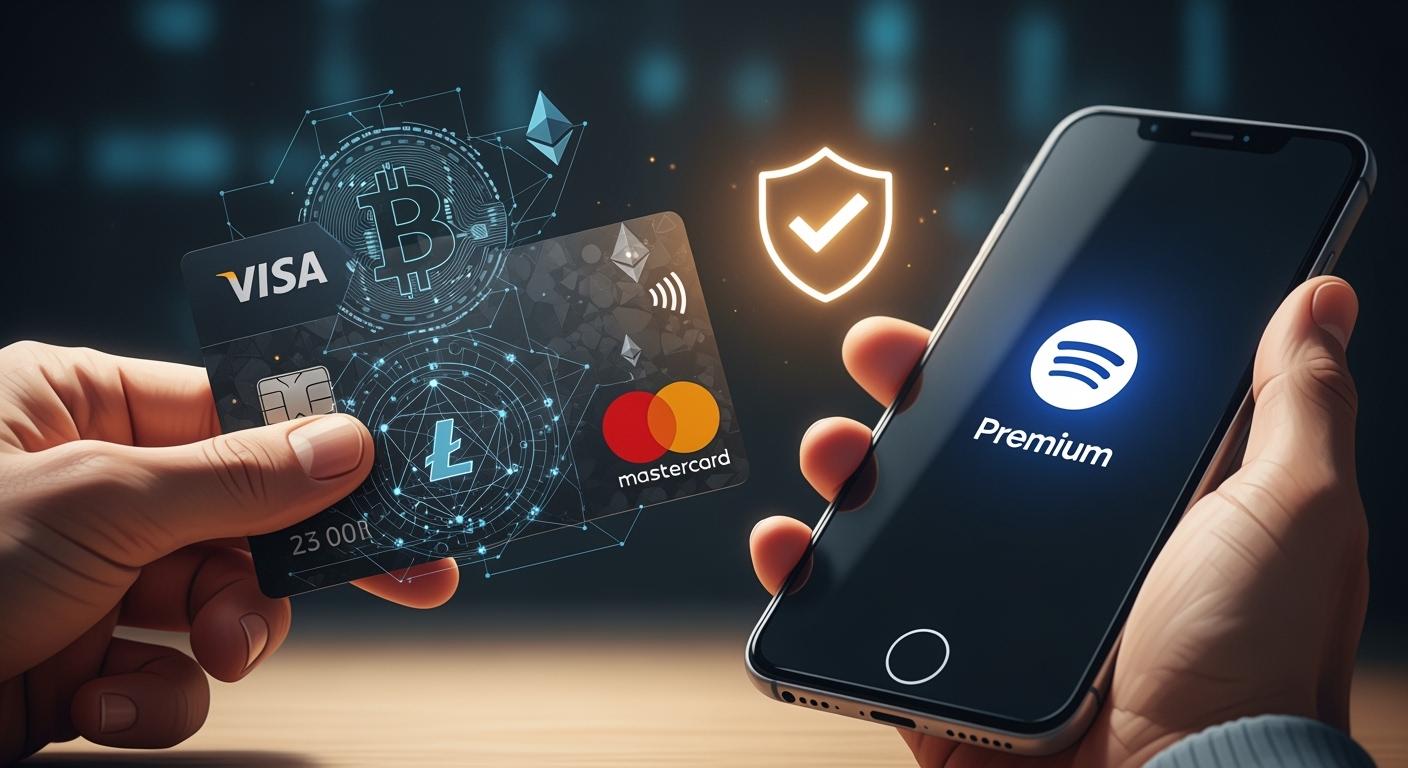
Yes, you can usually pay for Spotify Premium with a crypto Visa/Mastercard like UUPAY. Spotify does not let you use crypto directly. You can try a crypto card or buy a gift card with crypto instead. Reliability may change based on your card or location.
Key Takeaways
To pay for Spotify Premium with crypto, get a crypto Visa/Mastercard like UUPAY. This card offers zero recharge fees and instant delivery.
Always check if your region supports crypto card payments for Spotify. Some areas may block these transactions.
If your crypto card payment fails, consider buying a Spotify gift card with crypto as a reliable alternative.
Paying Spotify with Crypto Visa/Mastercard
Getting a Crypto Visa/Mastercard
You want to pay for Spotify Premium with your crypto. The first step is to get a crypto Visa/Mastercard. Many providers offer these cards, but UUPAY stands out for a few reasons. Right now, UUPAY has a new user special where you can get a virtual card for only 1U and receive an instant 1U rebate. All users enjoy zero card recharge fees. UUPAY also holds a US MSB license, is registered in Hong Kong, and has applied for a Swiss and Brazil license. You can feel confident because UUPAY is PCIDSS Level 1 Certified and offers 24/7 global support.
Here’s how you can get started with a crypto Visa/Mastercard:
Sign up with a provider like UUPAY and complete the verification process.
Fund your account with your preferred cryptocurrency.
Order your virtual card. With UUPAY, you get instant delivery and can use the card right away.
Access your card details, including the card number, expiry date, and CVV.
If you invite friends, UUPAY’s referral program lets you earn up to 50% commission for successful invitations. This can be a nice bonus if you know others interested in crypto payments.
Adding Card to Spotify
Once you have your crypto Visa/Mastercard, you can add it to your Spotify account. The process is simple and works much like adding any other card. Here’s a step-by-step guide:
Log in to your Spotify account using a web browser.
Go to your account overview page.
Find the 'Your plan' or 'Subscription' section.
Click on 'Update' or 'Change' payment method.
Enter your crypto Visa/Mastercard details—card number, expiry date, and CVV.
Save your changes.
Tip: Not every region supports crypto Visa/Mastercard payments for Spotify. Some cards may get declined due to regional restrictions or provider policies.
Here’s a quick look at regions where adding a crypto Visa/Mastercard to Spotify Premium is not available:
Region | Availability |
|---|---|
US | Not available |
Singapore | Not available |
Hong Kong | Not available |
France | Not available |
Croatia | Not available |
Ireland | Not available |
If you live in one of these regions, you might need to try an alternative method.
Confirming Payment
After you add your crypto Visa/Mastercard, Spotify will usually charge a small amount to verify the card. If the payment goes through, your subscription updates right away. Sometimes, the payment might fail. This can happen if your card provider blocks the transaction or if Spotify does not support your card in your region.
If you run into trouble, don’t worry. You have other options. You can buy Spotify gift cards with crypto. Platforms like Prestmit let you use your crypto to purchase Spotify gift cards. You can also find Spotify Premium cards at retailers like 99 Speedmart. These cards work as a backup if your crypto Visa/Mastercard does not go through.
Note: Always check your card balance and make sure your card supports international online payments before trying to pay for Spotify Premium.
Using a crypto Visa/Mastercard gives you flexibility, but reliability can change based on your provider and where you live. If you want the smoothest experience, stick with trusted providers like UUPAY and always check for regional restrictions before you start.
Troubleshooting and Safety Tips
Common Issues and Fixes
You might run into a few bumps when paying for Spotify Premium with a crypto Visa/Mastercard. Here are some common problems and how you can fix them:
Card Declined: Sometimes, Spotify or your card provider blocks the payment. Try checking your card balance first. If that looks good, see if your region supports this payment method.
Regional Blocks: Spotify does not accept all cards in every country. If you see a message about unsupported payment, you can try buying a Spotify gift card with crypto instead.
Delayed Rebates: Some providers offer instant rebates, but delays can happen. If you use UUPAY and do not see your rebate, reach out to their 24/7 support.
Tip: Always double-check your card details and make sure your card supports international online payments.
Fees and Exchange Rates
You want to know what you are paying. Most crypto Visa/Mastercard providers charge fees for card creation, reloading, or currency conversion. UUPAY stands out because it offers zero card recharge fees for all users. New users can even get a virtual card for just 1U and receive a 1U rebate. When you pay for Spotify, UUPAY converts your crypto to the needed currency at the current exchange rate. You can see the rate before you confirm the payment.
Provider | Card Fee | Reload Fee | Exchange Rate Transparency |
|---|---|---|---|
UUPAY | 1U (with rebate) | Free | Shown before payment |
Others | Varies | Varies | Sometimes hidden |
Security and Privacy
You want your payments to stay safe and private. UUPAY takes compliance seriously. It holds a US MSB license, is PCIDSS Level 1 certified, and offers 24/7 global support. Your card details stay protected, and you do not need to share your personal bank info with Spotify. Using a crypto Visa/Mastercard can help you keep your financial privacy while enjoying your favorite music.
Note: Always use trusted providers and never share your card details with anyone.
Using a crypto Visa/Mastercard gives you a practical way to pay for Spotify Premium, but you might see mixed results. For smoother payments, keep your card funded, check for regional restrictions, or try gift cards. Gift cards offer:
Instant Premium activation
Stick with trusted providers for the best experience.
FAQ
Can I use a crypto Visa/Mastercard for Spotify Premium everywhere?
No, you can’t use it everywhere. Some regions block these cards. Always check if your country supports crypto card payments for Spotify.
What makes UUPAY a trusted provider?
UUPAY holds a US MSB license, is PCIDSS Level 1 certified, and offers 24/7 global support. You get strong compliance and reliable service.
Are there any special offers for new UUPAY users?
Yes! You can open a virtual card for just 1U and get a 1U rebate. All users enjoy zero card recharge fees.
See Also
Key Highlights of Leading Prepaid Crypto Mastercard Options
Essential Tips for Crypto Debit Cards to Prevent Payment Issues
Comprehensive Guide to Using Crypto Debit Cards for International Payments
