Beginner’s Guide to Crypto Card Withdrawal in 2026

You can complete a crypto card withdrawal in 2026 with ease. UUPAY gives you a secure and simple way to access your funds. You do not need special skills or experience. Beginners like you can follow each step with confidence and feel safe during the process.
Key Takeaways
Crypto card withdrawal allows you to convert digital assets into cash easily. Use a linked card to access funds at ATMs or transfer to your bank.
UUPAY offers a secure platform for crypto withdrawals. New users can get a virtual card for just 1U and enjoy fee waivers on card recharges.
Follow simple steps to withdraw funds: log in, choose withdrawal type, link your bank account, and confirm the amount. Always double-check details before confirming.
Crypto Card Withdrawal Basics
What Is Crypto Card Withdrawal?
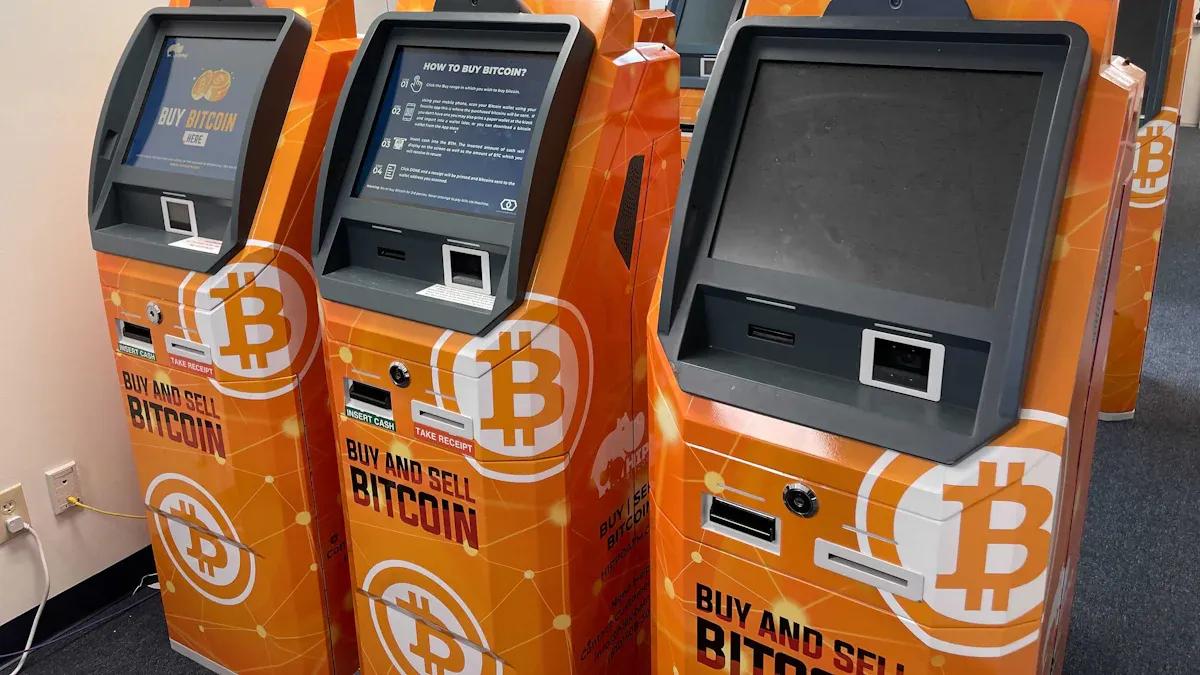
Crypto card withdrawal lets you turn your digital assets into cash you can use in everyday life. You use a special card linked to your crypto wallet. When you want to access your funds, you can withdraw money at an ATM or transfer it to your bank account. This process gives you more control over your finances and helps you use crypto for real-world purchases.
Many people choose crypto card withdrawal for these reasons:
You can keep your privacy because you do not need to share much personal information.
You get your money faster than with regular banks. Most transactions finish in minutes.
You pay lower fees compared to credit cards or bank transfers.
You can enjoy these benefits while keeping your funds safe and easy to access.
Why Use UUPAY?
UUPAY stands out as a secure and user-friendly platform for crypto card withdrawal. You can visit their upgraded website at uupay.com. New users get a special deal: you can order a virtual card for just 1U and receive an instant 1U rebate. UUPAY also waives fees for card recharges, which helps you save money.
UUPAY follows strict rules to keep your funds safe. The company holds a US MSB license, has registered in Hong Kong, and holds a Swiss license. UUPAY is also applying for a Brazil license. If you invite friends, you can earn up to 50% commission through their referral program.
You can trust UUPAY to make your crypto card withdrawal simple, safe, and rewarding.
How to Sell Bitcoin Before Withdrawal
Before you withdraw cash from your crypto card, you need to convert your bitcoin into fiat currency. Many users ask how to sell bitcoin for cash. This step is important because most ATMs and banks only accept fiat, not crypto. If you want to sell bitcoin in malaysia, you must follow the right process to make sure your funds are ready for withdrawal.
Selling Bitcoin on UUPAY
You can use UUPAY to sell bitcoin in malaysia quickly and safely. The platform gives you a simple way to turn your crypto into cash. Here is how to sell bitcoin using UUPAY:
Log in to your UUPAY account.
Go to the "Sell Crypto" section.
Choose bitcoin as the asset you want to sell.
Enter the amount you want to sell.
Select your preferred payout method, such as your linked bank account or your UUPAY card.
Review the details and confirm the sale.
Tip: If you want to sell bitcoin in malaysia, always check the latest exchange rates before you confirm your transaction.
Converting Crypto to Fiat
After you complete the sale, UUPAY will convert your bitcoin into fiat currency. This process usually takes a few minutes. You can now use your UUPAY card to withdraw cash at an ATM or transfer the money to your bank. If you want to know how to sell bitcoin and get cash fast, UUPAY makes the process smooth. Many users who sell bitcoin in malaysia choose UUPAY for its speed and security. You can repeat these steps any time you need to sell bitcoin in malaysia or learn how to sell bitcoin for other currencies.
Step-by-Step Crypto Card Withdrawal
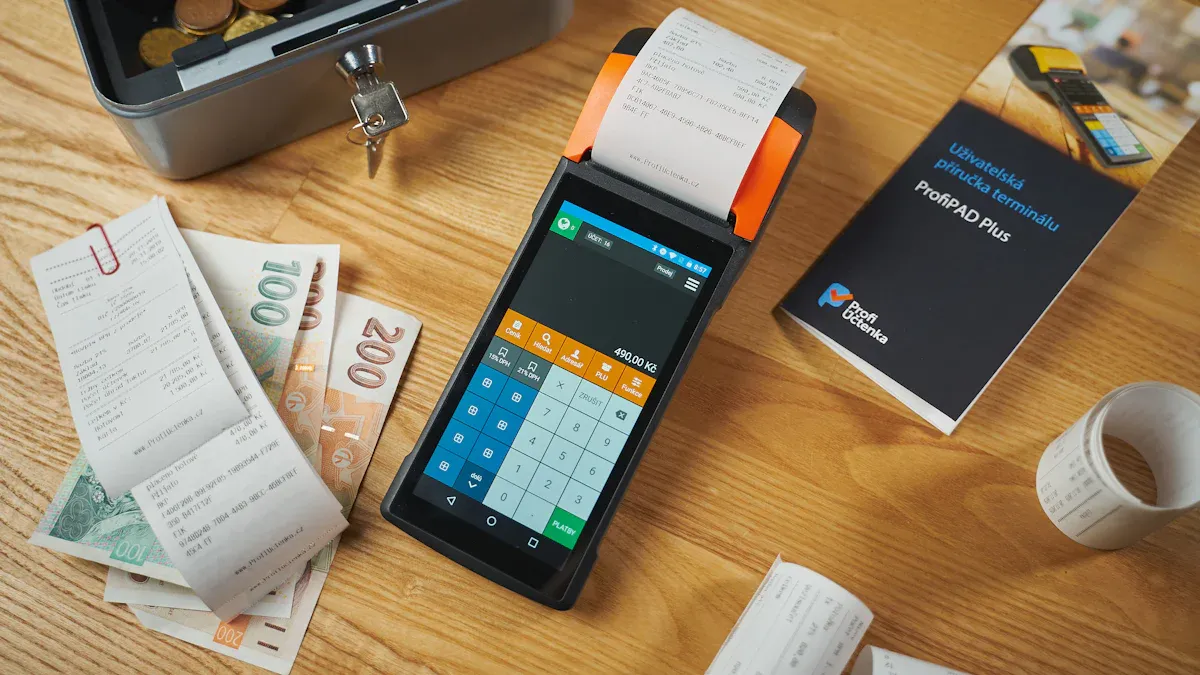
If you want to complete a crypto card withdrawal, you need to follow a few simple steps. You can use these instructions to move your funds from your UUPAY account to your bank or get cash at an ATM. Each step helps you stay safe and makes sure your money arrives where you want it.
Access Your UUPAY Account
Start by opening the UUPAY app or visiting uupay.com. Enter your username and password. If you set up two-factor authentication, enter the code from your phone. This step protects your account from unauthorized access.
Tip: Always log in from a secure device. Avoid using public Wi-Fi when you access your account.
Navigate to Withdrawal Section
Once you log in, look for the main menu. Tap or click on "Withdraw" or "Withdrawal." You will see this option on the dashboard or in the wallet section. UUPAY designs the interface to be simple, so you can find the withdrawal section quickly.
Choose Fiat or Crypto Withdrawal
You must decide if you want to withdraw fiat currency or another cryptocurrency. Most users choose fiat for cash needs. Select "Fiat Withdrawal" if you want to send money to your bank or use an ATM. If you want to move crypto to another wallet, choose "Crypto Withdrawal."
Note: For ATM cash, always select fiat. For sending crypto to another wallet, select the crypto option.
Link Bank Account or Select ATM
If you have not linked your bank account, you need to add it now. Enter your bank details and follow the prompts. UUPAY will verify your information for security. If you want to use an ATM, select the "ATM Withdrawal" option. The app will show you a list of supported ATMs near you.
For bank transfers, double-check your account number.
For ATM withdrawals, write down the code or QR that UUPAY gives you.
Enter Amount and Confirm
Type the amount you want to withdraw. Check your available balance before you continue. Review all details on the screen. Make sure the amount and destination are correct. Tap "Confirm" to start the withdrawal process.
Alert: You cannot cancel the withdrawal after you confirm. Always check the details twice.
Complete Verification
UUPAY may ask you to verify your identity for large withdrawals. You might need to enter a code sent to your phone or upload a photo ID. Follow the instructions on the screen. This step keeps your funds safe and meets legal requirements.
Track Withdrawal Status
After you finish, you can track your withdrawal in the "Transaction History" or "Withdrawal Records" section. UUPAY updates the status in real time. You will see if your withdrawal is "Processing," "Completed," or "Pending." If you have any questions, contact UUPAY support for help.
Tip: Most withdrawals finish in minutes, but some may take longer if extra checks are needed.
By following these steps, you can complete a crypto card withdrawal with confidence. UUPAY makes the process clear and secure for all users.
Troubleshooting Withdrawal Issues
Verification Problems
You may face verification problems when you try to withdraw funds. Sometimes, the system asks you for extra documents or a photo ID. Make sure your information matches what you provided during registration. If you use licensed exchanges like UUPAY, you get clear instructions for verification. Check your email for any requests from UUPAY. If you do not receive a code, look in your spam folder. You can contact UUPAY support for help if you cannot complete verification.
Tip: Use your official documents and avoid blurry photos. This helps speed up the process.
Withdrawal Delays
Withdrawal delays can happen for several reasons. You might see your transaction marked as "Pending" or "Processing." Licensed exchanges often review large withdrawals for security. If you use a bank card that is not often used, you may reduce delays. Make sure your bank account details are correct. If you notice a delay, check your transaction history. You can also reach out to UUPAY support for updates.
Double-check your withdrawal amount.
Use less frequently used bank cards to minimize delays.
Limits and Fees
Every platform sets limits and fees for withdrawals. UUPAY offers free card recharge for all users. You should check your daily and monthly withdrawal limits in your account settings. If you try to withdraw more than allowed, the system will block your request. Review the fee table before you confirm your withdrawal. You can find this information in the UUPAY app or website.
Issue | Solution |
|---|---|
Limit Exceeded | Lower withdrawal amount |
High Fees | Use free recharge options |
Note: Always stay updated on the latest fee policies to avoid surprises.
Tips for Safe Withdrawals
Prepare Your Account
You should always prepare your account before making a withdrawal. Start by checking your account balance and making sure your personal details are up to date. Set up two-factor authentication if you have not done so. This step adds an extra layer of digital security. Review your linked bank accounts or cards to confirm they are active and correct. If you plan to use a new device, log in from a secure network. These actions help you avoid common mistakes and keep your funds safe.
Tip: Update your password every few months to strengthen your digital security.
Keep Information Secure
You must protect your personal information during every transaction. UUPAY uses several methods to keep your data safe and maintain digital security. The table below shows some important security measures:
Security Measure | Description |
|---|---|
Fraud Prevention | Monitor and prevent fraud, unauthorized transactions, and claims on payment networks. |
Identity Verification | Authenticate users and verify their identity for secure transactions. |
Network Integrity | Maintain the integrity and security of payment networks to protect personal information. |
Legal Compliance | Comply with laws, including anti-money laundering rules, to safeguard user data. |
Research and Development | Improve fraud detection and cyber resilience through ongoing research. |
AI Models | Use advanced models to spot fraud patterns and enhance security features. |
Never share your login details or codes with anyone. Always check that you are on the official UUPAY website or app before entering information.
Get Help from UUPAY Support
If you face any issues, you can reach out to UUPAY support. The support team can help you with verification, withdrawal status, or account questions. You can find help through the app or the official website. UUPAY’s compliance with international licenses means you get reliable service. You can also read the FAQ section for quick answers. Do not hesitate to ask for help if you feel unsure about any step.
Note: Fast support can solve most problems and keep your withdrawal experience smooth.
You can withdraw money from your crypto card with UUPAY easily and safely. If you follow each step, you will enjoy a smooth experience. If you have questions, reach out to UUPAY support.
Start your crypto journey with confidence—UUPAY helps you every step of the way!
FAQ
How do you buy crypto in malaysia?
You can buy crypto in malaysia through digital asset exchanges. Choose approved cryptocurrencies in malaysia. Follow guides on how to buy bitcoin for safe transactions.
Which digital asset exchanges support approved cryptocurrencies in malaysia?
Most digital asset exchanges list approved cryptocurrencies in malaysia. You can check their platforms for details. Learn how to buy bitcoin and buy crypto in malaysia easily.
What steps should you follow for how to buy bitcoin on UUPAY?
You log in to UUPAY. Select buy crypto in malaysia. Choose approved cryptocurrencies in malaysia. Follow instructions on digital asset exchanges. Complete how to buy bitcoin steps.
See Also
Essential Guide To Crypto Cards For Everyday Travel Expenses
Steps To Obtain Your First Crypto Debit Card
Understanding Crypto Debit Cards: A Beginner's Overview
