Does Google Pay Tokenize Our Crypto Virtual Card?
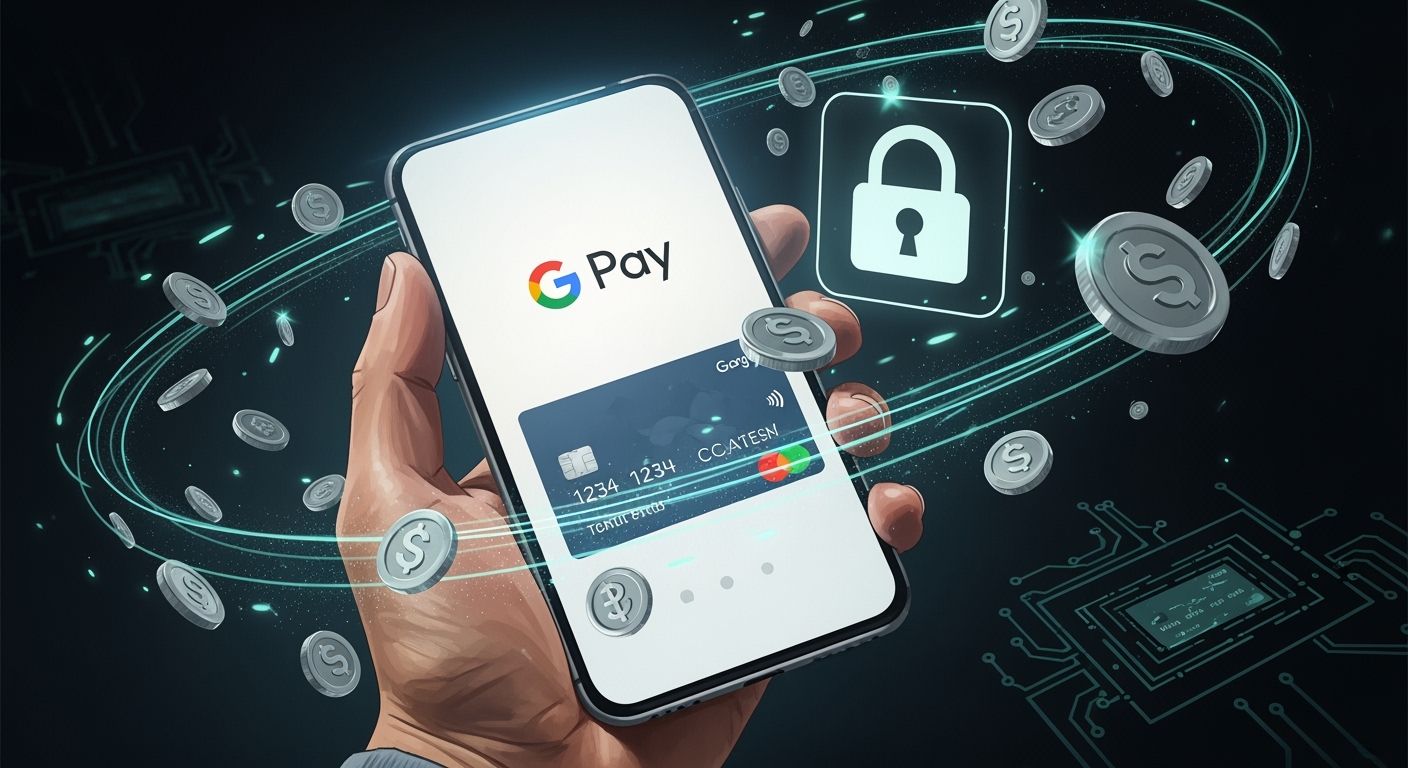
You can add your UUPAY crypto virtual card to Google Pay Tokenize. Tokenization replaces your card details with unique tokens, which keeps your information safe. This process helps protect you from fraud and builds trust, since your sensitive data never appears during transactions.
Key Takeaways
Tokenization protects your card details by replacing them with unique tokens, enhancing security during transactions.
Using Google Pay Tokenize with your UUPAY crypto card allows for safer payments, as merchants never see your real card number.
Before adding your UUPAY card to Google Pay, check for regional support and card compatibility to avoid issues.
Google Pay Tokenize and Crypto Virtual Cards

What Is Tokenization?
Tokenization changes the way you use payment cards. In digital payments, tokenization creates a unique digital representation of your card on a secure network. This process replaces your actual card number with a special token. You use this token for transactions instead of your real card details. Merchants never see your true card number, which keeps your information safe.
Tokenization converts your card into a digital token.
The token stands in for your card during payments.
This method allows you to pay securely without exposing your sensitive data.
You benefit from tokenization because it protects your card from fraud. If someone tries to steal the token, they cannot use it outside the intended transaction. Each payment uses a one-time code, which adds another layer of security. You can trust that your card details stay private, even if you lose your phone or shop at a new store.
Tokenization also enables new ways to use assets. For example, it can turn ownership of real-world items into digital tokens. These tokens can represent shares or claims, making it easier to trade or split ownership.
How It Works for UUPAY Crypto Cards
When you add your UUPAY crypto virtual card to Google Pay Tokenize, the system follows a secure process. Google Pay Tokenize creates a device-specific token, called a DPAN, for your card. This token replaces your actual card number on your phone. Every time you make a payment, Google Pay Tokenize uses this token and generates a unique cryptogram—a one-time code that proves the transaction is real.
Here is how the process works for your UUPAY crypto card:
You add your UUPAY crypto virtual card to Google Pay Tokenize.
Google Pay Tokenize assigns a device token (DPAN) to your card.
When you pay, your phone sends the DPAN and a cryptogram to the merchant.
The merchant never sees your real card number.
If you lose your phone, you can revoke the DPAN without canceling your UUPAY card.
Feature | Description |
|---|---|
Device Token (DPAN) | A unique token replaces your card number for each device. |
Cryptogram | A one-time code confirms each transaction and your identity. |
Privacy | Merchants only see the token, not your real card details. |
Security | Tokens and cryptograms protect you from fraud and data breaches. |
Easy Setup | You can add your UUPAY card quickly and start using Google Pay Tokenize right away. |
UUPAY crypto virtual cards offer more than just security. You can enjoy global support, making payments in many countries. UUPAY holds compliance credentials, such as a US MSB license, Hong Kong registration, Swiss license, and a Brazil application. New users can benefit from special promotions, like fee waivers. You can also join the referral program to earn rewards by inviting friends.
Tip: Before adding your UUPAY crypto card to Google Pay Tokenize, check if your region supports this feature. Some areas or banks may have restrictions.
By using Google Pay Tokenize with your UUPAY crypto virtual card, you gain advanced security, privacy, and the flexibility to manage your card easily.
Security Benefits and Limitations

Privacy and Fraud Protection
You gain strong protection for your personal information when you use Google Pay Tokenize with your UUPAY crypto virtual card. Tokenization replaces your sensitive card data with secure, randomly generated tokens. This process minimizes the risk of data breaches. Even if someone intercepts a transaction, they cannot access your real card number. You enjoy safer payments because each transaction uses a unique token and a one-time cryptogram.
Payment tokenization strengthens every transaction by using unique tokens for each cardholder and transaction.
This approach reduces fraud and increases approval rates, creating a safer payment ecosystem.
Tokenization allows for faster and smoother checkouts. You do not need to re-enter payment details, which enhances security and convenience.
You build trust with merchants and payment platforms because your data stays private.
Tip: If you lose your phone, you can revoke the device token without canceling your UUPAY card. This feature keeps your account secure.
Regional and Card Restrictions
You should check for regional and card restrictions before adding your UUPAY crypto virtual card to Google Pay Tokenize. Some countries or banks may not support this feature. You might face limitations based on local regulations or the card issuer’s policies.
Restriction Type | What to Check |
|---|---|
Regional Support | Confirm Google Pay Tokenize is available in your country. |
Card Compatibility | Verify your UUPAY crypto card is supported by Google Pay Tokenize. |
Bank Policies | Review your bank’s rules for virtual cards. |
You stay informed by checking these details. This step helps you avoid issues and ensures you can use your card smoothly.
You gain strong security and privacy when you use Google Pay Tokenize with your UUPAY crypto virtual card. The table below shows tokenized payments reduce risks compared to non-tokenized methods. If you face issues adding your card, follow these steps:
Payment Method | Security Benefits | Risks of Data Exposure |
|---|---|---|
Tokenized | Reduces exposure of sensitive data, minimizes risk of data breaches, enhances transaction security through unique cryptograms. | Tokens have no intrinsic value, making them less exploitable. |
Non-tokenized | Exposes actual payment card numbers during transactions, increasing risk of fraud and data compromise. | Actual card numbers are vulnerable to theft and misuse. |
Double-check your card details.
Confirm your card is activated and funded.
Try another payment method if needed.
Contact support for errors.
FAQ
Can you use your UUPAY crypto virtual card with Google Pay everywhere?
You can use your UUPAY crypto virtual card with Google Pay in most places that accept contactless payments. Some regions or merchants may not support it.
What happens if you lose your phone with your card on Google Pay?
You can revoke your device token using your UUPAY account. Your actual card stays safe, and you do not need to cancel it.
Does tokenization affect how you manage your UUPAY crypto card?
Tokenization does not change how you manage your card. You still control your card settings and funds through your UUPAY account.
See Also
Top Strategies for Using Crypto Cards on Google Play
Steps to Acquire Your Own Crypto Debit Card
Comparing Leading Virtual Crypto Card Providers and Their Advantages
