How to Use Crypto Card for Easy Shopping

Imagine you want to pay for shopping at your favorite store in Malaysia using crypto. You grab your UUPAY card, which connects to Touch 'n Go and DuitNow. You just load crypto, tap, and spend. Millions of places accept it. That’s how to use crypto card for easy payments.
Key Takeaways
Get your UUPAY crypto card, activate it, and load it with bitcoin or local currency to start shopping easily at millions of stores worldwide.
Use your UUPAY card for in-store taps, online payments, or ATM cash withdrawals with instant crypto-to-cash conversion and seamless Malaysia Digital Payment integration.
Keep your funds safe by monitoring transactions, using security features, and contacting UUPAY support if you face any issues or card freezes.
What Is a Crypto Card?
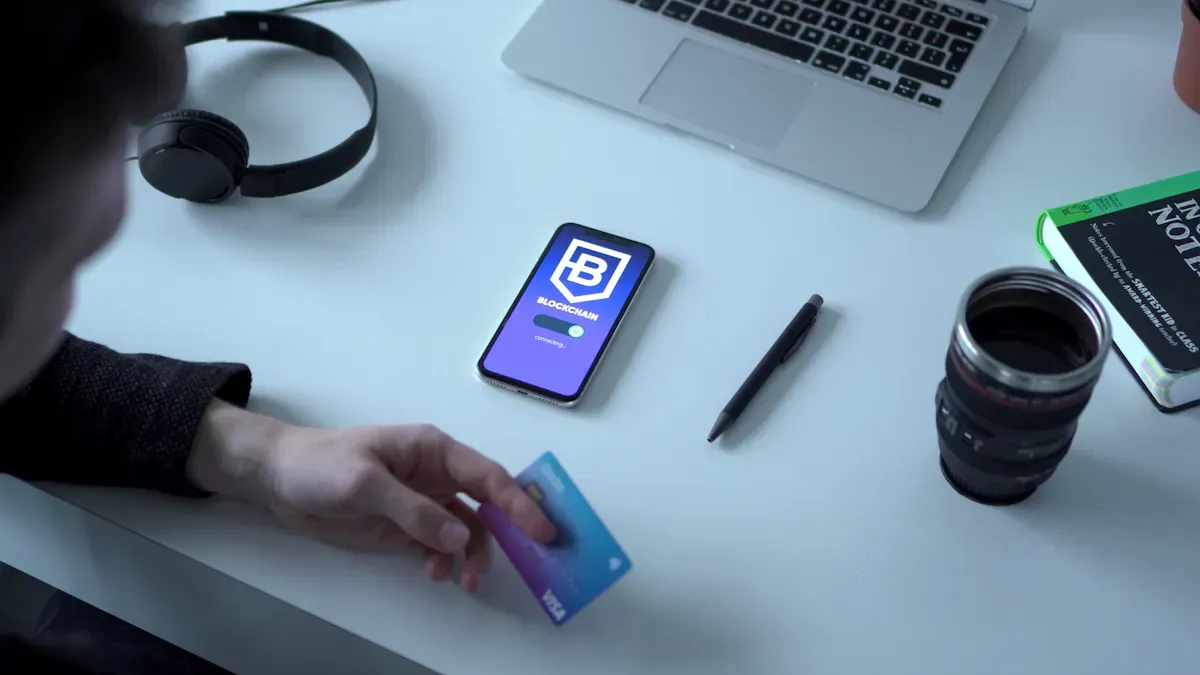
A crypto card lets you spend cryptocurrency just like you use a regular debit card. You can shop at millions of stores, pay online, or even withdraw cash at ATMs. With bitcoin debit cards, you don’t need to worry about merchants accepting crypto directly. The card handles everything for you.
How Crypto Cards Work
When you use a crypto card, the card instantly converts your cryptocurrency into local currency at the moment you pay. The card deducts the right amount of crypto from your wallet based on the current market rate. The merchant receives payment in their own currency, so you don’t have to explain anything about crypto. This process happens in real time, usually in less than a second. Crypto cards act as a bridge between the digital world of cryptocurrency and the traditional financial system. You get the freedom to spend crypto anywhere that accepts Mastercard or Visa.
Tip: You can use bitcoin debit cards for shopping, dining, travel, and more—just like any other card.
Bitcoin Debit Cards Overview
Bitcoin debit cards are a type of crypto card designed for people who want to spend bitcoin and other cryptocurrency easily. You can choose a bitcoin debit card provider like UUPAY, which connects with Malaysia Digital Payment systems such as Touch 'n Go and DuitNow. UUPAY cards work at any Mastercard or Visa location, both in Malaysia and worldwide. UUPAY stands out because it holds a US MSB license, is registered in Hong Kong, has a Brazil license application, and a Swiss background. This gives you peace of mind for cross-border payments and local spending. With bitcoin debit cards, you can enjoy seamless shopping and quick access to your crypto funds.
How to Use Crypto Card for Shopping
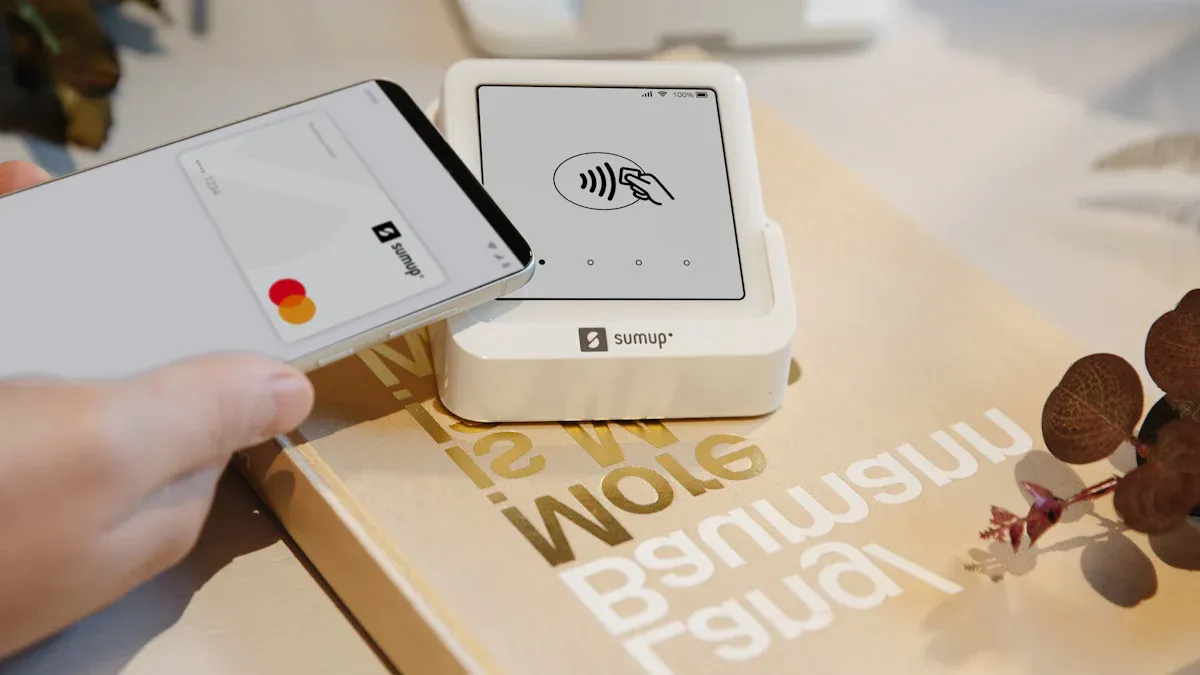
Get and Set Up Your Card
Ready to start shopping with crypto? You need to get your UUPAY card first. Head to the UUPAY website or app. Apply for your card—choose between a physical card for use in physical stores or a virtual card for online purchases. If you’re in Malaysia, you’ll love how UUPAY connects with Touch 'n Go and DuitNow, making it easy to link your card to Malaysia Digital Payment systems.
Once you receive your card, activate it through the app. New users enjoy a special promotion: open your 1U card and get a free top-up. You can also earn up to 50% referral commission by inviting friends. UUPAY’s onboarding process is fast and simple, so you can start spending crypto right away.
Load Crypto or Fiat to Your Card
After activation, you need to load funds. You can top up your card with crypto or fiat currency. UUPAY supports popular cryptocurrencies, so you can spend bitcoin or other coins. The platform also lets you reload with Malaysian Ringgit, making it flexible for local users.
BigPay users can reload their cards with cryptocurrency but only in Singapore for now.
When you load funds, pay attention to fees. Here’s what you might see:
Reload fees vary by provider and KYC level
BeeXpay charges 2.5% reload fee for full KYC users
BeeXpay charges 4% reload fee for light KYC users
Transparent fee models help users evaluate costs before funding
Top-up fees may vary; some early users get free promotions
ATM and foreign exchange fees are competitively priced
Some cards require VIP membership for eligibility
ATM withdrawal fees
Crypto-to-fiat conversion fees
Inactivity or top-up fees (rare)
Many cards have zero monthly or annual fees
UUPAY card stands out with its free top-up for new users and clear fee structure. You can manage your funds easily and avoid surprises.
Make Purchases In-Store and Online
Now you’re ready to shop. Use your UUPAY card at any Mastercard or Visa location. You can spend bitcoin or other crypto at millions of stores, both in Malaysia and worldwide. Just tap your card at physical stores or enter your card details for online purchases. DuitNow and Touch 'n Go integration means you can pay at local merchants and enjoy seamless Malaysia Digital Payment experiences.
You can also withdraw cash at ATMs if you need fiat. The card converts your crypto to local currency instantly, so you don’t have to worry about exchange rates or manual conversions. Shopping with crypto has never been easier.
Use Virtual and Mobile Payment Options
If you prefer online shopping, virtual cards are perfect. You can generate a virtual UUPAY card instantly and start spending crypto online right away. Virtual cards are accessible through the Telegram Mini App, making them convenient for tech-savvy users.
Advantage | Description |
|---|---|
Instant Generation | Users can create a virtual card instantly. |
Immediate Online Spending | Allows for immediate use of crypto for payments. |
Easy Access | Accessible via a simple Telegram Mini App. |
Want to pay with your phone? Link your UUPAY card to Google Pay or Apple Pay. This lets you make payments using your mobile wallet, adding another layer of convenience. Crypto.com offers a crypto card that can be linked to mobile payment platforms such as Apple Pay and Google Pay, enabling users to make payments through these widely used mobile wallets. UUPAY card also supports these features, so you can tap and pay wherever you go.
Safety Tips and Troubleshooting
Security matters when you spend bitcoin or other crypto. UUPAY card includes advanced safety features to protect you from fraud. Here’s a quick look:
Security Feature | Description |
|---|---|
Tracks and prevents unauthorized transactions on payment networks and blockchain. | |
Identity verification | Authenticates user identity to prevent fraud. |
Integrity of payment networks | Maintains security and integrity across payment systems. |
Legal compliance | Adheres to anti-money laundering laws and regulations. |
Advanced fraud detection | Uses machine learning to identify and prevent fraudulent activities. |
Device and data security | Secures devices and networks against fraud. |
Trust enhancement | Develops identity solutions for secure authentication. |
Global transaction monitoring | Detects fraud and cyber threats worldwide. |
If a transaction fails, don’t panic. Here’s what you can do:
Reason | Follow Up |
|---|---|
Payment information has been sent to the card-issuing bank for authorization and is awaiting a response. | If your order is not updated within 72 hours, your payment will be canceled. If you have already been charged, the charge will be removed within 1-14 days, depending on your bank. |
Internal error – our server is temporarily unable to connect to the payment gateway. | If you have successfully paid, please do not worry. We will update your order status within 48 hours. |
PayPal eCheck: When the account has insufficient funds. | Once we receive confirmation that your payment has been cleared, we will update your order status. |
SofortBanking review: The bank is reviewing the payment. | This review process may take approximately 3 to 5 business days to complete. |
If you run into issues, try these steps:
Use a regular wallet and avoid second layer networks (except Binance).
Verify the payment amount before finalizing the transaction, as it is irreversible once confirmed.
UUPAY card offers strong support and guidance. You can contact customer service for help with Malaysia Digital Payment, Touch 'n Go, DuitNow, or any crypto-related questions.
Tip: Always check your balance and transaction history in the UUPAY app. Stay alert for suspicious activity and update your card settings regularly.
Learning how to use crypto card makes shopping simple and secure. You can spend bitcoin, pay at physical stores, and enjoy online purchases with confidence. UUPAY card’s integration with Malaysia Digital Payment, Touch 'n Go, and DuitNow gives you the best local experience. Try it today and see how easy it is to use crypto for everyday payments.
You can start holding and spending bitcoin with a UUPAY card in Malaysia. Just apply, activate, load funds, and shop anywhere Mastercard or Visa is accepted. Check out the benefits below:
Feature | Description |
|---|---|
Ease of Use | Simple card transaction for shopping |
Global Acceptance | Spend crypto worldwide |
Instant Conversion |
Try UUPAY for your next purchase and enjoy seamless Malaysia Digital Payment with Touch 'n Go and DuitNow.
FAQ
Why might my UUPAY card be frozen?
Your UUPAY card can get frozen if the system detects unusual activity. This helps protect your funds and follows Malaysia Digital Payment security rules.
Tip: UUPAY uses advanced risk control to keep your DuitNow and Touch 'n Go payments safe.
How do I unfreeze my UUPAY card?
You should contact UUPAY customer service. They will guide you through verification steps. Once you confirm your identity, they will help you restore your card access.
See Also
Steps To Obtain Your Own Cryptocurrency Payment Card
How To Purchase Cryptocurrency Using A Credit Card
Smart Tips For Using Crypto Cards In Daily Purchases
