How to Use a Crypto Card for TradingView Pro Billing

Yes, you can pay for TradingView Pro with a crypto card, as long as it runs on Visa or Mastercard. You have two paths: pay directly with crypto through Triple-A or BitPay, or use a crypto debit card that converts to fiat at checkout. Coinbase Card, Crypto.com Visa, BitPay Card, and UUPAY-issued cards often work, but recurring payment support decides success.
Key Takeaways
You can pay for TradingView Pro with a crypto card that runs on Visa or Mastercard. The card converts your crypto to dollars automatically at checkout.
Set up your crypto card by funding it with stablecoins, adding it in TradingView's Billing page, and confirming a small verification charge. Then set it as your default payment method.
Crypto cards offer privacy and convenience, but they charge higher fees than direct crypto payments. Direct payments through Triple-A or BitPay cost less and avoid card network fees.
What Is a Crypto Card?
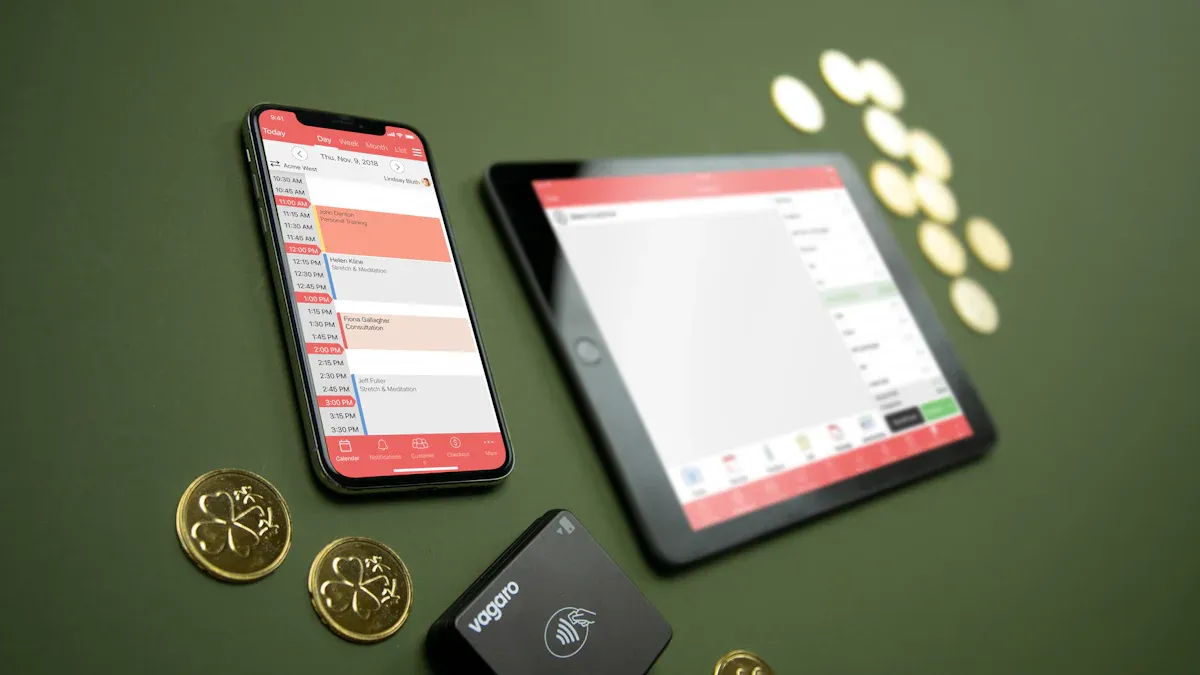
A crypto card works just like any debit or prepaid card you already carry. The difference? You fund it with cryptocurrency instead of dollars. It runs on the Visa or Mastercard network, so merchants accept it everywhere those cards work. You don't need a bank account to use one. Just a crypto wallet and a card issuer that converts your holdings at checkout.
How It Works at Checkout
When you swipe your card at checkout, the card processor handles the conversion automatically. It sells enough of your crypto to cover the purchase amount and sends fiat currency to TradingView through normal card networks. TradingView never sees your crypto wallet. It just sees a standard card transaction. The whole process takes seconds.
This setup works great for subscription billing. You don't need to manually convert crypto to fiat before each payment. The card does it for you. No need to worry about wallet addresses, network confirmations, or timing the market.
Crypto Card vs. Direct Crypto Payment
TradingView offers two direct crypto options as well. You can select the Crypto tab on the Order page and pay through Triple-A. Or you can choose BitPay at checkout, connect your wallet, and scan a QR code. Both methods send crypto directly to the payment processor without any card network in between.
The cost difference matters. Card processing typically charges about 2.9% plus $0.30 per transaction. Cross-border purchases add another 1 to 1.5% on top. For a $1,000 payment, that totals $29 to $44 in fees. Direct crypto payment through a processor like CoinGate charges just 1% flat. No per-transaction fees. No cross-border surcharges. That same $1,000 payment costs you about $10.
Direct payments avoid conversion spreads and card issuer fees entirely. But network fees vary by coin. Bitcoin transactions can get expensive during network congestion. Litecoin or stablecoins cost fractions of a cent. So your choice of cryptocurrency matters too.
A card adds convenience. You don't need to pick a specific coin or manage wallet connections at checkout. The trade-off is higher fees and potential volatility risk if your crypto drops in value between funding and spending.
Setting Up Your Crypto Card for TradingView Pro

Prerequisites and Funding
You need three things ready before you start. First, your TradingView Pro plan must already be active. The billing page only accepts new payment methods when you have an active subscription. Second, fund your crypto card with enough balance to cover the subscription cost plus any conversion fees. A good rule of thumb is to load 10 to 15 percent extra to account for rate changes. Third, check that your card supports recurring payments and cross-border transactions. Some prepaid cards block automated billing by default. Others restrict international charges entirely.
Cross-border subscription billing requires proper regulatory compliance. Card issuers must complete AML and KYC checks in every market they serve. UUPAY handles this well—it holds a US MSB license, operates from Hong Kong under Asian regulations, and has a Swiss subsidiary with its own license. That compliance keeps your payments flowing across borders without interruptions.
Mastercard's Crypto Credential standards add another important layer. Users must verify their identity before sending cross-border transactions. The system checks aliases against wallet addresses to confirm support for the specific asset and blockchain. If the receiving wallet does not support that asset or chain, the transaction blocks automatically to prevent fund loss.
Volatility management makes a real difference. Fund your card with a stablecoin like USDC or USDT instead of a volatile asset like Bitcoin. If Bitcoin drops 10 percent before your billing date, your balance might fall short. Stablecoins stay pegged to the dollar, so your balance stays predictable month to month.
Adding the Card in Billing
Once everything is ready, the setup takes five minutes. Log in to TradingView and go to your Dashboard. Click Billing from the menu, then click Add Card. Enter your card details—the full number, expiry date, and CVC code. TradingView processes a small verification charge, usually a dollar or two. That charge reverses within a few business days. After verification, set the crypto card as your default payment method for recurring billing. You can confirm it works by checking your payment history or watching for the next automatic charge.
Direct crypto payment offers a solid alternative. Select the Crypto tab at checkout to pay through Triple-A. Or choose BitPay, connect your wallet, and scan the QR code. No card network sits between you and the processor. This means you avoid card processing fees entirely. Network fees depend on which cryptocurrency you use. Litecoin and stablecoins cost fractions of a cent. Bitcoin can spike during network congestion.
Watch for a few common pitfalls. Conversion fees apply if your crypto is not already in fiat when the transaction processes. Conversion spreads vary by issuer. Some charge near the market rate. Others mark it up by 1 to 2 percent. Check your card's fee schedule before you rely on it for monthly billing. Network delays can happen if you fund your card too close to the billing date. And some prepaid cards block recurring payments automatically. Check your issuer's terms before you add the card. If a payment fails, that restriction is almost always the cause.
Troubleshooting and Trade-Offs
When Payments Fail
Payments fail for a handful of predictable reasons. Your card balance might fall short after a crypto price drop. The issuer might decline the charge. Some prepaid cards block recurring billing by default. Others restrict cross-border transactions entirely.
Start with the simplest fix. Top up your card and retry the payment. Then check your issuer's settings for recurring payment and international transaction toggles. If the charge still fails, contact TradingView support or your card provider. UUPAY runs 24/7 global support, so you can reach a human at any hour.
Pros and Cons
Privacy tops the list of advantages. A crypto card does not require a bank account link, and some platforms offer virtual cards with minimal identity verification. You might only need an email address to register. That keeps your subscriptions running without exposing your personal banking details.
Privacy Feature | Crypto Card | Traditional Bank Card |
|---|---|---|
Identity Verification | Optional or not required | Mandatory and strict |
Privacy Level | Enhanced | Low, tied to personal identity |
Bank Account Linkage | Not required | Required |
The downsides deserve equal attention. Crypto volatility can shrink your balance before a billing date. Conversion fees eat into every transaction. Card network restrictions may block certain merchants or regions.
Weigh these trade-offs before you commit. A crypto card gives you privacy and independence from banks. It also demands more attention to fees and price swings than a standard debit card.
Fund your crypto card, add it under Billing, confirm the verification charge, then set it as default. Prefer direct crypto? Use Triple-A or BitPay instead. Check issuer terms for conversion fees, cross-border blocks, and recurring support first. Test with a small charge, or contact UUPAY support anytime. Crypto cards bring convenience and privacy, but watch volatility and fees.
FAQ
Does Coinbase Card work for TradingView Pro?
Yes, if your Coinbase Card runs on Visa and supports recurring billing. Some users report declines on subscription charges. Test with a small payment first, or contact Coinbase support to enable recurring transactions.
What happens if my crypto card payment fails?
TradingView retries the charge a few times. Top up your card balance, check your issuer's recurring payment settings, then retry manually. UUPAY offers 24/7 support if you need help fast.
Is direct crypto cheaper than using a card?
Usually, yes. Card processing adds roughly 2.9% plus $0.30 per transaction, while direct crypto through processors like Triple-A or BitPay often costs less. UUPAY waives top-up fees entirely.
See Also
Step By Step Guide To Obtaining Your First Crypto Card
How To Purchase Cryptocurrency Using Your Credit Card
Simple Methods For Getting A Virtual Crypto Debit Card
Top Crypto Prepaid Cards For Convenient Daily Purchases And Spending
