Practical steps for crypto debit cards to checkout on Shopee for freelancers abroad

You can shop on Shopee from anywhere using crypto debit cards. This option lets you skip high conversion fees and gives you more flexibility with your payments. Many freelancers find it easy and convenient. With a little preparation, you will breeze through checkout and enjoy more control over your spending.
Key Takeaways
Choose a crypto debit card that supports Visa or Mastercard for easy use on Shopee.
Always check your card balance before shopping to avoid declined payments.
Monitor exchange rates and fees to maximize your savings when using crypto for purchases.
Choosing Crypto Debit Cards
Best Cards for Shopee
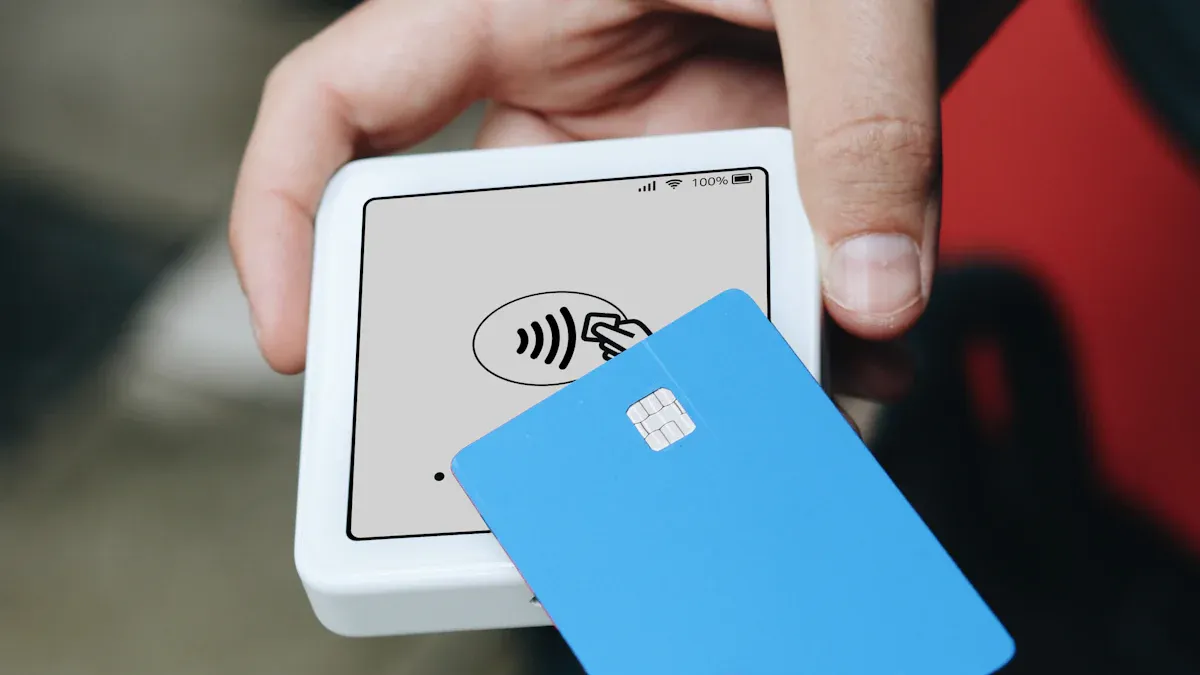
You have plenty of options when it comes to crypto debit cards that work internationally. Some popular choices include Binance Card, Crypto.com Visa Card, and Wirex. These cards let you spend your crypto directly and are accepted by most online stores, including Shopee. You might also want to check out Coinbase Card or BitPay Card if you prefer other platforms. Each card has its own perks, so you should compare them before making a decision.
Tip: Always double-check if Shopee in your country accepts international Visa or Mastercard payments. This step saves you time and avoids checkout issues.
Key Features to Consider
When you pick a crypto debit card, focus on a few key features. Look for Visa or Mastercard compatibility because Shopee usually supports these networks. You want low transaction fees so you keep more of your money. Easy top-up options make your life simpler, especially if you get paid in crypto as a freelancer. Some cards let you top up instantly from your wallet, while others may take longer.
Check if the card supports your favorite cryptocurrencies.
Review the card’s daily and monthly spending limits.
Make sure the provider offers good customer support.
Regulations can change quickly. You should always check the rules in your country before ordering a card. Some places have restrictions on crypto debit cards, so you want to avoid surprises.
If you follow these tips, you will find a card that fits your needs and works smoothly with Shopee.
Setting Up Your Card
Ordering and Activation
Getting started with crypto debit cards is easy. You just need to follow a few steps. Here’s a quick look at how you can order and activate your card:
Step | Description |
|---|---|
1 | Register using the Crypto.com app |
2 | Complete identity verification |
3 | Pick a card tier with the benefits you want |
4 | Stake MCO tokens for higher tiers |
5 | Order your physical metal card |
6 | Activate your card when it arrives |
Most providers will guide you through these steps. You usually get your card in a few weeks. Some platforms offer virtual cards, so you can start shopping right away.
Funding with Crypto
After you activate your card, you need to add funds. Transfer your favorite cryptocurrency from your wallet to your card account. Many apps let you do this in seconds. Always check the minimum top-up amount. If you plan to shop on Shopee, make sure you have enough balance to cover your purchases and any fees.
Tip: Double-check your card balance before you shop. This helps you avoid declined payments.
Verifying and Linking to Shopee
You must verify your identity to use most crypto debit cards. Upload your ID and follow the instructions in the app. Once your card is active, add it to your Shopee account as a payment method. Shopee accepts Visa and Mastercard, so your card should work. Test with a small purchase first to make sure everything runs smoothly.
Shopee Checkout Process

Adding Payment Method
You want to start by adding your card to Shopee. Open the Shopee app or website and log in to your account. Go to "Me" or your profile section. Tap on "My Wallet" or "Payment Methods." Choose "Add Credit/Debit Card." Enter your card details, including the card number, expiration date, and CVV. Make sure you enter the information exactly as it appears on your card.
Shopee usually accepts Visa and Mastercard, so your crypto debit cards should work. If you see an error, double-check your card details. Sometimes, you need to verify your card with a one-time password (OTP) sent to your phone or email. Follow the prompts to complete the process.
Tip: Try adding your card during Shopee’s off-peak hours. The system works faster, and you avoid possible glitches.
Step-by-Step Checkout
Ready to shop? Here’s how you can use your card at checkout:
Add items to your cart.
Tap the cart icon to review your order.
Select your shipping address.
Choose your crypto debit card as the payment method.
Check the total amount and review any fees.
Tap "Place Order" or "Checkout."
Complete any extra verification, like entering an OTP.
You get a confirmation message when your payment goes through. Shopee also sends you an email with your order details. If you want to make sure everything worked, check your card app for the transaction.
Note: Always keep your card app open during checkout. You can spot any alerts or requests for approval right away.
Currency Conversion Tips
Shopee often charges in local currency. Your crypto debit card provider will convert your crypto to the needed currency at the time of purchase. You want to get the best value, so keep these tips in mind:
Check the exchange rate in your card app before you buy.
Some cards let you lock in a rate or choose when to convert your crypto.
Watch out for extra conversion fees. These can add up if you shop often.
Tip | Why It Matters |
|---|---|
Compare rates | You might save money by waiting for a better rate. |
Avoid weekends | Rates can be less favorable on weekends. |
Use alerts | Some apps notify you when rates are good. |
Pro Tip: If you shop in a different currency, try to pay in the store’s currency. Let your card handle the conversion. This usually gives you a better rate.
Troubleshooting Issues
Sometimes, things don’t go as planned. Here’s what you can do if you run into problems:
Payment declined? Check your card balance first. Make sure you have enough funds, including fees.
Card not accepted? Confirm that Shopee supports your card network. Visa and Mastercard work best.
Transaction stuck? Wait a few minutes and refresh the page. Sometimes, network delays cause issues.
Double charges or errors? Contact your card provider’s support. They can help you resolve disputes or get a refund.
If you keep having trouble, try removing and re-adding your card. You can also reach out to Shopee’s customer service for help.
Using crypto debit cards on Shopee can feel easy once you know the steps. Stay patient, double-check your details, and you’ll shop with confidence.
Crypto Debit Card Security
Fraud Protection Features
You want to keep your money safe when you use crypto debit cards. Most providers give you strong fraud protection. You can freeze or unfreeze your card with one tap in the app. This helps if you lose your card or notice something strange. Some cards send instant alerts for every transaction. You see right away if someone tries to use your card without your permission.
Many cards use two-factor authentication. You get a code on your phone or email before you can make big changes. This extra step keeps hackers out. If you spot a problem, you can block your card and contact support. They will help you fix the issue fast.
Tip: Never share your card details or passwords with anyone. Always use a secure internet connection, especially when you shop or check your balance.
Monitoring and Refunds
You should check your account often. Look for charges you do not recognize. Review your statements and make sure the retailer names match your purchases. If you see a charge you do not remember, check your email for a digital receipt. Sometimes, the store name looks different on your statement.
Here are some smart habits for monitoring your card:
Watch for extra or double charges.
Check receipts for mistakes.
Look out for recurring payments you forgot about.
Be careful with requests for personal information or money.
If you find a problem, contact your card provider right away. Most companies have a simple process for refunds or disputes. They may ask for details about the transaction. Stay calm and follow their steps. You will usually get your money back if you report the issue quickly.
Note: Keeping an eye on your crypto debit cards helps you shop with confidence and avoid surprises.
You can shop on Shopee with crypto debit cards by choosing the right card, setting it up, and checking out securely. Enjoy lower fees and more freedom as a freelancer abroad.
Track your spending
Watch exchange rates
Tip: Stay updated on card and Shopee policies for smooth shopping.
FAQ
Can I use any crypto debit card on Shopee?
You need a card with Visa or Mastercard support. Shopee accepts these networks. Always check if your card works in your country before shopping.
What should I do if my payment fails?
First, check your card balance. Make sure your card details are correct. If you still have trouble, contact your card provider or Shopee support.
Are there extra fees when I shop with crypto debit cards?
You might see small conversion or transaction fees. Each card has different rates. Always review your card’s fee table before you buy.
See Also
How Crypto Debit Cards Enhance Shopee Shopping in Malaysia
Top Strategies for Using Crypto Debit Cards on Lazada
Using Multi-Currency Crypto Cards for Ad Payments in Indonesia
Paying Lazada Orders in Thailand with Multi-Currency Crypto Cards
Booking International Flights in the Philippines with Bitcoin Cards
