Practical steps for crypto debit cards to checkout on Shopee for freelancers abroad

You might wonder if you can use crypto debit cards to shop on Shopee while living abroad. Good news—you can! These cards let you pay directly with your crypto, skip the hassle of banks, and keep your finances organized. Always check for currency compatibility, low fees, and strong security.
Key Takeaways
Choose a crypto debit card that is accepted by Shopee, like Crypto.com, Binance, Wirex, or UUPAY. Ensure it supports multiple currencies and has low fees.
Follow simple steps to set up your card: order it online, verify your identity, and fund it with your preferred cryptocurrency. This prepares you for smooth shopping.
Always check your card balance before checking out on Shopee. This helps avoid payment failures and ensures a hassle-free shopping experience.
Choose Crypto Debit Cards
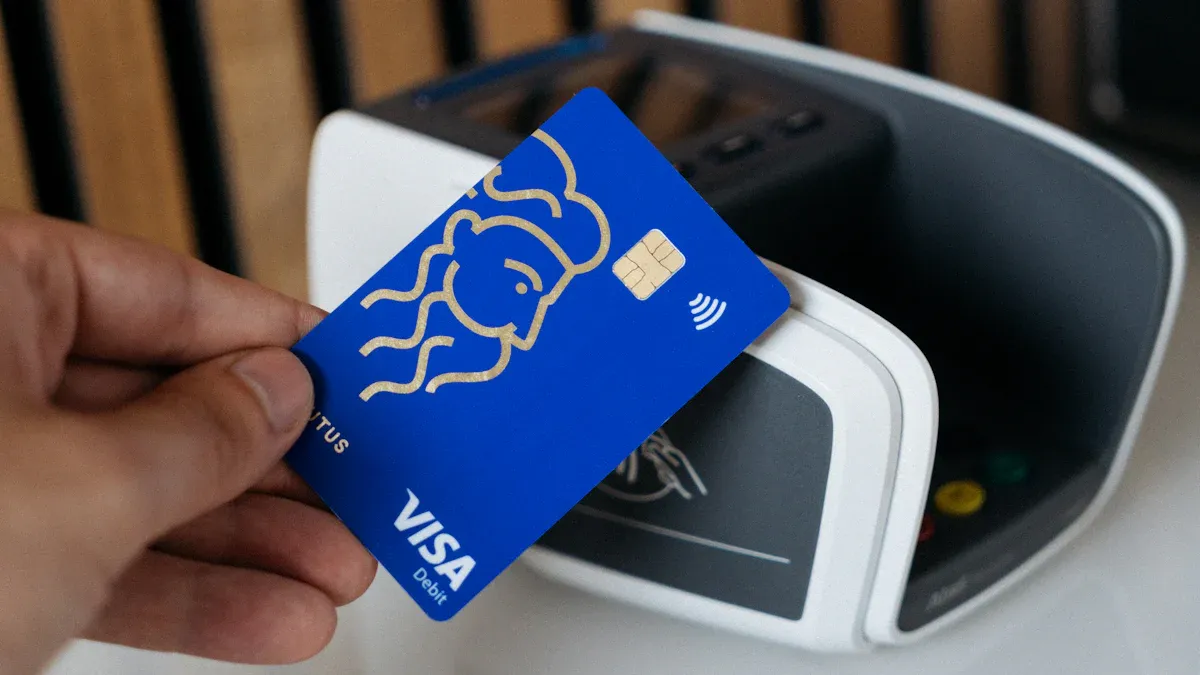
When you want to shop on Shopee from abroad, picking the right card matters. You want something easy to use, safe, and accepted by Shopee. Let’s break down your options and help you make the best choice.
Popular Card Options
You have several strong choices when it comes to crypto debit cards. Most of these cards work with Visa or Mastercard, so you can use them almost anywhere Shopee accepts cards. Here are some top picks:
Crypto.com Visa Card: This card is popular because it supports many cryptocurrencies. You can use it for online shopping and even get cashback rewards.
Binance Card: Binance offers a card that lets you spend your crypto directly. It works in many countries and supports several coins.
Wirex Card: Wirex gives you both a physical and virtual card. You can use it for online purchases and even earn rewards.
UUPAY Card: UUPAY stands out for its focus on security and customer support. It’s a great choice for freelancers who want peace of mind.
Tip: Always check if the card is Visa or Mastercard branded. Shopee usually accepts both, but it’s good to double-check before you order.
Card Compatibility by Country
Not every crypto debit card works in every country. Some cards have restrictions based on where you live or where you want to ship your items. Here’s a quick table to help you see which cards might work for you:
Card Name | Supported Regions | Shopee Compatibility | Notes |
|---|---|---|---|
Crypto.com Visa | Asia, Europe, Americas | Yes | Check local restrictions |
Binance Card | EEA, UK | Yes | Not available in the US |
Wirex Card | APAC, EEA, UK | Yes | Virtual and physical options |
UUPAY Card | Global (select markets) | Yes | Strong customer support |
You should always check the provider’s website for the latest list of supported countries. Shopee may also have its own rules about which cards it accepts, so keep that in mind.
UUPAY Recommendation
If you want a card that puts your needs first, UUPAY is a solid pick. UUPAY offers crypto debit cards that focus on security and easy customer service. You can reach their support team quickly if you ever have a problem. Many freelancers like UUPAY because it helps them manage their money without the stress of traditional banks.
Note: UUPAY’s cards support multiple currencies and offer low fees. This makes them a smart choice if you want to save money and avoid surprises at checkout.
Choosing the right crypto debit card can make your Shopee shopping smooth and worry-free. Take a little time to compare your options, check compatibility, and pick a provider you trust.
Set Up and Fund Your Card
Getting your crypto debit card ready for Shopee is easier than you might think. You just need to follow a few steps. Let’s walk through the process together.
Order and Activate
First, you need to order your card. Most providers let you do this online. You fill out a simple form with your basic details. Some companies offer both physical and virtual cards. If you want to shop on Shopee right away, a virtual card works best.
After you place your order, you’ll get instructions to activate your card. Usually, you log in to your account and follow the steps on the dashboard. You might need to set a PIN or confirm your email. Once you finish, your card is ready to use.
Tip: Choose a provider that offers quick delivery and easy activation. This saves you time and lets you start shopping sooner.
Verify Identity
Before you can use your card, you need to verify your identity. This step keeps your account safe and follows legal rules. Many freelancers find this part tricky. You might face a few challenges:
You need to upload a clear photo of your passport or driver’s license.
Some providers ask you to verify your email address or link a financial account.
In some cases, you may have to join a short video call to confirm your identity.
If you run into problems, check the provider’s help center or contact support. UUPAY, for example, has a friendly team that can guide you through each step.
Fund with Crypto
Now it’s time to add money to your card. Most crypto debit cards let you fund your account with popular coins. You can use Litecoin, Bitcoin, Dash, Ethereum, or Bitcoin Cash. Just pick the coin you want, enter the amount, and send it to the wallet address provided by your card issuer.
Here’s a simple table to show you how funding works:
Cryptocurrency | Steps to Fund Card |
|---|---|
Bitcoin | Send BTC to card wallet |
Ethereum | Transfer ETH to card |
Litecoin | Use LTC for top-up |
Dash | Deposit DASH to account |
Bitcoin Cash | Add BCH to card balance |
Make sure you wait for the transaction to confirm. Most cards update your balance within minutes.
Minimize Fees
Nobody likes paying extra fees. You can keep costs low by following a few smart tips:
Check the provider’s fee schedule before you fund your card.
Choose cryptocurrencies with lower network fees, like Litecoin or Dash.
Always keep enough balance to cover your purchases and any small fees.
Avoid frequent small top-ups, since each transaction may have a fee.
Note: UUPAY and other top providers often offer competitive rates and clear fee structures. This helps you save money and avoid surprises.
Setting up and funding your card doesn’t have to be stressful. If you follow these steps, you’ll be ready to shop on Shopee with confidence.
Add Card to Shopee
Add Card in App
You can add your crypto debit card to Shopee in just a few steps. Open the Shopee app and tap on “Me” at the bottom right. Next, select “My Wallet” or “Bank Cards.” Tap “Add New Card.” Enter your card number, expiration date, and CVV. Double-check your details before you save. Shopee will store your card for future purchases, so you don’t have to enter the info every time.
Tip: Use a virtual card if you want extra security. Many crypto debit cards offer this option.
Troubleshoot Issues
Sometimes, you might see an error when you add your card. Don’t worry—most problems have simple fixes. Here are some common issues and what you can do:
Shopee says your card is not supported: Make sure your card is Visa or Mastercard.
Card details not accepted: Check for typos or expired cards.
Payment fails: Confirm you have enough balance on your card.
If you still have trouble, try removing the card and adding it again. You can also contact your card provider’s support team for help.
Verification Steps
Shopee may ask you to verify your card. You might get a small test charge or a code sent to your phone or email. Enter the code in the app to finish the process. This step keeps your account safe and helps prevent fraud.
Note: Always keep your phone and email updated in Shopee. This makes verification quick and easy.
Checkout and Payment Process
Complete Purchase
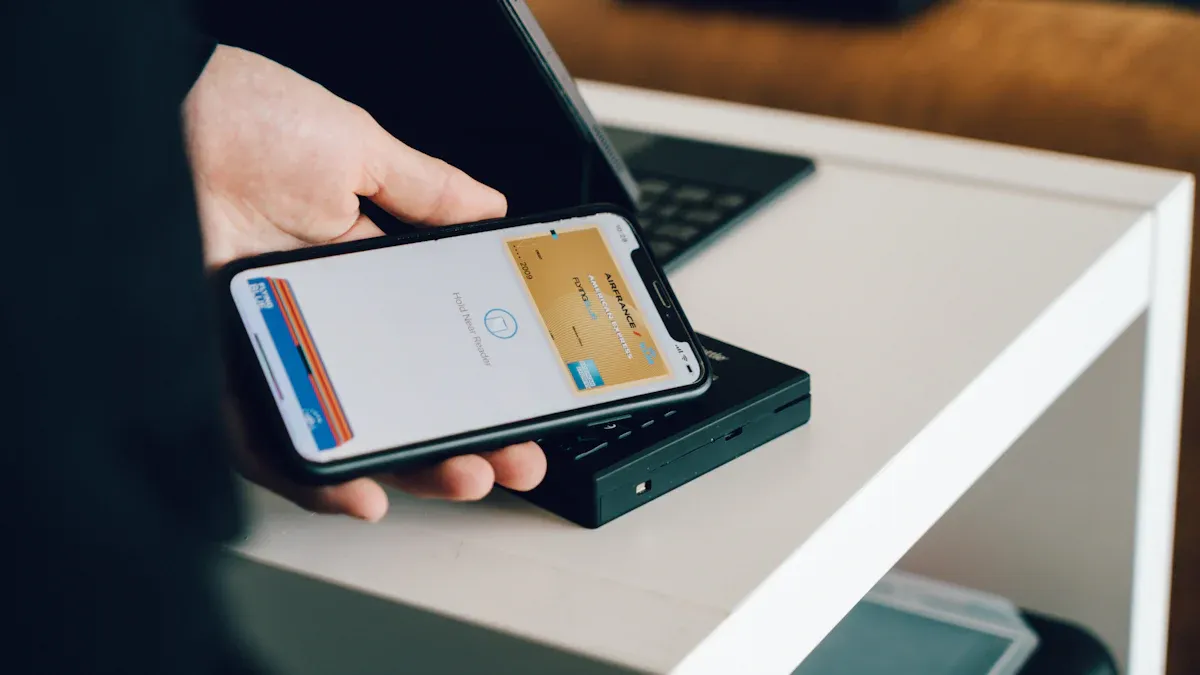
You have your card set up and added to Shopee. Now you are ready to shop. Pick your items and head to the checkout page. Select your crypto debit card as the payment method. Double-check your shipping address and order details. Tap “Place Order” to finish. Shopee will process your payment just like any other Visa or Mastercard. You will see a confirmation screen once your payment goes through.
Tip: Always make sure your card has enough balance before you check out. This helps you avoid failed payments and delays.
Currency Conversion
When you pay with crypto debit cards, Shopee handles currency conversion automatically. You do not need to worry about converting your crypto to local currency first. The card provider does this for you at the time of purchase. Here is how Shopee manages refunds and conversions:
Refunds go back in the same currency you used for payment.
The refunded amount stays the same, even if the exchange rate changes.
The number of coins you get back may change based on the current rate.
This process keeps things simple and clear for you. You always know what to expect if you need a refund.
Payment Notifications
After you complete your purchase, you will get a notification from Shopee. You may also get an alert from your card provider. These messages confirm your payment and show the amount charged. Keep these notifications for your records. If you do not see a notification, check your email or app settings.
Note: If you spot any issues or do not get a notification, contact your card provider’s support team right away.
Tips and Best Practices
Security Advice
You want to keep your money safe. Always use strong passwords for your card accounts. Turn on two-factor authentication (2FA) if your provider offers it. Never share your card details or PIN with anyone. Watch out for phishing emails or fake websites. If you see anything suspicious, contact your card provider right away.
Tip: Use a virtual card for online shopping. It adds an extra layer of protection.
Manage Exchange Rates
Crypto prices change fast. Before you make a purchase, check the current exchange rate in your card app. Some cards let you lock in a rate before you spend. This helps you avoid surprises at checkout.
Action | Why It Helps |
|---|---|
Check rates in app | Know what you’ll pay |
Lock in rates | Avoid sudden price swings |
Shop during low fees | Save money on each purchase |
Handle Payment Failures
Sometimes payments do not go through. If this happens, check your card balance first. Make sure your card is active and not expired. Try the payment again. If it still fails, contact Shopee or your card provider for help.
Note: Keep a backup payment method saved in Shopee. This way, you can finish your order without delay.
UUPAY Support
UUPAY offers fast and friendly customer support. If you have any issues, you can reach them by chat or email. They help with card setup, funding, and payment problems. You get peace of mind knowing help is just a message away.
😊 UUPAY’s support team is ready to help you anytime you need it.
You’ve learned how to shop on Shopee with a crypto debit card. Enjoy flexibility, convenience, and security as a freelancer. Try UUPAY for smooth support.
Keep your records organized
Check Shopee and card policies often
Tip: Stay alert for updates so you never miss out!
FAQ
Can you use any crypto debit card on Shopee?
Shopee accepts Visa and Mastercard cards. You need to check if your crypto debit card uses one of these networks.
What should you do if your payment fails?
Check your card balance first. Try the payment again. If it still fails, contact Shopee or your card provider for help.
Tip: Keep a backup payment method saved in Shopee for quick checkout.
Is it safe to shop with a crypto debit card?
Yes, it’s safe if you use strong passwords and enable two-factor authentication. Always watch for suspicious activity in your account.
See Also
How Crypto Debit Cards Enhance Your Shopee Experience in Malaysia
Top Strategies for Utilizing Crypto Debit Cards on Lazada in Malaysia
Effective Methods for Using Multi-Currency Crypto Cards in Indonesia
Using Multi-Currency Crypto Cards for Lazada Purchases in Thailand
Booking International Flights in the Philippines with Bitcoin Debit Cards
