How to troubleshoot stablecoin cards to withdraw cash at ATMs in Thailand
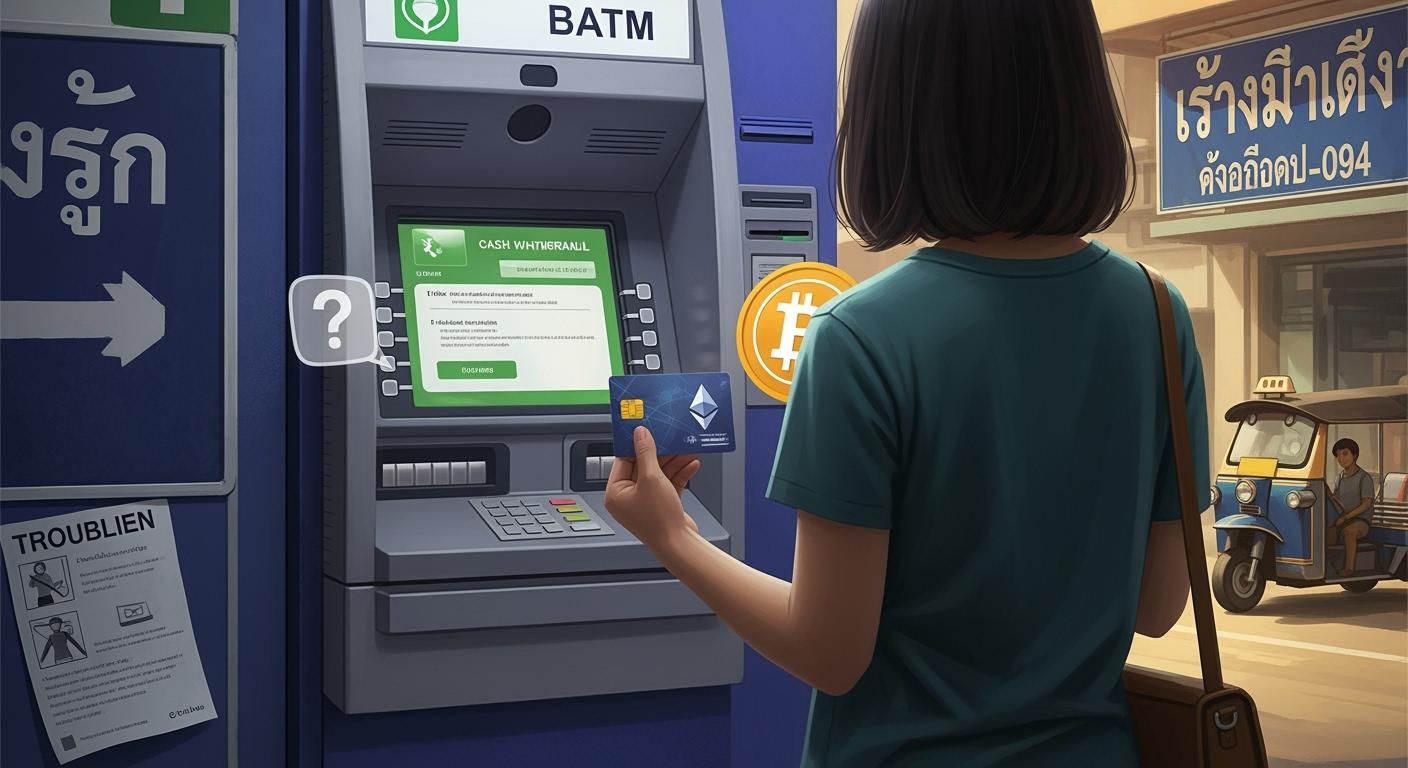
You might run into trouble at Thai ATMs if your card is blocked for foreign use, the network isn’t supported, or your balance is too low. Check if your card is active and matches the ATM’s network. Want to troubleshoot stablecoin cards? Call your bank if you see any issues.
Tip: ATM brand and fees can affect your success and cost.
Key Takeaways
Always activate your stablecoin card for international use before visiting an ATM in Thailand. Check with your card provider if unsure.
Verify your balance and ensure your card matches the ATM's network. Look for logos on both your card and the ATM.
If you encounter issues, try different ATMs, check for geo-restrictions, and contact your card provider for support.
Pre-ATM Checklist
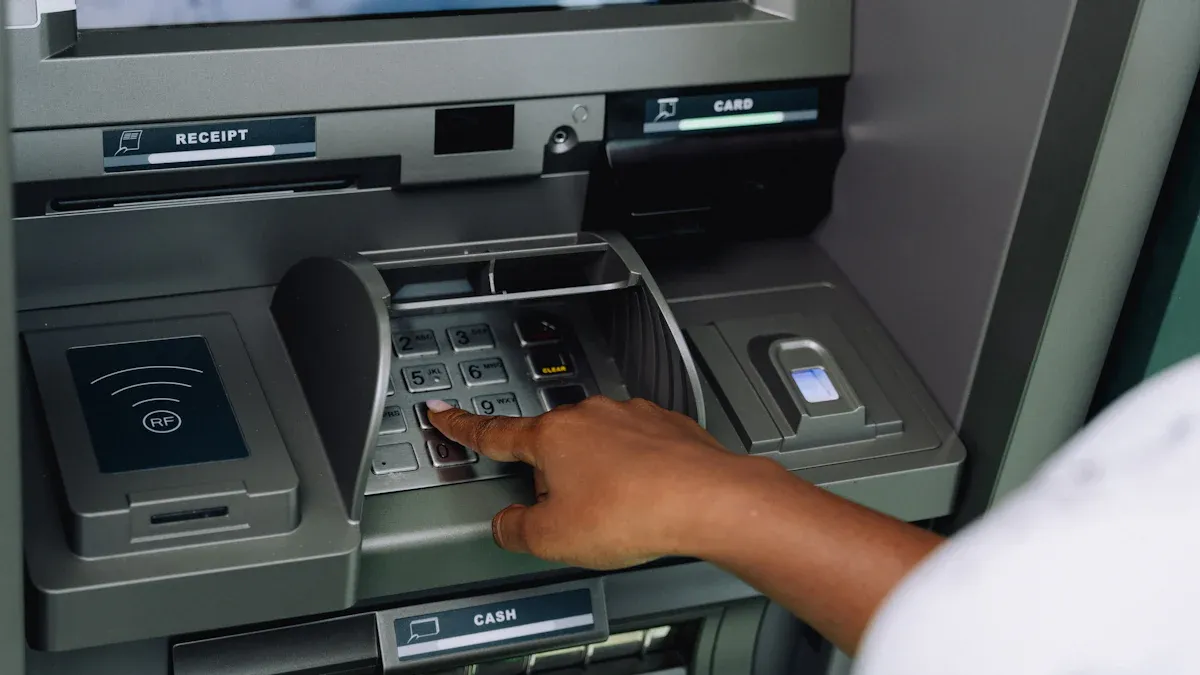
Card Activation & Account Status
Before you head out to a Thai ATM, make sure your stablecoin card is activated for international use. Some cards need extra steps for foreign transactions. If you’re not sure, call your card provider or check your app. You don’t want to stand at the ATM and realize your card is blocked.
Pro tip: UUPAY is running a promotion right now. You can get your card without paying an issuance fee, and there’s no annual fee. That’s a nice bonus if you’re looking for a stablecoin card with easy activation and low costs.
Balance & Network Support
Always check your balance before you try to withdraw cash. ATMs won’t let you take out more than you have. Look at your app or online account to confirm your funds.
Next, see which ATM networks your card supports. Most Thai ATMs use Visa, Mastercard, or UnionPay. If your card doesn’t match, you’ll get an error.
Check your card’s logo.
Match it with the ATM’s sticker.
If you’re unsure, ask your provider.
Card Limits & Settings
Your card might have daily or per-transaction limits. These can stop you from withdrawing large amounts.
Review your card’s settings in the app.
Adjust limits if possible.
If you hit a limit, try a smaller amount.
If you follow this checklist, you’ll avoid most problems and be ready to troubleshoot stablecoin cards if something goes wrong.
Troubleshoot Stablecoin Cards at ATMs
Common ATM Error Messages
You might see error messages like “Transaction Declined,” “Card Not Supported,” or “Insufficient Funds” when you try to withdraw cash. Don’t panic. Each message gives you a clue about what went wrong.
If you see “Transaction Declined,” your card provider may have blocked the transaction.
“Card Not Supported” means the ATM network does not match your card’s network.
“Insufficient Funds” tells you your balance is too low or you tried to withdraw more than your daily limit.
Tip: Write down the exact error message. This helps when you contact support to troubleshoot stablecoin cards.
Card Compatibility & Network Issues
Not every ATM in Thailand works with every card. You need to match your card’s network (like Visa, Mastercard, or UnionPay) with the ATM’s supported networks. Look for stickers or logos on the ATM before you insert your card.
If your card does not work at one ATM, try another brand. Some banks only support certain networks.
Use a table to keep track of which ATMs work best for you:
ATM Brand | Supported Networks | Success Rate |
|---|---|---|
Bangkok Bank | Visa, Mastercard | High |
Krungsri | Visa, UnionPay | Medium |
SCB | Mastercard | High |
If you keep running into problems, you may need to troubleshoot stablecoin cards by contacting your card provider and asking about network compatibility.
PIN & Security Checks
ATMs in Thailand require a 4- or 6-digit PIN. Make sure you enter the correct PIN. If you enter the wrong PIN too many times, the ATM may block your card.
Double-check your PIN before you go to the ATM.
If you forget your PIN, use your card app or call support to reset it.
Some cards require extra security steps, like SMS codes or app confirmations.
Note: If your card gets blocked, call your provider right away to troubleshoot stablecoin cards and unlock your account.
Try Different ATMs
Sometimes, one ATM just won’t work. Don’t give up after the first try.
Visit a different bank or a different location.
Try ATMs inside shopping malls or airports. These often support more networks.
If you keep getting errors, switch to a different ATM brand.
Pro tip: Save your ATM receipts. They help you track your withdrawals and spot any issues.
Geo-Restrictions & Security Blocks
Your card provider might block transactions in Thailand for security reasons. This is common if you haven’t told them you’re traveling.
Log in to your card app and check for travel settings.
Enable international or overseas use if needed.
If you still can’t withdraw, call your provider and ask if there are geo-restrictions.
Alert: Some providers block all ATM withdrawals in certain countries. Always check before you travel to avoid problems and troubleshoot stablecoin cards quickly.
Persistent Issues & Support
If you’ve tried everything and still can’t get cash, don’t worry. You have options.
Contact your card provider’s support team. Give them the error message and details.
Ask if your card is blocked or if there are any restrictions.
Consider over-the-counter withdrawals at a bank branch. Bring your card and passport.
Watch your account for any unexpected charges or failed transactions.
Tip: To save on ATM fees, withdraw larger amounts less often. Compare ATM fees between banks. Some ATMs charge less, so shop around.
You can troubleshoot stablecoin cards by following these steps, keeping your receipts, and staying in touch with your provider. This way, you’ll solve most problems and get your cash without too much hassle.
Double-check your card settings before you visit an ATM.
Watch your account for any strange charges.
Keep every receipt for your records.
Try bank counters if ATMs fail.
Tip: Preparation helps you avoid fees and makes cash withdrawals in Thailand much smoother.
FAQ
What should I do if my card gets stuck in the ATM?
Stay calm. Contact the bank branch right away. Show your ID and explain what happened. Staff can help you get your card back.
Can I use any ATM in Thailand with my stablecoin card?
No, you can’t. You need to match your card’s network (Visa, Mastercard, UnionPay) with the ATM’s supported networks. Check the ATM stickers before you try.
How can I avoid high ATM fees?
Withdraw larger amounts less often.
Use ATMs from major banks.
Always check the fee displayed before you confirm your transaction.
See Also
Using Multi-Currency Crypto Cards For Lazada Purchases In Thailand
Fixing Stablecoin Cards For Facebook Ads Payments By Sellers
Steps To Verify Ad Payments With Multi-Currency Crypto Cards In Indonesia
Booking International Flights In The Philippines With Bitcoin Debit Cards
Top Methods For Using USDT Cards To Buy On Google Play In Vietnam
