How to Use a USDT Card for Cross-Border Shopping on Shopee and Lazada
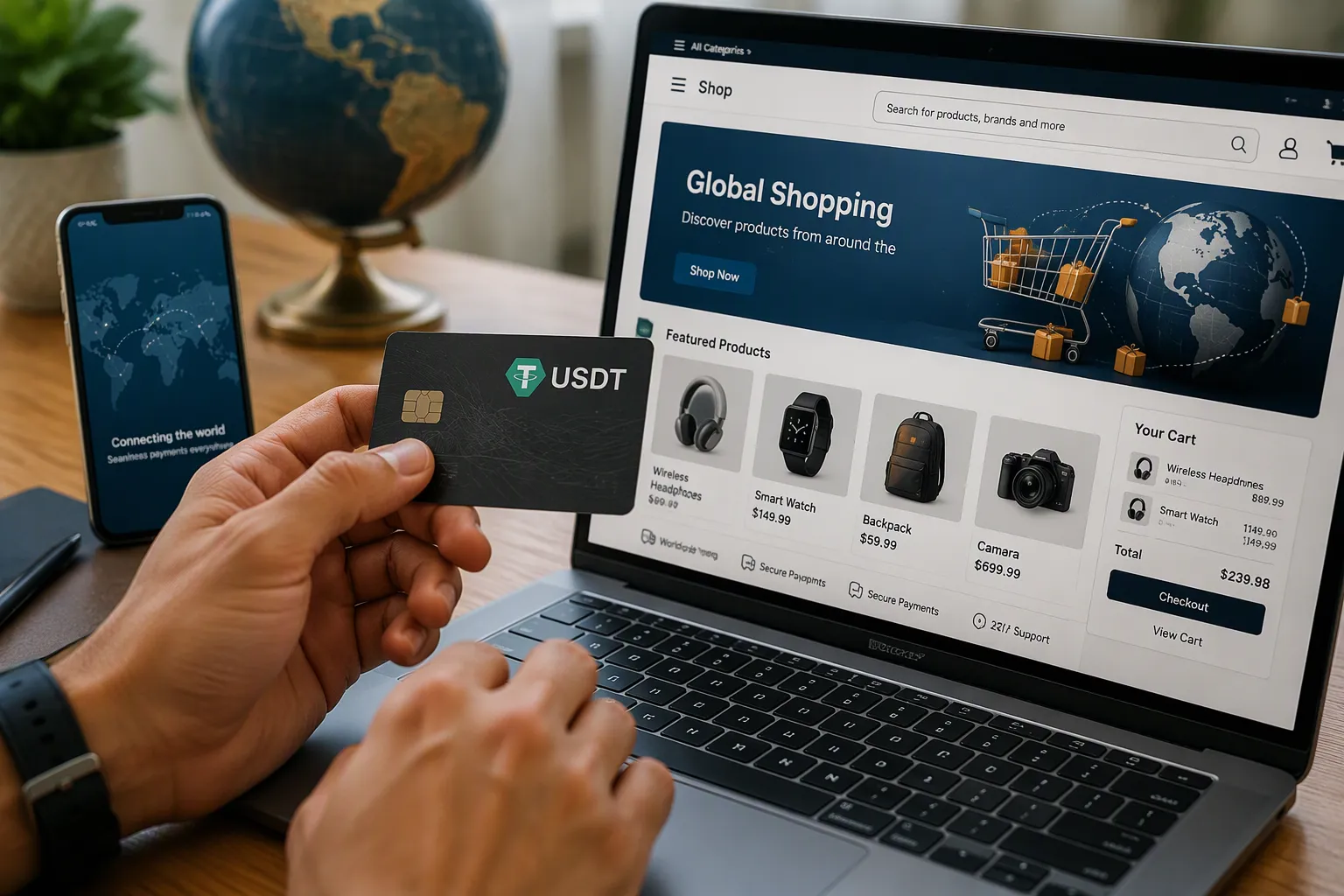
Get a USDT card, load it with USDT, and enter the card details at Shopee and Lazada checkout just like any debit card. This guide walks you through setup, checkout on both platforms, fee-saving tips, and security basics.
Key Takeaways
Get a USDT card and load it with USDT to shop on Shopee and Lazada like a regular debit card.
Check the USD amount before you pay to avoid extra fees and surprises.
Keep your card details safe and enable transaction alerts to prevent fraud.
USDT Cards and Cross-Border Shopping
A USDT card works like a virtual Visa or Mastercard. You top it up with USDT, and it holds a USD balance for payments on merchant sites and e-commerce platforms. Activation happens instantly. Some providers even allow no-KYC top-ups. This guide uses UUPAY as the provider.
Why a USDT Card Helps
US credit cards often fail on Shopee and Lazada apps. Banks block international transactions or flag them as suspicious. A USDT virtual card bypasses those blocks. It works like a standard debit card at checkout. You enter the card number, expiry date, and CVV. The merchant processes the payment normally.
Another advantage is control. You load only what you plan to spend. This limits exposure if someone steals your card details. You also avoid currency conversion surprises. The card holds USD, so you know your exact spending amount before you confirm the order.
Getting Your UUPAY Card
Follow these steps to set up your UUPAY card:
Sign up — Create an account on the UUPAY website or app. New users can open a virtual card for 1U and receive 1U cashback.
Verify — Complete the identity check. UUPAY holds a US MSB license, Swiss and Canadian licenses, and has Hong Kong registration. A Brazil application is in progress.
Top up — Add USDT to your account. All users enjoy fee-free card top-ups. Load the amount you need for your purchase.
Activate — Activate your virtual card instantly. Confirm it supports international transactions before ordering.
Upgrade (optional) — Order the physical card for global spending with up to 50% cashback.
UUPAY also offers hotel and flight booking, eSIM, and chat services. The platform holds PCIDSS Level 1 certification for payment security. Support is available 24/7 worldwide. You can also invite friends to increase your referral commission up to 50%.
Paying on Shopee and Lazada
Shopee Checkout Steps
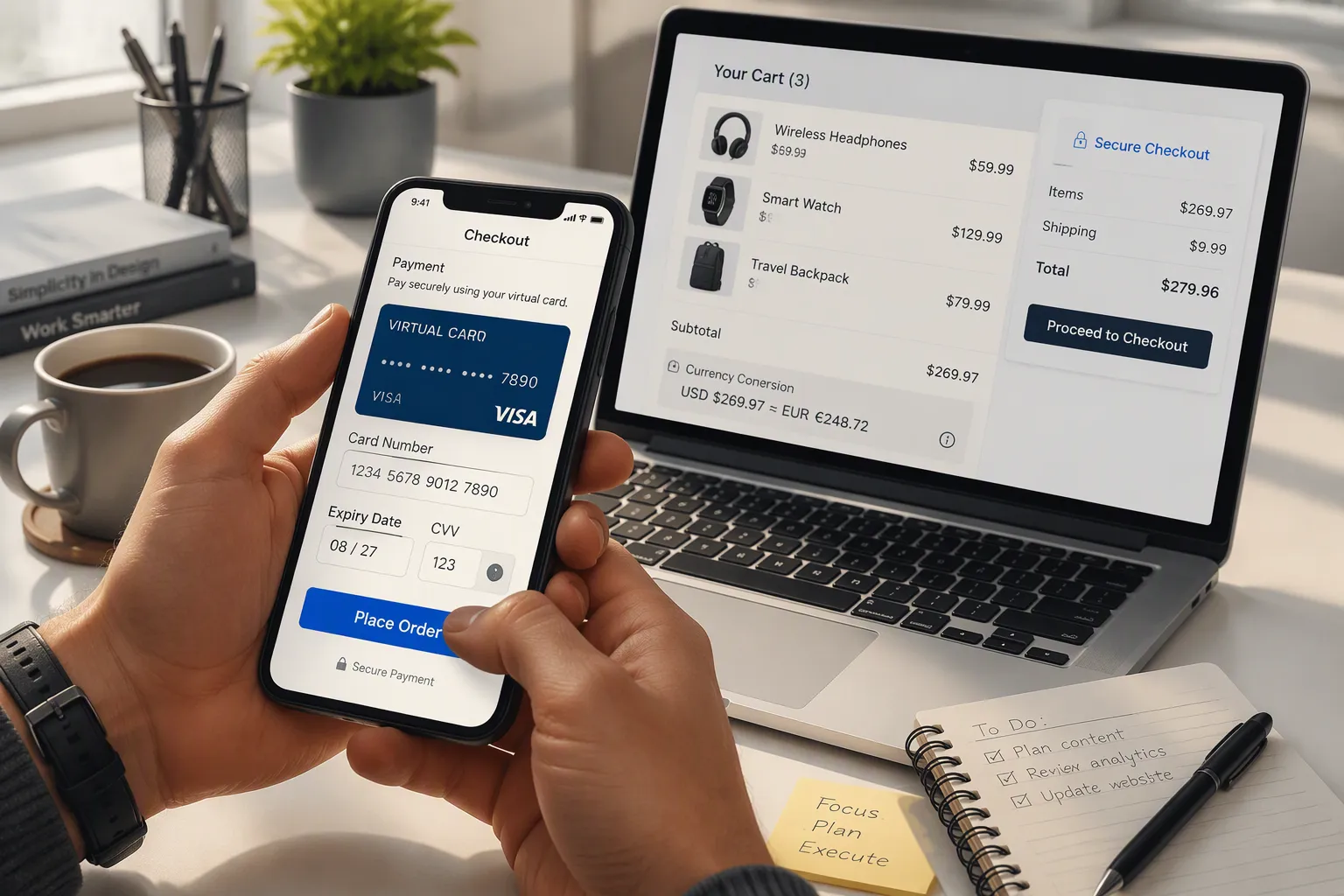
Start by adding your items to the cart on the Shopee app or website. When you finish shopping, tap the checkout button. Select "Card Payment" from the payment options. Enter your UUPAY virtual card details exactly as they appear in your UUPAY dashboard: the card number, expiry date, and CVV.
Before confirming, check the currency displayed at checkout. Shopee shows prices in your local currency. Your UUPAY card holds USD, so the merchant converts the amount at their exchange rate. You can see the USD equivalent in your UUPAY app before you finalize the order. This transparency helps you avoid surprises.
Complete the payment by tapping "Place Order." Shopee processes the transaction like any standard debit card payment. You receive an order confirmation immediately. Your UUPAY balance updates within seconds.
Lazada Checkout Steps
Lazada follows a similar flow. Add products to your cart and proceed to checkout. Choose "Credit/Debit Card" as your payment method. Enter your UUPAY card information in the payment form.
Lazada recommends paying with a card in the site's currency. This recommendation matters because your UUPAY card settles in USD. The platform converts the transaction amount at checkout. Confirm the total in both the local currency and the USD equivalent before submitting your order.
One detail deserves attention: the two-step payment flow. When you enter your card details, the merchant sends a pre-authorization request. This temporary hold verifies your card has sufficient funds. The hold appears as a pending charge on your UUPAY account. After you confirm the order, the merchant captures the actual amount. The temporary hold disappears, and the final charge replaces it. Do not panic when you see this pending transaction. It clears automatically within a few business days.
If your payment fails, stop after two attempts. Repeated retries trigger fraud alerts on both Shopee and Lazada. Switch to another payment method instead. You can try your UUPAY card again later or use a different card. Contact UUPAY's 24/7 support if the issue persists. Their team can verify your card settings and confirm international transactions are enabled.
Both platforms accept your UUPAY card without problems when you follow these steps. The key is confirming your card supports international transactions before you start shopping. UUPAY enables this feature by default on all virtual cards. You can verify this setting in your account dashboard anytime.
Fees, Security, and Compliance
Avoiding Fees
Top up your UUPAY card with the exact amount you plan to spend. This prevents leftover USD sitting idle and avoids repeated conversion spreads. When you load USDT, the platform converts it to USD at the current rate. Loading more than you need means paying conversion costs on funds you never use.
Watch the exchange rate at checkout. Shopee and Lazada display prices in local currency, but your card settles in USD. The merchant applies their own conversion rate, which may include a markup. Compare the USD equivalent shown in your UUPAY app against the current market rate. If the spread looks excessive, consider paying through a different method or waiting for a more favorable rate.
Confirm your card supports international transactions before ordering. UUPAY enables this feature by default on all virtual cards. You can verify the setting in your account dashboard. Cards without international access fail at checkout, wasting your time and potentially triggering fraud alerts.
Staying Secure and Compliant
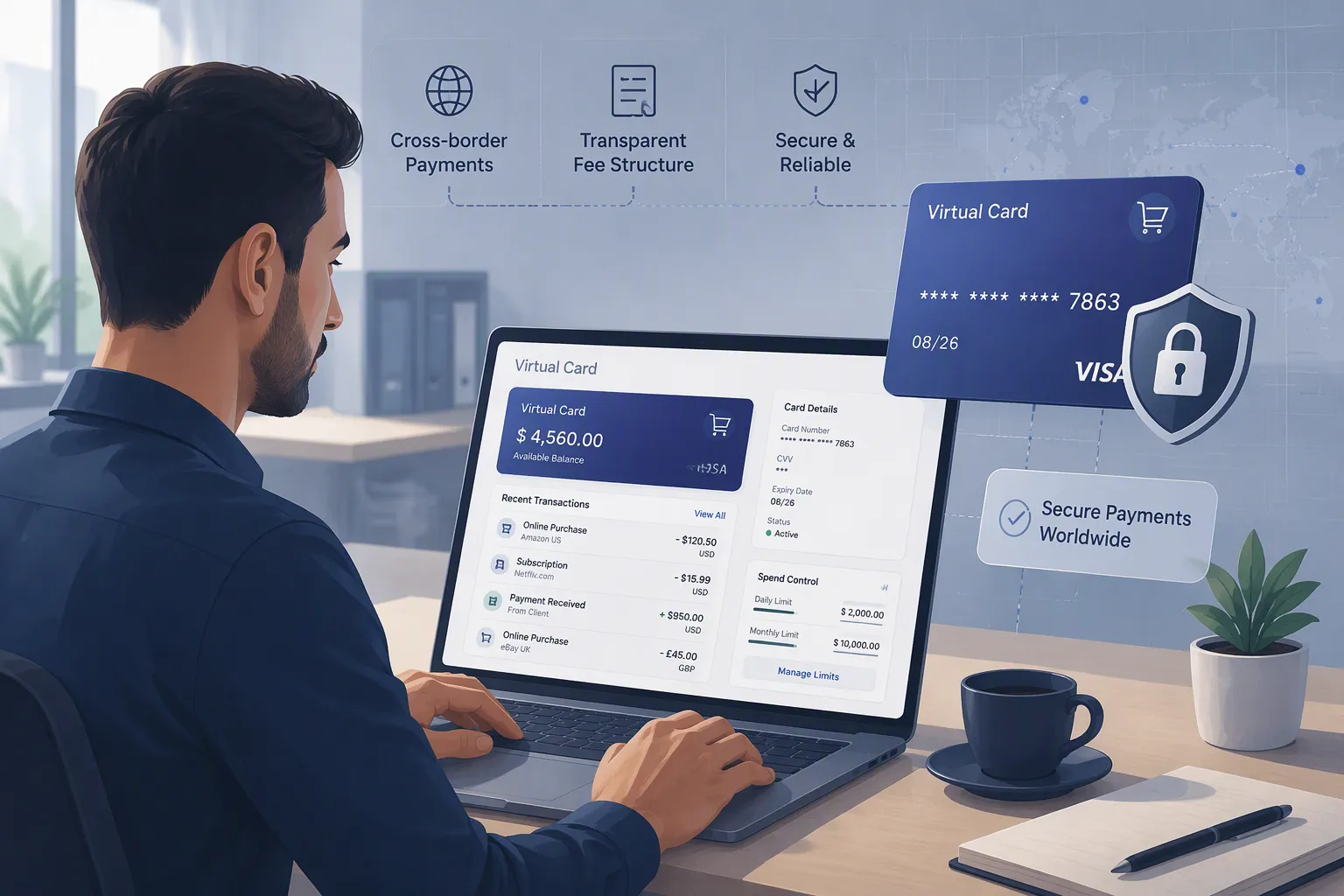
Virtual cards offer inherent security advantages. They exist only digitally, so they cannot be lost or stolen like physical plastic. You can create multiple cards with specific spending limits and usage periods. This flexibility lets you allocate a dedicated card for each shopping session on Shopee and Lazada.
Never share your CVV code with anyone. Legitimate banks and payment providers never request it through phone, email, or text. Any such request signals phishing. Shop only on secure websites that use HTTPS, indicated by the padlock icon in your browser. Use the official Shopee and Lazada apps rather than third-party clients.
Enable transaction notifications in your UUPAY dashboard. You receive instant alerts for every charge, allowing you to spot suspicious activity quickly. Keep records of your orders and card statements for reconciliation.
Cross-border purchases may incur duties and taxes. Under current Vietnamese regulations, imported goods valued below VND1 million (approximately US$39) sent via express delivery are exempt from import tax and VAT. However, lawmakers have proposed removing this exemption and applying a VAT rate of around 10% to e-commerce imports. Factor potential customs charges into your budget when ordering higher-value items.
Get your UUPAY USDT card, load it with USDT, and check out on Shopee and Lazada like any debit card. Apply the fee and security tips above, then start with a small test purchase before you place larger orders. Cross-border shopping gets simpler once your card is ready.
FAQ
Does a USDT card work on both Shopee and Lazada?
Yes. Both platforms accept it as a standard Visa or Mastercard debit card. Confirm international transactions are enabled in your UUPAY dashboard before you order.
What does it cost to open a UUPAY card?
New users open a virtual card for 1U and get 1U cashback. All users enjoy fee-free card top-ups. The physical card offers up to 50% cashback.
What should you do if a payment keeps failing?
Stop after two declines. Repeated retries trigger fraud alerts. Check that international payments are on, then contact UUPAY's 24/7 support or try another method.
See Also
Step By Step Guide To Using Multi Currency Crypto Cards On Shopee
How To Gain Advantages From Crypto Debit Cards On Shopee Malaysia
Top Methods For Using Crypto Debit Cards On Lazada Malaysia Orders
Simple Steps For Overseas Freelancers Using Crypto Debit Cards On Shopee
Guide To Purchasing And Using A USDT Card In The Philippines
