Practical steps for USDT Visa cards to pay utility bills abroad in Vietnam
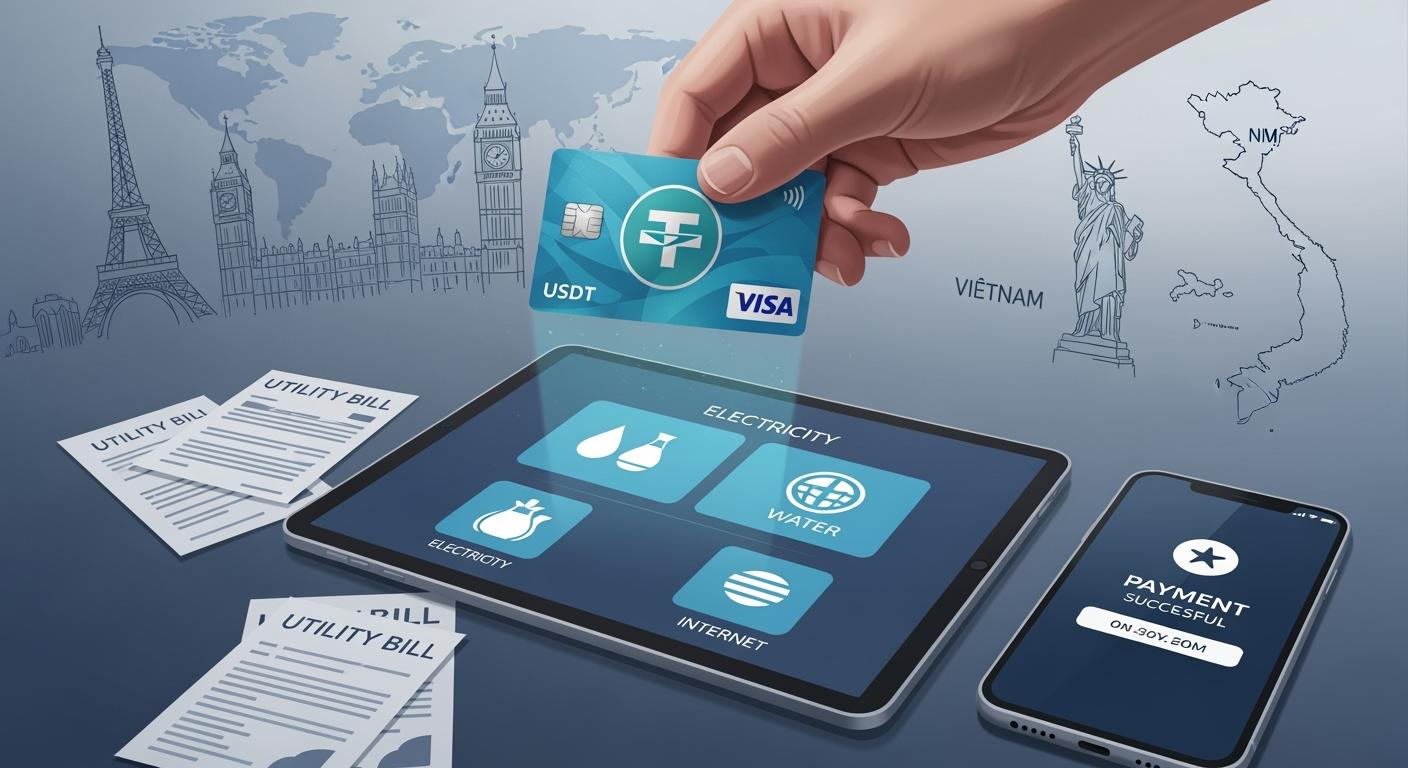
You want to pay your Vietnamese utility bills from another country. USDT Visa cards help you do this easily. You can use apps like VNPAY, ZaloPay, VBan.vn, Oobit, or UUPAY. These apps let you pay fast and safe. You can pay your bills without stress. You do not need to worry about where you are.
Key Takeaways
Pick a trusted USDT Visa card provider. Check for good security like a U.S. MSB License and asset protection for users.
Turn on your card for use in other countries. Make sure your info matches your ID to stop problems with payments abroad.
Pick a good payment app in Vietnam. Use apps like VNPAY or ZaloPay to pay bills fast and easy.
Get Your USDT Visa Card Ready
Choose a Trusted Card Provider
You need to pick a provider you trust. Not all companies are safe or helpful. Find one with a good name and clear support. Many people read reviews online or ask friends for help. You should check if the provider has strong safety tools. Here are some things you should look for:
Security Feature | Description |
|---|---|
Shows the provider follows U.S. rules for digital asset transactions. | |
Anti-Money Laundering (AML) Measures | Makes sure the company works to stop illegal money activities. |
User Asset Protection | Keeps your money safe from hackers or other risks. |
Tiered KYC Mechanism | Checks your identity in a way that matches the size of your transactions. |
Tip: Always check the provider’s website for these things before you sign up.
Activate for International Use
Once you get your card, make sure it works in other countries. Some USDT Visa cards need you to turn on international payments. You can do this in your account settings or by calling support. Make sure your name and details match your ID. This helps you avoid problems later. You should set up alerts for every payment. These alerts help you see any odd activity fast. If you travel a lot, tell your provider. This can stop your card from being blocked when you pay bills in Vietnam.
Find a Payment App in Vietnam
You want to pay your bills in Vietnam from another country. You need a payment app that works with USDT Visa cards. Many apps in Vietnam make this easy for you. You can choose from VNPAY, ZaloPay, VBan.vn, Oobit, or UUPAY. These apps help you pay your utility bills fast. You do not need to visit a bank or stand in line. You just need your phone and your card.
Apps Accepting USDT Visa Cards
Most popular payment apps in Vietnam accept Visa cards. You can use VNPAY, ZaloPay, and VBan.vn. These apps let you pay for electricity, water, and internet bills. You just log in, pick your bill, and enter your card details. The app will guide you step by step. You see your payment history and get alerts for every transaction. This helps you track your spending and avoid mistakes.
Here is a quick look at what these apps offer:
App Name | Visa Card Support | Utility Bill Payment | User-Friendly Interface |
|---|---|---|---|
VNPAY | Yes | Yes | Yes |
ZaloPay | Yes | Yes | Yes |
VBan.vn | Yes | Yes | Yes |
Tip: Always check if your app supports international cards before you start. This saves you time and trouble.
Crypto-Friendly Options (Oobit, UUPAY)
You want more choices? Try Oobit and UUPAY. These apps work with crypto payments and USDT Visa cards. You can pay your bills using USDT or other digital coins. Oobit and UUPAY make it simple for you. You just connect your card, select your bill, and confirm the payment. The app handles the conversion from crypto to Vietnamese dong. You do not need to worry about exchange rates or hidden fees.
Oobit and UUPAY also give you extra security. You get alerts for every payment. You can set spending limits and lock your card if you see something strange. These features help you stay safe when you pay bills from abroad.
Note: If you have trouble with a payment, you can contact the app’s support team. They answer fast and help you fix any problem.
You have many options to pay your Vietnamese utility bills. You can use regular payment apps or crypto-friendly platforms. USDT Visa cards work well with both. You just need to pick the app that fits your needs.
Payment Steps with USDT Visa Cards
Paying your Vietnamese utility bills from abroad can feel easy when you know the steps. You just need your USDT Visa cards and a good payment app. Let’s walk through the process together.
Log In to the Payment App
First, open your chosen payment app on your phone or computer. You might use VNPAY, ZaloPay, VBan.vn, Oobit, or UUPAY. Enter your username and password. Some apps ask for a code sent to your phone or email. This keeps your account safe. If you forget your password, tap “Forgot Password” and follow the instructions. You should always use strong passwords and keep them private.
Tip: Turn on two-factor authentication if your app offers it. This adds another layer of security.
Select Your Utility Bill
Once you log in, look for the section that says “Pay Bills” or “Utilities.” You will see a list of bill types like electricity, water, or internet. Tap the bill you want to pay. Some apps let you scan a QR code from your bill. Others ask you to enter your account number or customer code. Double-check the details before you move on. Picking the wrong bill can cause problems.
Here’s a quick checklist to help you:
Find the right utility company.
Enter your customer code or scan the QR code.
Check the amount due.
Make sure the bill is for the right month.
Enter Card Details and Pay
Now, you need to enter your USDT Visa cards information. Type in your card number, expiration date, and the security code (CVV) from the back of your card. Some apps save your card for future payments. If you want extra safety, enter the details each time. Review the payment amount and any fees. If you see a currency conversion, check the rate. You want to know how much you will pay in your home currency.
Note: Some apps show a summary before you pay. Read it carefully to avoid mistakes.
Confirm Transaction
After you enter your card details, tap “Pay” or “Confirm.” The app will process your payment. You might see a spinning wheel or a message that says “Processing.” Wait for the confirmation screen. You should get a receipt or a payment code. Save this for your records. Most apps send a notification or email when the payment goes through.
If you do not get a confirmation, check your payment history in the app. Sometimes, payments take a few minutes. If you still have trouble, contact the app’s support team. They can help you fix any issues.
✅ Success Tip: Always keep your receipts and check your utility account to make sure the payment shows up.
Using USDT Visa cards for utility bills in Vietnam is simple when you follow these steps. You stay in control, save time, and avoid stress.
Handle Conversion and Fees
USDT to VND Conversion
When you pay bills in Vietnam, you need to change your USDT into Vietnamese dong (VND). Most payment apps do this for you. You do not need to worry about finding the exchange rate yourself. The app shows you the amount in VND before you finish the payment. You can check the rate and see how much you will pay. Some apps update the rate every few minutes. If you want to get the best value, you can watch the rate and pay when it looks good.
Tip: Always check the final amount in VND before you confirm your payment. This helps you avoid surprises.
Here is a simple table to help you understand how conversion works:
Step | What You Do | What Happens Next |
|---|---|---|
Enter payment amount | Type in your bill amount | App shows VND total |
Confirm conversion | Review exchange rate | App converts USDT to VND |
Complete payment | Tap pay | Utility gets paid in VND |
Minimize Payment Fees
You want to save money when you pay bills. Payment apps may charge fees for currency conversion or card use. You can compare fees between apps before you choose one. Some apps offer lower fees for USDT Visa cards. You can also look for special deals or discounts. If you pay many bills, some apps give you rewards or cashback.
Check the fee details in the app before you pay.
Use apps with good reviews for low fees.
Watch for hidden charges in the payment summary.
If you have questions about fees, you can ask the app’s support team. They answer fast and help you understand your costs.
Troubleshooting and Tips
Common Payment Issues
Sometimes, payments do not go through as planned. You might see a failed transaction or a delay. Maybe your card gets declined, or the app shows an error. These problems can happen if you enter the wrong card details, have not activated your card for international use, or your internet connection drops. If you see a payment fail, check your card balance first. Make sure your card is active and has enough funds. Try restarting the app or your device. If the problem stays, you can reach out to customer support for help.
You can contact support for UUPAY and VNPAY in these ways:
Hotline: 1900 88 68 32 (8 AM – 6 PM, Monday to Friday)
Email: support@9pay.vn (8 AM – 10 PM)
Ensure Payment Success
You want every payment to work the first time. Double-check your card number and the bill details before you pay. Watch for alerts from your payment app. These messages tell you if your payment went through or if there is a problem. Save your payment receipts. They help you track your bills and fix mistakes fast. If you pay many bills, set reminders so you never miss a due date.
Security Practices
Keeping your money safe matters. Apps like VNPAY, UUPAY, and Oobit use strong security tools to protect your USDT Visa card. Here is what they do:
Security Measure | Description |
|---|---|
Multi-signature cold wallet technology | Stores your funds safely and needs more than one approval for transactions. |
End-to-end data encryption | Keeps your information private during payments. |
Tiered KYC mechanism | Checks your identity, especially for big payments. |
Dynamic facial recognition | Uses your face to confirm big transactions. |
Real-time risk warning systems | Sends alerts if something looks risky. |
Monthly third-party audits | Checks the system every month to keep things honest and safe. |
You should also use strong passwords and turn on two-factor authentication. Never share your card details with anyone. If you see anything strange, lock your card and call support right away.
You can pay Vietnamese utility bills from anywhere with USDT Visa cards. Just pick a trusted app like UUPAY, VNPAY, or Oobit. Follow each step, check fees, and keep your info safe.
Watch for app updates
Review security tips
Tip: Stay alert for new payment options!
FAQ
Can you pay all types of utility bills with USDT Visa cards?
You can pay most bills like electricity, water, and internet. Some smaller providers may not accept international cards. Always check your app first.
What should you do if your payment fails?
Try checking your card balance and internet connection. If it still does not work, contact the app’s support team for help.
Tip: Save your payment receipts. They help you fix problems faster.
Are there extra fees when you use USDT Visa cards?
Most apps charge small fees for currency conversion or card use. You can compare fees in the app before you pay.
App Name | Typical Fee Range |
|---|---|
VNPAY | 1% – 2% |
UUPAY | 0.5% – 1.5% |
Oobit | 1% – 2% |
See Also
Discover How USDT Cards Enhance Your Transaction Experience
Using Bitcoin Debit Cards for International Flight Bookings
Top Tips for Using Crypto Cards on Lazada Malaysia
Essential Tips for Effortless Daily Spending with Crypto Cards
