How to use a virtual card for crypto to pay at an e-pharmacy
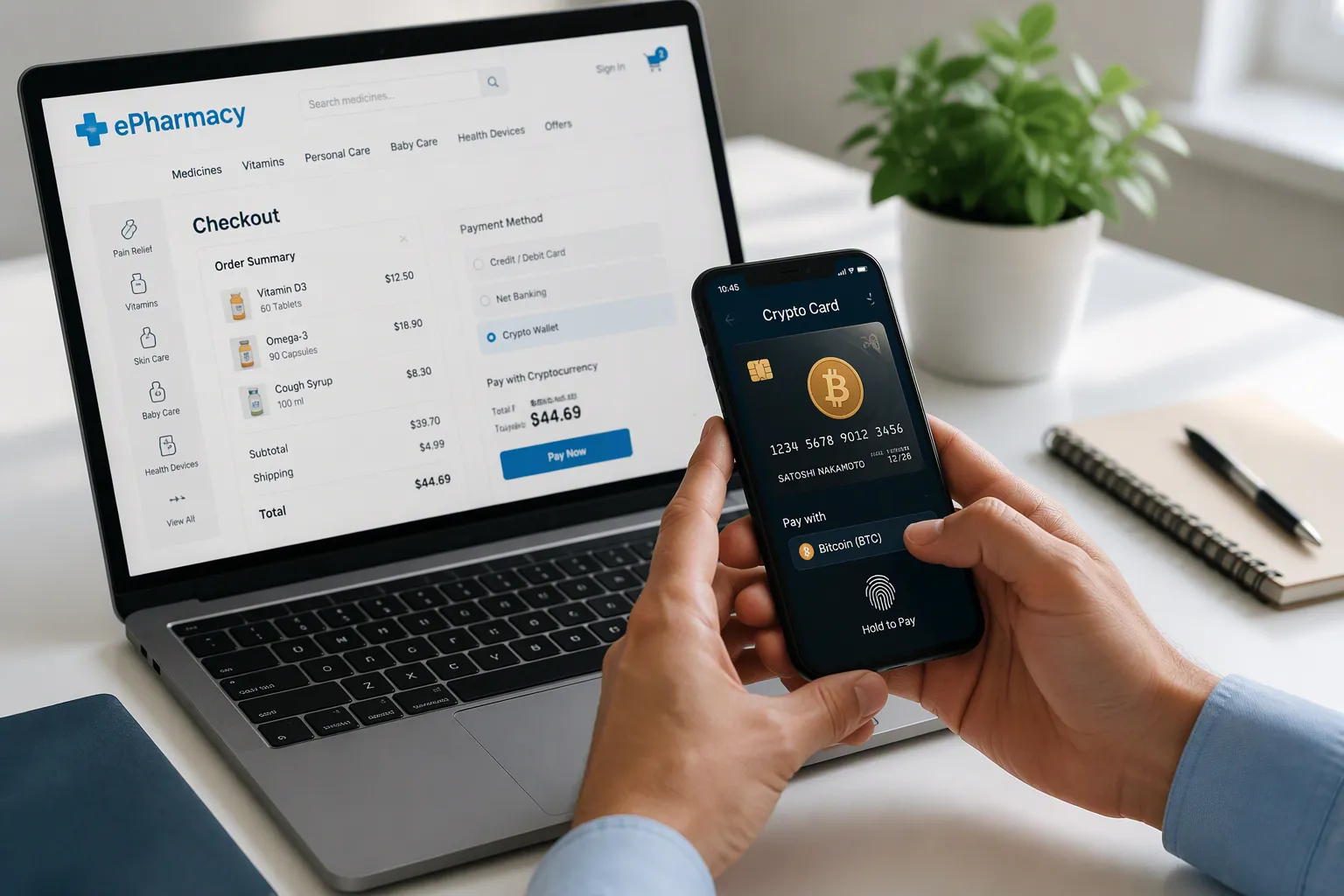
Yes, you can pay at an e-pharmacy with a virtual card for crypto. Get a card from a provider that supports online payments, load it with crypto, then enter the card details at checkout. This post covers how the card works, how to choose and set it up, and how to stay secure and compliant.
Key Takeaways
Pick a trusted card provider that supports online payments and offers instant crypto conversion.
Load your card with stablecoins like USDT or USDC to keep your balance steady.
Turn on two-factor authentication and freeze your card when not in use to stay secure.
What a virtual card is and how it works
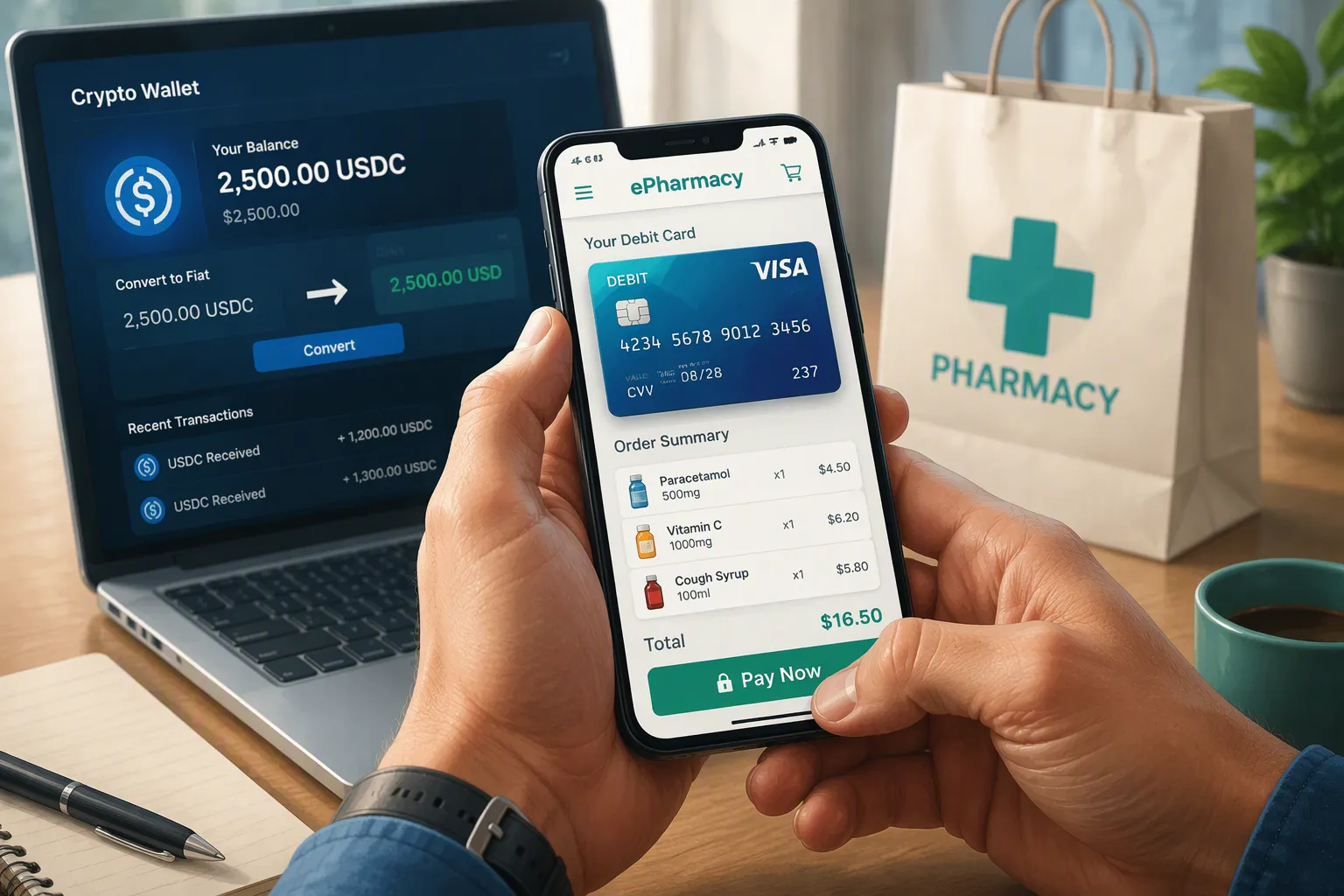
A virtual card is a digital card number you fund with crypto instead of a bank account. At the moment you pay, the platform converts your crypto into fiat currency automatically. The merchant receives fiat, so they never touch crypto. You spend crypto without exchanging funds by hand first. Some providers activate the card instantly after you top up in their app. Others ask for a short activation step before the card goes live.
Instant conversion at checkout
Here is what happens when you tap pay:
You fund the card with a crypto balance, usually stablecoins.
The platform converts that balance into fiat at the moment of payment.
The e-pharmacy receives fiat currency.
Two funding models exist. Direct in-app top-up is fast and common with providers like Crypto.com, MetaMask, Kripicard, and Digitap. The slower route makes you sell crypto for fiat and withdraw to a bank first. Pick the direct model for e-pharmacy checkout speed.
Where e-pharmacies accept it
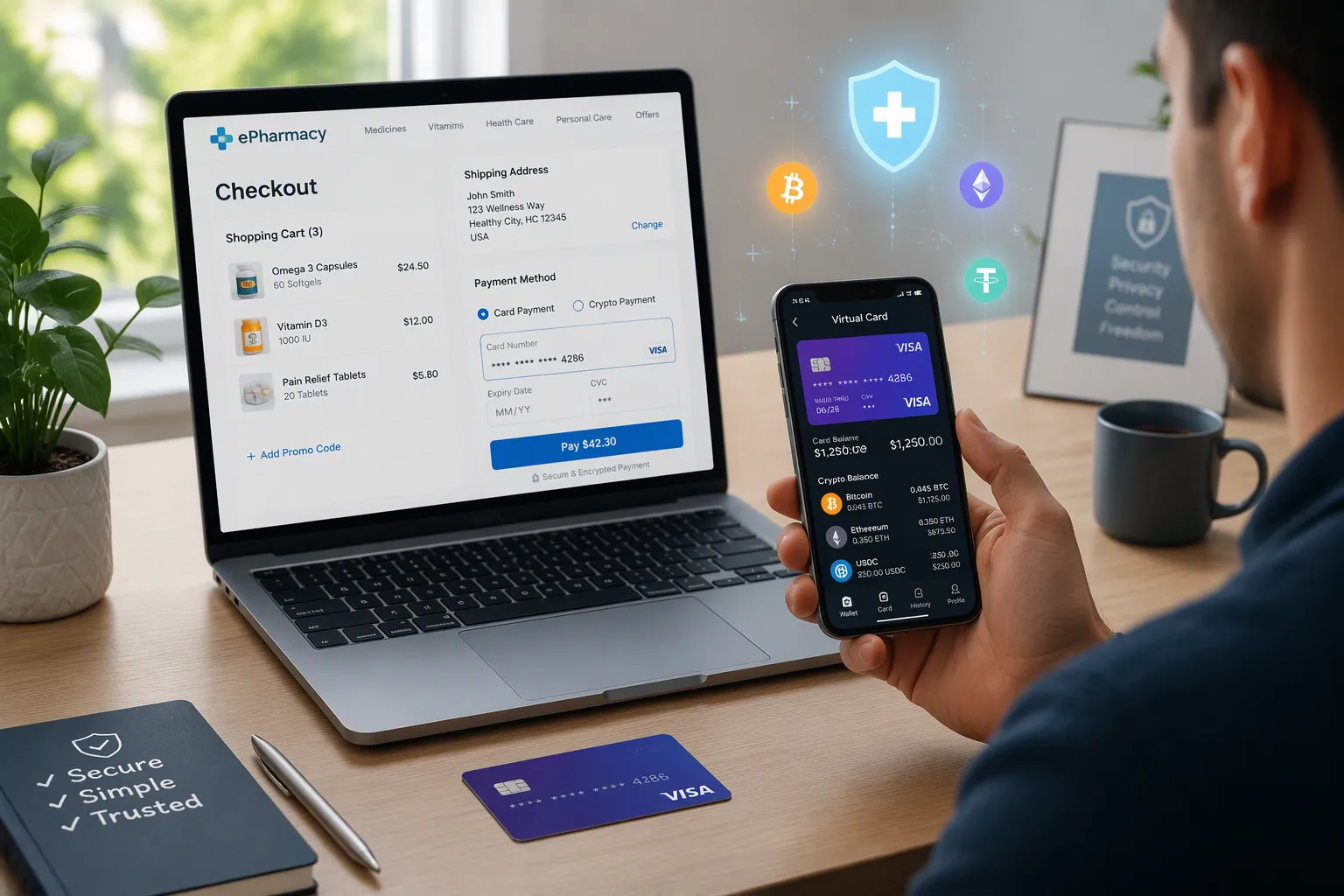
E-pharmacies process a virtual card like an ordinary Visa or Mastercard debit card at checkout. You enter the card number, expiry, and CVV, and the payment clears the same way. Wallet integrations add convenience. You can link the card to Apple Pay or Samsung Pay through services like Alchemy Pay.
A compliant provider such as UUPAY holds a US MSB license and PCI DSS Level 1 certification. That matters when a merchant checks payment security. UUPAY also waives card top-up fees for all users, and new users pay just 1U to open a card with a 1U rebate back.
Choose a provider and set up your card
Match the card to e-pharmacy needs
Compare providers on four practical axes: online payment acceptance, conversion speed, KYC requirements, and fees. UUPAY fits e-pharmacy checkout well. It holds a US MSB license, Swiss and Canadian licenses, a Hong Kong registration that meets Asian regulatory requirements, and PCI DSS Level 1 certification, with a Brazil application in progress. New users open a virtual card for 1U and get 1U cashback right away, and every user enjoys fee-free card top-ups. UUPAY also launched a physical card with global acceptance, up to 50% cashback, and secure instant transactions. Extra services include hotel and flight booking, eSIM, and chat, plus 24/7 global support. Its referral program raises your commission level up to 50% when you invite friends.
Other providers fit different needs. Crypto.com and MetaMask suit people already active in those ecosystems. Kripicard and Digitap work for users who want a simple in-app top-up. Check fees before you commit, since they vary widely:
Fee Category | Amount |
|---|---|
Annual fee | None (0) |
Virtual card issuance (first card linked to Spend Account) | Free |
Reissuance of virtual card (linked to Spend Account) | Free once per month |
International/foreign merchant payment fee | 1.4% (minimum 5,000 VND per transaction) |
Foreign transaction fee | 3% (minimum 10,000 VND per transaction) |
Additional virtual cards (linked to Money Pots) | 99,000 VND per card |
Physical card annual fee (for cards linked to Money Pots) | 132,000 VND per card |
Load crypto and pay at checkout
Setup takes three steps, and a working card can be ready in about 20 minutes with some providers. Here is the timing:
Setup Stage | Time Required |
|---|---|
KYC identity verification (automated, clear documents) | 2–10 minutes |
Virtual card number issuance after KYC approval | ~5 minutes |
Total sign-up to usable virtual card number | 10–20 minutes |
Manual KYC review (rare, unclear documents) | 24–72 hours |
First, obtain the card through instant activation or a short verification. Second, load crypto, and pick stablecoins for price stability. Third, pay at checkout:
Load the card with crypto: choose a supported coin such as USDT or USDC, enter the amount, and it converts instantly into a spendable balance.
Enter the virtual card number, expiry date, and CVV at the e-pharmacy checkout, or add the card to Apple Pay or Google Pay.
The required crypto converts to local currency at real-time market rates, so a $50 purchase converts exactly $50 worth of crypto.
The merchant receives fiat and never knows crypto was used.
The transaction completes within seconds, and your balance updates.
Secure your card and handle e-pharmacy rules
Protect your card and pass KYC
Turn on two-factor authentication the moment your card goes live. That single step blocks most account takeovers, because a thief still needs your second code. Fund the card with stablecoins so your balance holds steady between orders. A volatile coin can lose value while you wait for a refill to ship.
Freeze the card or hide your balance when you are not spending. Bitrefill-style cards let you toggle the card off in the app, and a frozen card cannot be charged by anyone. Complete KYC honestly. E-pharmacies and card issuers both run identity checks, and mismatched details will stall your order or lock your account.
Manage refunds, limits, and prescriptions
Refunds travel back to the card, not to your crypto wallet. The issuer credits your card balance once the merchant processes the return, and timing depends on the e-pharmacy's policy. Check that window before you order anything expensive.
Watch your per-transaction and daily limits. A large order may exceed a single-payment cap, so split it or raise the limit in your provider's app first. Prescription items usually need a valid prescription upload before the order ships. Have a clear photo ready at checkout, and confirm the e-pharmacy accepts your card for restricted items. A virtual card handles these payments fine once you clear those hurdles.
Pick a compliant provider like UUPAY, load stablecoins, pay at checkout, and watch your security and refund rules. A virtual card keeps e-pharmacy payments fast and private when you use it responsibly. Compare providers today and set up your card.
FAQ
How fast does a virtual crypto card payment clear at an e-pharmacy?
The charge clears in seconds. Your crypto converts to fiat at the moment of payment, and the e-pharmacy sees a normal card transaction. Your balance updates right after checkout.
Do e-pharmacies treat these cards differently from a regular debit card?
No. They run it through the same Visa or Mastercard network. You enter the number, expiry, and CVV, and the order processes normally. Prescription items still need a valid upload.
What do I need before my first payment?
You need a verified account and a funded card. UUPAY opens a virtual card for 1U and rebates that 1U back, and card top-ups carry no fee. Complete KYC first so checkout doesn't stall.
See Also
Simple Methods for Getting a Crypto Virtual Debit Card
How Southeast Asia Users Benefit from Virtual Crypto Cards for Marketplace Fees
Top Methods for Using Crypto Debit Cards on Lazada Orders in Malaysia
How to Purchase Cryptocurrency Using a Credit Card
Practical Steps for Freelancers Abroad Using Crypto Debit Cards at Shopee Checkout
