Advanced guide to Web3 payment cards to convert crypto for daily spending for Southeast Asia users
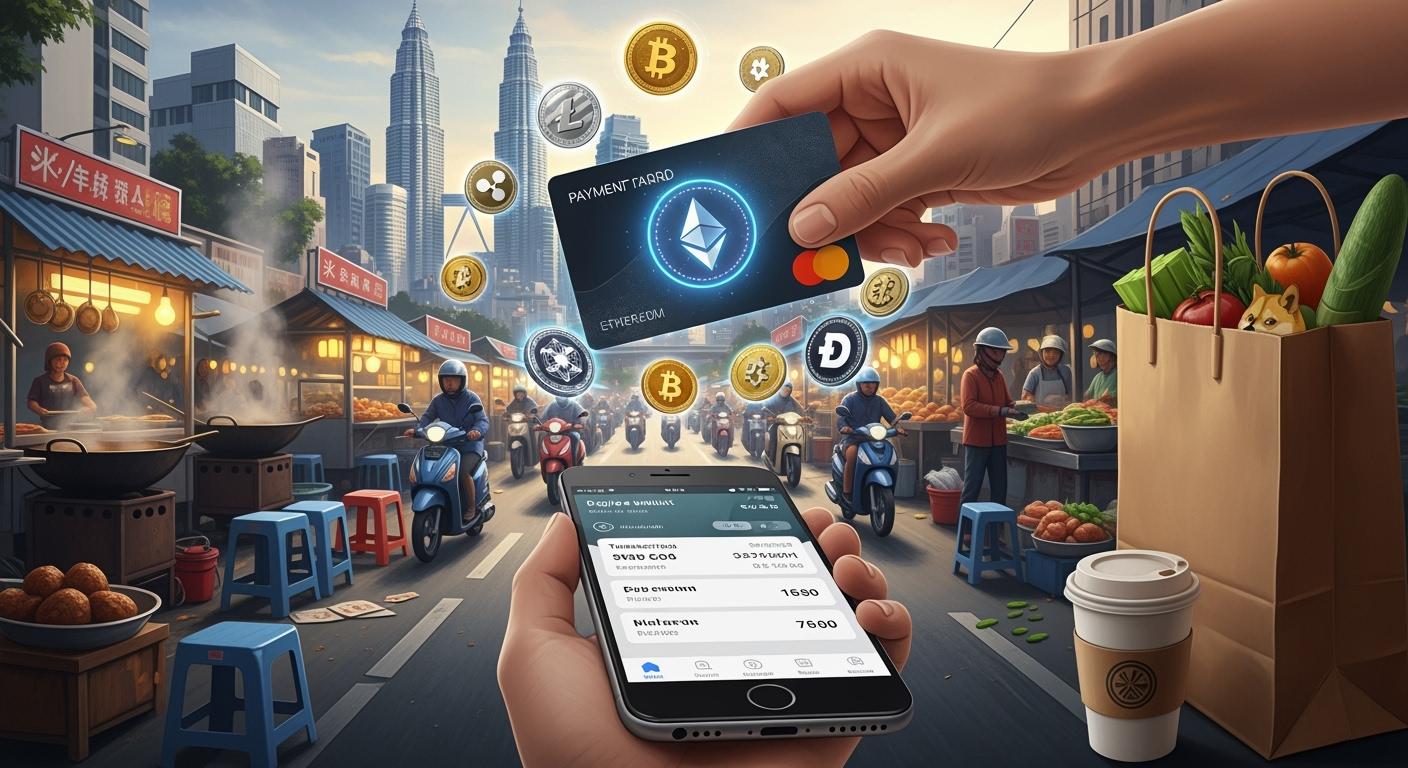
You can use Web3 payment cards to buy things in stores, restaurants, and online shops in Southeast Asia. These cards change your crypto into local money right away. Picking the right card gives you better safety, stablecoin help, and lets you use trusted payment networks.
Web3 payment cards let you use crypto every day, like cash or a normal bank card.
Key Takeaways
Web3 payment cards let you spend crypto for daily shopping. They change crypto to local money right away.
Pick cards that have low fees and good security. Make sure the card works with stablecoins. This helps you save money and stay safe.
Learn about local rules and market changes. This helps you use your Web3 payment card wisely.
Web3 payment cards overview
What are Web3 payment cards
Web3 payment cards help you use digital assets in real life. You can pay at stores, restaurants, or online shops with them. These cards link your crypto wallet to big payment networks. You can add money with cash or digital assets. Many cards let you use stablecoins, so prices do not change a lot. Some cards are plastic and you can hold them. Others are virtual and stay on your phone.
Here is a table that shows how Web3 payment cards are different from regular debit or credit cards:
Feature | Web3 Payment Cards (DeCard) | Traditional Debit/Credit Cards |
|---|---|---|
Top-up Options | Supports both fiat and digital assets | Typically only fiat |
Spending Model | Spend-what-you-have model | Credit limit based on borrowing |
Conversion of Digital Assets | Allows conversion of stablecoins to fiat for spending | No direct conversion of digital assets |
Merchant Network | Access to Visa’s extensive network of 150 million+ | Limited to card issuer's network |
Compliance | Operates under local licensing standards | Varies by issuer and region |
How crypto-to-fiat conversion works
Using Web3 payment cards is easy. Here is what happens:
You pay by swiping your card or typing your details online.
The card provider changes your crypto into local money right away.
The store gets paid in their own money. The same amount of crypto leaves your wallet.
You can move money from wallets like MetaMask to your card. This helps you spend crypto anywhere that takes big cards.
Payment networks and card types
Most Web3 payment cards work with big networks like Visa or Mastercard. You can use them at many places around the world. You can pick a plastic card for your wallet or a virtual card for your phone or computer. Many cards let you use stablecoins, so you do not worry about big price changes. You can use your digital assets for things you need every day.
Getting started with Web3 payment cards
Choosing the right card
You should look at different Web3 payment cards before picking one. Each card has its own costs, rewards, and ways to keep your money safe. Some cards make you pay a fee every time you use them. Other cards give you cashback or discounts when you buy things. If you do not want prices to change a lot, pick cards that let you use stablecoins. It is important to stay safe. Cards with two-factor authentication and spending alerts help keep your money safe.
Here is a table to help you compare important features:
Feature | Why It Matters | What To Look For |
|---|---|---|
Fees | Affects your total spending | Low or no transaction fees |
Rewards | Gives you extra value | Cashback, discounts, loyalty |
Security | Keeps your assets safe | Two-factor authentication, alerts |
Reduces price volatility | USDT, USDC, or other stablecoins | |
Local Availability | Ensures you can use the card | Supported in your country |
Tip: Always check if the card works in your country and supports local merchants.
Setting up wallet and account
You need to do a few things to set up your wallet and account for a Web3 payment card. First, pick a provider and make an account. The provider will ask you to show who you are. When you finish this step, you can turn on your account and get your card. Next, move your crypto into your card wallet. You can use wallets like MetaMask for this.
Here are the steps you will follow:
Make your account with the provider. Show your ID and turn on your account.
Move your crypto into your card wallet. Use the app or website for this step.
Turn on your card online. Link your card to your crypto wallet so you can move money.
Use the app to manage your card. Check what you spend, set up safety features like two-factor authentication, and see your transactions.
Note: Always keep your account details safe and use strong passwords.
Application and funding process
You need to ask for your Web3 payment card on the provider’s website or app. Most providers want your personal information and proof of who you are. After you send your application, you wait for them to say yes. Some providers give you a virtual card right away. Others send you a card you can hold.
When you get your card, you need to add money to it. You can move crypto from your wallet, like MetaMask, to your card account. Some cards also let you add local money. You should check the smallest and biggest amounts you can add before you move money.
Tip: Make sure your card provider works in your country and with your money. This helps you avoid problems when you spend or take out cash.
Benefits for Southeast Asia users
Convenience and local acceptance
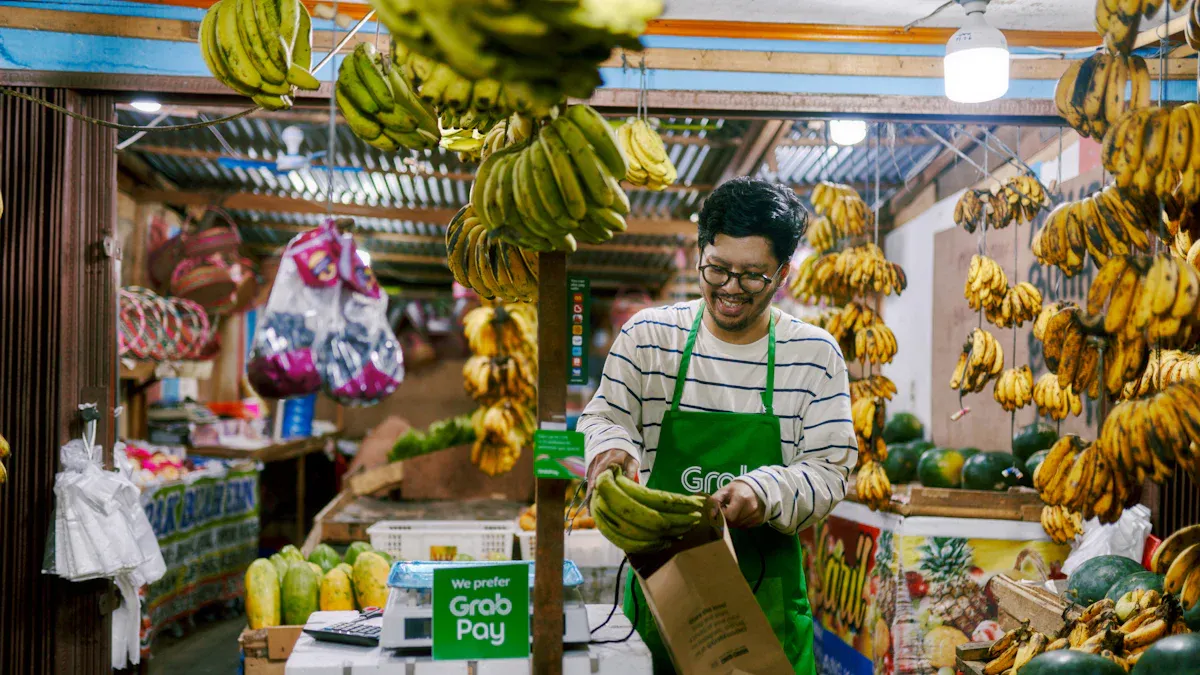
You can use Web3 payment cards in many places. They work at stores, restaurants, and online shops in Southeast Asia. These cards use big payment networks like Visa and Mastercard. You can pay almost anywhere that takes these cards. You do not need to look for places that take crypto. You can also get cash from lots of ATMs. This makes it easy to get local money when you need it.
Here is a table that shows the main benefits:
Benefit | Description |
|---|---|
Convenience | Crypto cards let you spend digital money in many places. |
Instant Conversions | They change your crypto to local money right away. |
Rewards Programs | Some cards give you cashback or rewards in crypto. |
Global Usability | You can use them with different currencies for travel or shopping. |
Tip: You can use your card for shopping, travel, or paying bills.
Rewards and low fees
Many Web3 payment cards give you rewards when you buy things. You might get cashback or points in crypto. Some cards have lower fees than normal bank cards. You save money each time you buy something. You also get extra value from rewards. You can check your card app to see your rewards.
Stablecoin advantages
Stablecoins help you when money values change a lot. In Southeast Asia, local money can go up and down fast. Stablecoins keep their value the same. You can use them to keep your money safe from inflation. With Web3 payment cards, stablecoins let you pay or send money without big price changes. You also do not pay extra fees for changing money when you travel or shop online.
Challenges and considerations
Fees and exchange rates
You need to watch out for fees when you use Web3 payment cards. Some cards charge you every time you spend or withdraw cash. Exchange rates can change quickly. You might get less local money for your crypto if rates drop. Always check the fee table and exchange rates before you make a payment. Some providers show these details in their app. You can compare cards to find the lowest fees.
Volatility and risk management
Crypto prices can go up or down fast. If you hold coins like Bitcoin or Ethereum, your spending power may change in a day. Stablecoins help you avoid big swings. You can keep most of your balance in stablecoins to protect your money. You should move your crypto to stablecoins before you spend. This way, you know how much you have.
Merchant and regional limitations
Not every store or website accepts Web3 payment cards. Some countries have rules that block crypto payments. You need to check if your card works in your area. Some cards only work with certain merchants or ATMs. You can look at the provider’s website for a list of supported places. If you travel, check if your card works in other countries.
Security features
Web3 payment card providers use strong security to protect your funds and data. You get extra safety from these features:
Private keys are made offline and kept away from connected devices.
EAL6+ secure element gives strong protection for your assets.
Smart Scan finds phishing links and suspicious transactions in real time.
Tip: Always turn on two-factor authentication and alerts in your card app. This helps you spot problems early and keep your money safe.
Tips for maximizing value
Minimizing costs
You can save money by picking Web3 payment cards with low or no fees. Always check the fee table before you choose a card. Some cards charge for every transaction or ATM withdrawal. Others offer free spending or low-cost cash withdrawals. You can also manage more than one card or wallet. This gives you more options if one card has high fees for certain actions.
Tip: Use cards that support stablecoins to avoid extra conversion fees.
Here is a quick comparison table:
Card Feature | Why It Matters |
|---|---|
No monthly fees | Keeps your costs low |
Free ATM withdrawals | Saves money on cash access |
Low FX fees | Reduces costs when abroad |
Timing conversions
Crypto prices can change fast. You should watch the market before you convert your crypto to local money. Try to convert when prices are stable or high. This helps you get more value for your crypto. Many card apps show real-time rates. You can set alerts to know when the price is right.
Convert to stablecoins before spending.
Check rates in your app before making big purchases.
Avoid converting during high volatility.
Staying updated on regulations
Rules for crypto cards can change in Southeast Asia. You should check news from your card provider and local government. Some countries may add new rules or block certain cards. Staying informed helps you avoid problems and keeps your funds safe.
Note: Join online groups or follow your card provider’s updates for the latest news.
You can start using Web3 payment cards by choosing a trusted provider, setting up your wallet, and funding your card. These cards help you spend crypto easily and safely every day.
Pick cards with low fees and strong security.
Check for stablecoin support.
Stay updated on new features and local rules.
FAQ
How fast can you use your Web3 payment card after funding it?
You can use your card almost instantly after you add crypto. Most providers process your funds in real time.
Can you use Web3 payment cards at any store in Southeast Asia?
You can use your card at any store that accepts Visa or Mastercard. Some small shops may not accept cards.
What happens if you lose your Web3 payment card?
You should freeze your card in the app right away. Contact your provider for a replacement. Your funds stay safe with strong security features.
See Also
Using Multi-Currency Crypto Cards For Lazada Purchases In Thailand
Helpful Tips For Effortless Daily Spending With Crypto Cards
Top Strategies For Using Crypto Debit Cards On Lazada Malaysia
