Why Google Play Rejects Your Crypto Card Binding
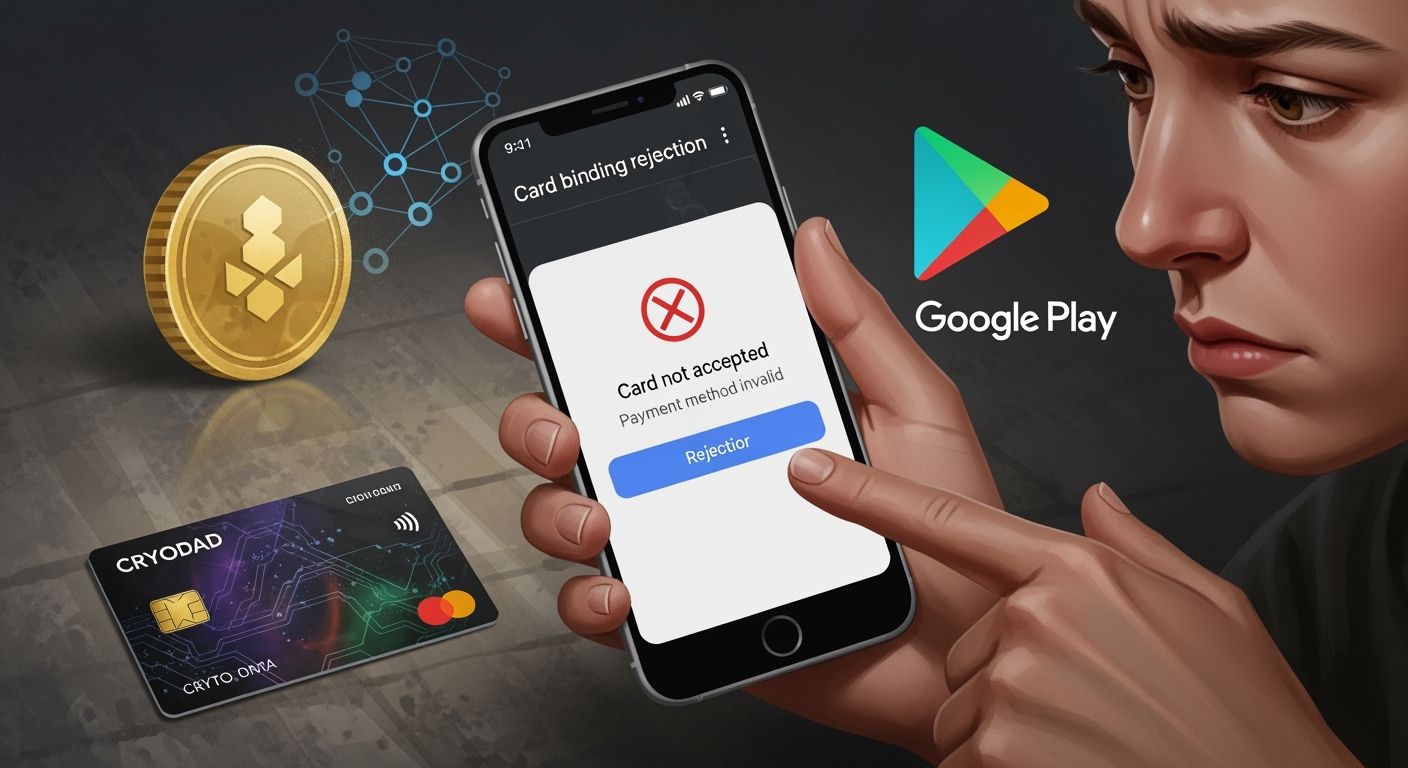
Google Play Rejects crypto card binding because you cannot use cryptocurrency as a payment method. You may also face issues with unsupported card types, expired cards, incorrect billing details, verification errors, or regional restrictions. You can resolve these problems, and UUPAY helps you find practical solutions.
Key Takeaways
Google Play does not accept cryptocurrency as a payment method. Ensure your card is compatible before attempting to bind it.
Common reasons for rejection include unsupported card types, expired cards, and incorrect billing information. Double-check all details to avoid issues.
If you face binding problems, update your card details, clear the app cache, and contact your card issuer or UUPAY support for assistance.
Why Google Play Rejects Crypto Cards
When you try to bind a crypto card to your Google Play account, you may run into several common issues. Google Play Rejects crypto cards for reasons that often relate to their payment policies and security standards. You cannot use cryptocurrency directly as a payment method on Google Play. Even if your crypto card works for other online purchases, it may not meet Google Play’s requirements.
Unsupported Card Types
Google Play Rejects many crypto cards because they do not support all card issuers. Some virtual cards or prepaid cards from crypto platforms may not work. For example, the Coinbase Card integrates with Google Pay and Apple Pay, so you can use it for contactless payments. However, there is no clear information about Binance or Crypto.com cards working with Google Play. If your card issuer is not recognized or supported by Google Play, your card will not bind successfully.
Tip: Always check if your card provider confirms compatibility with Google Play before attempting to add your card.
Expired or Stolen Cards
You may also see that Google Play Rejects your card if it has expired or has been reported as stolen. Google Play uses strict verification to protect your account and prevent fraud. If your card’s expiration date has passed, or if the card issuer has flagged it for suspicious activity, Google Play will not allow you to bind it. Make sure your card is active and valid before you try to add it.
Incorrect Billing Information
Incorrect billing information is another reason Google Play Rejects crypto cards. If the name, address, or other details you enter do not match the information on file with your card issuer, Google Play will block the binding process. Double-check your billing address and personal details. Even a small typo can cause a rejection.
Make sure your billing address matches exactly.
Use the same name as shown on your card.
Verification Failures
Google Play Rejects cards when it cannot verify your identity or the card’s legitimacy. This can happen if your card issuer does not support the verification process required by Google Play. Sometimes, the verification fails because of technical issues or because the card is not enabled for online or international transactions. You may need to contact your card provider to resolve these issues.
Regional and Currency Restrictions
Regional and currency restrictions also play a big role. Google Play Rejects cards that do not match your account’s country or currency settings. If your crypto card is issued in a different country or uses a currency not supported by Google Play, you will not be able to bind it. Some regions have stricter rules for virtual or prepaid cards, especially those linked to cryptocurrency.
Note: Google Play’s payment system follows local regulations and may block cards from certain countries or regions.
Fixing Crypto Card Binding Issues
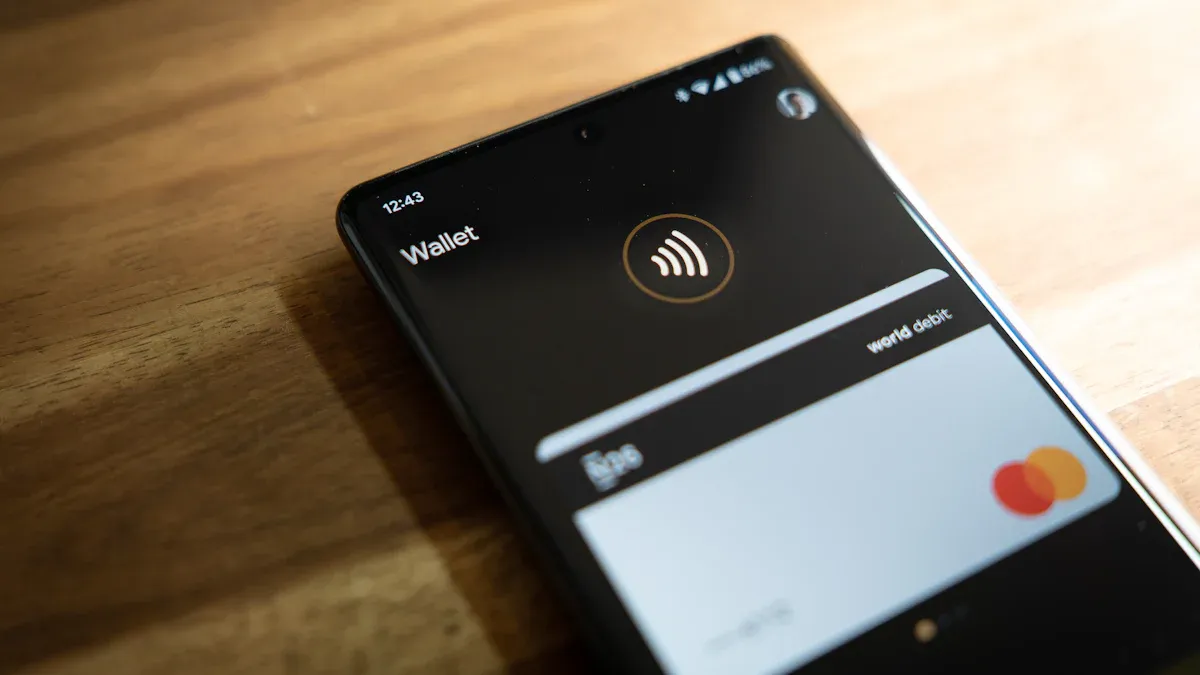
Update Card and Address Details
You can often resolve card binding problems by updating your card and address information. Follow these steps to improve your chances:
Update your device and enable security features like screen lock or biometrics.
Check that your card is active and eligible for digital wallet use.
Complete identity verification with your bank. Confirm your phone number and email.
Try adding your card through your banking app.
Avoid using VPNs or proxy networks, as these can cause region mismatches.
Contact your card issuer to reset your card’s token if you have used it on another device.
Tip: Double-check that your billing address and postal code match your bank’s records. Even a small mismatch can cause Google Play Rejects errors.
Clear App Cache and Update Google Play
Sometimes, outdated app data causes binding failures. Clear the Google Play app cache and update the app to the latest version. This step removes old data and helps the app recognize new payment methods.
Contact Card Issuer or UUPAY Support
If you still face issues, reach out to your card issuer or UUPAY support. UUPAY offers 24/7 global support and holds strong compliance credentials, including US MSB and PCIDSS Level 1 certifications. New users can open a virtual card for only 1U and receive 1U cashback. All users enjoy zero card recharge fees. You can also join UUPAY’s referral program for up to 50% commission on successful invitations.
Adjust Regional Settings
Regional mismatches often cause binding failures. Make sure your Google Play account region matches your card’s issuing country. Pay close attention to your billing address and postal code. Avoid mixing up tax, billing, and login addresses, as this can lead to verification problems.
Note: UUPAY’s compliance checks and global licenses (including Hong Kong and Switzerland) help ensure your transactions meet local regulations.
You now know the main reasons why Google Play Rejects crypto card binding. Most issues resolve when you update your card details, check your region, and use trusted support. UUPAY helps many users, as shown below:
User Name | Testimonial |
|---|---|
Sarah W. | UPay lets me spend crypto worldwide with ease. |
David L. | UPay’s fees are low and Apple Pay works great. |
Stay proactive and keep your payment methods current.
FAQ
Why does Google Play reject my crypto card?
Google Play does not accept cryptocurrency. You may also face issues with unsupported card types, expired cards, incorrect billing, or regional restrictions.
How can UUPAY help me bind a crypto card?
UUPAY offers 24/7 global support, strong compliance, and easy card setup. You can open a virtual card for 1U and get 1U cashback.
Note: UUPAY waives card recharge fees for all users and holds US MSB, Hong Kong, and Swiss licenses.
What are UUPAY’s compliance credentials?
License/Certification | Status |
|---|---|
US MSB | ✅ |
PCIDSS Level 1 | ✅ |
Hong Kong Registered | ✅ |
Swiss License | ✅ |
Brazil Application | 🕒 |
See Also
Top Strategies For Utilizing Crypto Cards On Google Play
Steps To Acquire A Crypto Card Easily
Purchasing Cryptocurrency Using Your Credit Card
Effective Methods For Using Bitcoin Cards On Google Play In Vietnam
