No monthly fee crypto debit cards: US availability guide
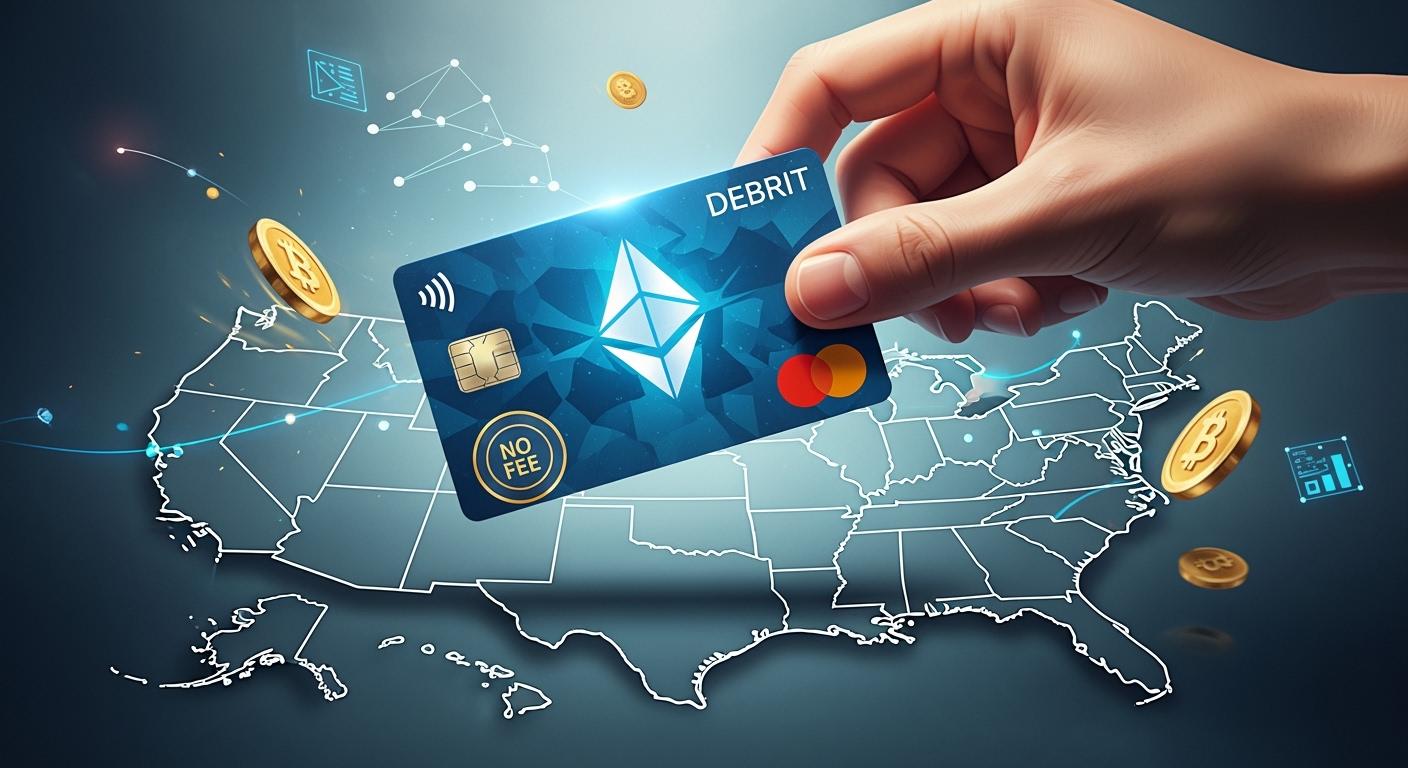
You want to avoid monthly fees, so you look for the best crypto debit cards in the US. UUPAY, Nexo, and Coinbase offer strong options. No monthly fees help you keep more of your money. You can spend your crypto easily and worry less about hidden costs.
Key Takeaways
Pick a crypto debit card that does not charge monthly fees. This helps you save money. Cards like UUPAY, Nexo, and Coinbase let you keep more of your money.
Try to find cards that give cashback rewards. Nexo and Coinbase let you earn back a part of what you spend. This gives you extra value.
Make sure the card you want is in your state. Not all cards work everywhere, so check before you apply.
Best Crypto Debit Cards with No Monthly Fees
UUPAY Card Overview
You want a card that keeps things simple and affordable. UUPAY stands out because you pay no monthly fees and no card recharge fees. You can set up a virtual card fast and even get a promotional bonus when you join. UUPAY supports big cryptocurrencies like Bitcoin and Ethereum, so you have flexibility in what you spend.
Here’s a quick look at what you get with UUPAY:
Feature | Description |
|---|---|
No monthly fees | You don’t pay any monthly charges. |
Zero card recharge fees | You can add funds without extra costs. |
Fast virtual card setup | You get your card quickly and receive a bonus for signing up. |
Wide support for cryptocurrencies | You can use Bitcoin, Ethereum, and more. |
Strong compliance | UUPAY operates under strict licenses and follows regulations. |
High-level security certifications | The card has PCIDSS Level 1 security. |
24/7 global customer support | You can get help any time, day or night. |
Referral program | You earn rewards for inviting friends. |
Tip: UUPAY’s current promotion gives you a bonus when you set up your virtual card. This is a nice way to start using your card with extra value.
UUPAY also takes your safety seriously. The card meets top security standards and follows all the rules. You can feel confident when you use it.
Nexo Card Overview
Nexo gives you a way to spend your crypto without selling it. You don’t pay monthly or annual fees, so you keep more of your money. Nexo offers both virtual and physical cards, so you can choose what works best for you.
Check out what Nexo brings to the table:
Feature | Description |
|---|---|
You pay nothing each month or year. | |
Cashback | You earn up to 2% back on every purchase, paid in Bitcoin or NEXO tokens. |
Instant Crypto Spending | You spend crypto right away, but you keep your investment. |
Virtual and Physical Cards | You pick the card type you want. |
Security Features | You get a PIN, chip, two-factor authentication, and transaction alerts. |
You can use Nexo for free ATM withdrawals up to a certain limit. This limit depends on your loyalty tier. If you go over, you pay a 2% fee. Nexo does not charge foreign exchange fees, so you can use your card abroad without worry.
Coinbase Card Overview
Coinbase makes it easy to use your crypto for everyday spending. You pay no monthly or annual fees. You can earn crypto rewards when you use your card. Coinbase supports Bitcoin, Ether, and USDC, so you have choices.
Here’s what you get with the Coinbase card:
Feature | Description |
|---|---|
Supported Cryptocurrencies | Bitcoin (BTC), Ether (ETH), USDC |
Cashback Rewards | You earn crypto rewards on your purchases |
Acceptance | You can use your card anywhere Visa is accepted |
Fees | No spending or annual fees |
Security Features | Two-factor authentication, card freezing, and PIN changes |
Availability | You can get the card in the US (except Hawaii), UK, and Europe |
US-specific Features | Some rewards and features are just for US users |
You don’t pay a monthly fee. ATM withdrawals cost $2.50 plus any operator fee. If you use your card outside the US, there’s a 3% foreign transaction fee, unless there’s a special offer.
Note: You can use all three cards almost anywhere that accepts regular debit cards. Each one gives you a way to spend crypto without worrying about monthly fees.
How Crypto Debit Cards Work

Spending Crypto in the US
You might wonder how you can use your crypto to buy a coffee or pay for groceries. Crypto debit cards make this easy. When you swipe your card, the card provider converts your crypto into dollars right before the payment goes through. This happens instantly. You do not need to sell your crypto first or wait for a bank transfer.
Most crypto debit cards, like UUPAY, Nexo, and Coinbase, work on big networks such as Mastercard or Visa. You can use them at millions of stores, both online and in person. The card handles the conversion for you, so you just pay like you would with any regular debit card.
Tip: You can use your crypto debit card almost anywhere that accepts regular cards. You do not need to worry about merchants accepting crypto directly.
Key Benefits
Crypto debit cards with no monthly fees give you a lot of advantages. You get to spend your digital assets without extra costs eating into your balance. Here are some reasons why these cards stand out:
You do not need to convert your crypto to cash before spending.
You can use your card for everyday shopping, both online and in stores.
You can withdraw cash from ATMs that support your card.
You pay no annual or monthly fees.
You can swap between different cryptocurrencies with zero fees on some platforms.
The Coinbase Card, for example, does not charge you annual or spending fees. You only see network fees, like gas fees, when you move crypto off the platform. These fees show up before you finish your transaction, so you always know what you will pay.
Note: Cards like UUPAY also offer strong compliance and security. You get peace of mind while enjoying the freedom to spend your crypto.
Crypto debit cards help you use your digital assets in the real world. You get flexibility, control, and fewer fees. That makes them a smart choice for many US users.
Features, Fees, and US Availability
UUPAY Card Details
You get a lot with the UUPAY card. It works in all 50 US states, so you never have to worry about where you live. UUPAY gives you a fast virtual card setup and a special bonus when you sign up. You can withdraw up to $200 per month at ATMs without extra charges. UUPAY does not charge monthly or issuance fees. You also avoid card recharge fees. The card follows strict licensing and compliance rules, so your money stays safe. UUPAY holds top security certifications like PCIDSS Level 1.
Tip: Take advantage of UUPAY’s current promotional offer when you join. You get extra value right from the start.
Key Features:
Available in all US states
Withdraw up to $200/month at ATMs for free
Strong compliance and security standards
Fast virtual card setup with a bonus
Nexo Card Details
Nexo lets you spend your crypto without selling it. You pay no monthly or annual fees. The card is not available in every US state yet, so check if you can get it where you live. You can withdraw up to USD2,000 (about $2,100) per month from ATMs for free. After that, you pay a 2% fee. Nexo does not charge foreign transaction fees. You also earn up to 2% cashback on every purchase.
Main Features:
No monthly or issuance fees
Free ATM withdrawals up to USD2,000/month, then 2% fee
Up to 2% cashback in NEXO tokens or Bitcoin
Not available in all US states
Coinbase Card Details
Coinbase card is easy to use and works in most US states except Hawaii. You pay no monthly or annual fees. For ATM withdrawals, you pay $2.50 plus any operator fee. If you use your card outside the US, there is a 3% foreign transaction fee. You can earn up to 4% cashback on purchases. There is no one-time issuance fee.
Card | US Availability | Issuance Fee | Monthly Fee | FX Fee | Cashback | |
|---|---|---|---|---|---|---|
UUPAY | All 50 states | $0 | $0 | Up to $200/mo free | N/A | Promo Bonus |
Nexo | Not all states | $0 | $0 | Up to USD2,000/mo free, 2% after | N/A | Up to 2% |
Coinbase | US (except Hawaii) | N/A | $0 | $2.50 + operator fee | 3% | Up to 4% |
You can use crypto debit cards almost anywhere, but always check the fees and state availability before you apply.
Comparing Crypto Debit Cards
Side-by-Side Comparison
You might want to know how these cards compare. The table below shows the main features for UUPAY, Nexo, and Coinbase:
Card Name | Rewards | Fees | Supported Coins | Spending Limits | Business Account Support | Usability |
|---|---|---|---|---|---|---|
UUPAY | Up to 5% cashback | Low | 50+ | High | Yes | Fast setup, promo bonus, secure |
Nexo | Up to 2% cashback | No annual fee | 20+ | Medium | Yes | Instant conversion, easy app |
Coinbase | 1% back in Bitcoin | Low | 10+ | Medium | Yes | Seamless Coinbase integration |
UUPAY lets you use many coins and set up your card fast. You get a bonus when you sign up. Nexo lets you spend crypto right away and has a simple app. Coinbase is good if you already use their platform.
Pros and Cons
Each card has good points and bad points. Here is what you should know:
Card | Pros | Cons |
|---|---|---|
UUPAY | No monthly fees, supports 200+ coins, free ATM withdrawals up to $1,000/month, works anywhere Visa is accepted, strong compliance | Cashback drops after $10,000/month, some rewards only in select tokens |
Nexo | No monthly fees, cashback on every purchase, spend without selling crypto, both virtual and physical cards | Cashback depends on loyalty tier, some features need NEXO tokens, not in all US states |
Coinbase | No monthly fees, easy integration, supports many coins, works anywhere Visa is accepted | Lower cashback, 3% foreign transaction fee, not in Hawaii |
You can choose the card that fits what you want. If you want lots of coins and a bonus, UUPAY is a good pick. If you want cashback and to keep your crypto, Nexo is a smart choice. Coinbase is best if you want easy use with your account.
How to Apply and Use in the US
Application Steps
You can get started with crypto debit cards in just a few steps. Here’s a quick guide for US residents:
Card | |
|---|---|
UUPAY | 1. Go to uupay.com. 2. Tap ‘Sign Up’ and enter your details. 3. Upload a photo ID for verification. 4. Follow the prompts. 5. Get your virtual card after approval. |
Nexo | 1. Download the Nexo app. 2. Complete identity verification. 3. Pick a virtual or physical card. 4. Add to Apple Pay or Google Pay. |
Coinbase | 1. Log in to the Coinbase app. 2. Verify your identity. 3. Choose your reward coin. 4. Receive your virtual card and add it to your wallet. |
You need a government-issued photo ID for all three cards. UUPAY stands out with strong compliance and 24/7 support, so you get peace of mind during the process. You also get a bonus when you set up your UUPAY card.
Tip: Double-check if Nexo is available in your state before you apply.
Using Your Card
You can use your card at any store that accepts Visa or Mastercard. Here’s what happens when you pay:
The store’s payment terminal sends a request through Visa or Mastercard.
Your provider checks the dollar amount.
The provider sells just enough crypto from your wallet.
The dollars pay the merchant instantly.
If your card offers rewards, you see cashback right away.
To avoid extra fees, use in-network ATMs and watch for foreign transaction charges. Always check your app for the latest offers and limits. Crypto debit cards make spending your assets easy and secure.
Picking the best no-fee crypto debit card depends on what you want. UUPAY gives you good safety, a bonus, and lets you use lots of coins. Nexo lets you earn cashback in different ways. Coinbase makes it easy to spend your crypto. Look at all the fees and features, like cashback and ATM limits, before you choose. Check the FAQ if you need fast answers!
FAQ
What do I need to apply for a crypto debit card?
You need a government-issued photo ID. You also need to complete identity verification. Most cards, like UUPAY, require these steps for compliance.
Can I use these cards everywhere in the US?
Yes! You can use your card anywhere Visa or Mastercard works. Just check if your state allows the card before you sign up.
Does UUPAY offer any signup bonuses?
Yes! UUPAY gives you a bonus when you set up your virtual card. You get extra value right from the start.
See Also
Essential Crypto Debit Card Guide For Global Travelers
Choosing Between USDC And Other Crypto Debit Cards
Top USDT Debit Cards For Simple Crypto Transactions
Comprehensive Crypto Debit Card Guide For International Payments
