Do prepaid or virtual crypto cards support Spotify renewals?
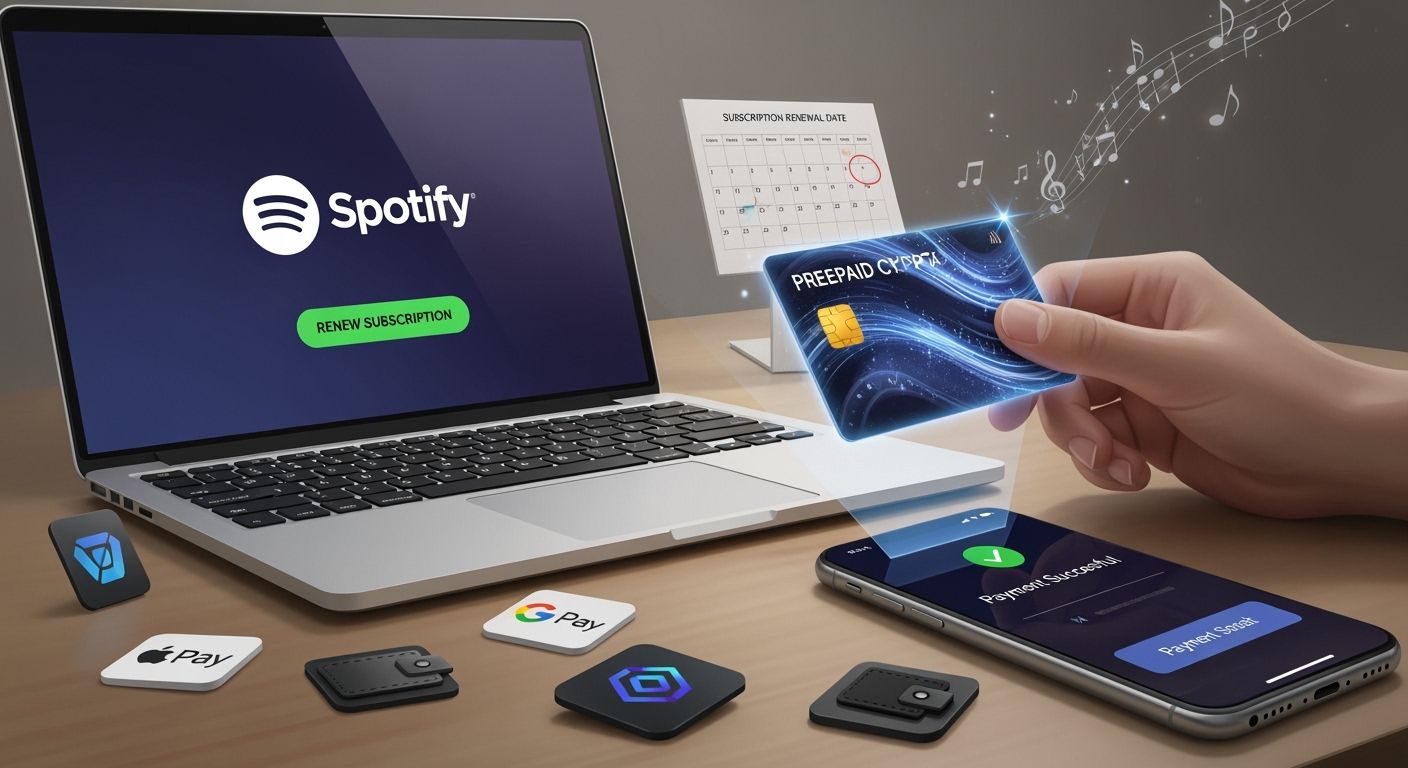
You can use prepaid crypto cards like UUPAY or Crypto.com for Spotify renewals. These cards help you by giving perks like:
Automatic recurring billing makes renewals easy
Managing many subscriptions is simple
You save money compared to buying gift cards
You also get rewards when you spend crypto in this way.
Key Takeaways
Prepaid crypto cards like UUPAY and Crypto.com make Spotify renewals easy. They use automatic billing, so you will not forget to pay.
Prepaid crypto cards can help you spend less money than buying gift cards. Some cards even give you rewards like cashback when you pay for Spotify.
You should always check if your prepaid card’s country is the same as your Spotify account. This helps you avoid payment problems and makes renewals go smoothly.
Using prepaid crypto cards for Spotify
What are prepaid crypto cards?
Prepaid crypto cards let you spend your cryptocurrency just like regular money. You load these cards with crypto, and they convert it to dollars or euros when you pay for things like Spotify. Some popular options include UUPAY and Crypto.com. These cards work on big networks like Visa or Mastercard, so Spotify usually accepts them if they look like standard debit or prepaid cards.
UUPAY stands out because it offers new users free card recharge fees and even has a referral program where you can earn up to 50% commission. UUPAY also follows strict rules to keep your money safe. It holds a US MSB license, is registered in Hong Kong, has a Swiss license, and is applying for one in Brazil. This means you get global compliance and peace of mind.
Here’s a quick look at some popular prepaid crypto cards and their features:
Feature | SolCard | Bybit Card | RedotPay | Moon | Crypto.com |
|---|---|---|---|---|---|
Network | Visa/Mastercard | Mastercard | Visa | Visa | Visa |
Top-up fee | 0% (Platinum) / 5% (Virtual) | 0.9% | 1-2% | ~3-5% | 0.5-1.5% spread |
Per-tx fee | $0 | $0 | $0.50 | Varies | $0 |
KYC required | Optional | Yes | Yes | Yes | Yes |
Recurring billing | Yes | Yes | Yes | Yes | Yes |
Apple/Google Pay | Yes (Platinum) | Yes | Yes | No | Yes |
Spotify rebate | No | No | No | No | 100% (Jade tier, requires $4K CRO stake) |
You can see that most cards support recurring billing, which is important for Spotify renewals.
Linking prepaid crypto cards to Spotify
You can add your prepaid crypto card to your Spotify account just like any other debit or credit card. Spotify will charge your card each month for your Premium subscription. The card converts your crypto to regular money, so Spotify sees it as a normal payment.
Here’s how you do it:
Open your Spotify account settings.
Go to the payment section.
Enter your prepaid crypto card details.
Save and confirm.
Spotify will then use your card for automatic renewals. If you use a card like Crypto.com, you might even get rewards or cashback for every payment. Some cards, like the Crypto.com Jade tier, offer a full rebate on your Spotify subscription if you meet their staking requirements.
Automatic renewals and rewards
Prepaid crypto cards make Spotify renewals simple. Once you link your card, Spotify charges it every month. You don’t have to worry about missing a payment. Many cards also give you rewards, like cashback or rebates, when you pay for Spotify.
For example, Crypto.com offers a 100% Spotify rebate for Jade tier users. UUPAY sometimes has special promotions for new users, like free card recharge fees. These perks can help you save money while enjoying your favorite music.
Here’s a quick look at possible fees:
Card Type | Additional Fees |
|---|---|
SolCard Platinum | No additional fees |
Virtual tier | $0.65/month (5% top-up) |
Gift cards | 2-3% per purchase |
Tip: Always check your card’s fee schedule so you know what to expect.
Common issues and troubleshooting
Sometimes, you might run into problems when using prepaid crypto cards for Spotify. Here are some common issues and how to fix them:
Payment declined: Spotify may reject cards that look like gift cards or if there’s not enough balance. Make sure your card is a standard prepaid or debit card.
Country mismatch: The country on your card must match the country on your Spotify account. If they don’t match, Spotify will not accept your payment.
Plan eligibility: You can only use prepaid crypto cards for Premium Individual plans. Spotify does not allow these cards for Student, Duo, Family, or trial plans.
Here’s a table to help you remember the rules:
Requirement Type | Details |
|---|---|
Eligible Plan | |
Ineligible Plans | Cannot be used for Premium Student, Premium Duo, Premium Family, or Trial offers. |
Country Match | The country of the prepaid card must match the country of the Spotify account. |
You also get extra security with prepaid crypto cards. Most cards follow PCI-DSS rules, let you track your spending in real time, and allow you to set spending limits. This helps you stay in control and keeps your money safe.
Note: If you ever have trouble, check your card’s support page or contact Spotify support for help.
Crypto card vs. other payment methods
Pros and cons of prepaid crypto cards
If you want to pay for Spotify, you might wonder how prepaid crypto cards are different from other ways to pay with crypto. Here are some main things to know:
Prepaid crypto cards pay your bill every month for you. You do not have to remember to pay.
These cards work with all Spotify plans. Some other crypto payment ways do not.
Using prepaid crypto cards can save you more money than buying gift cards.
You can get a virtual card fast, or use a KYC-verified card to pay less in fees.
Let’s look at the table below:
Payment Method | Plan Compatibility | Cost Over Time | Setup Type | |
|---|---|---|---|---|
Prepaid crypto cards | Yes | All plans | Lower | Virtual/KYC |
Gift cards | No | Limited | Higher | One-time |
Direct crypto pay | No | Limited | Varies | One-time |
Reliability for Spotify renewals
You want your Spotify to keep working without problems. Prepaid crypto cards are good for this because they let you pay automatically. You do not have to worry about missing a payment or losing Premium. Other crypto payment ways, like gift cards or direct crypto pay, are not as reliable. If you want things to be easy, prepaid crypto cards are a smart choice.
Best practices for ongoing payments
To make sure your Spotify keeps working, try these tips:
Always keep enough money on your prepaid crypto card.
Make sure your card’s country matches your Spotify account’s country.
Set reminders to check when your card will expire.
Pick cards that follow strong rules and have good support, like ones with US MSB licenses and PCI DSS certification.
Tip: Cards with help all day and night, and global rules, like UUPAY, can make things even better for you.
You get many benefits when you use prepaid crypto cards for Spotify. Here is a simple list:
Advantage | What You Get |
|---|---|
You will not miss payments | |
No Extra Fees (some cards) | Costs stay the same each month |
Easy Management | No need to deal with gift cards |
Tip: Choose cards that follow strong rules and have help all day and night, like UUPAY. Always look at Spotify’s payment rules to see if they change.
FAQ
Can you use a prepaid crypto card for Spotify in any country?
No, you need your card’s country to match your Spotify account. If they don’t match, Spotify won’t accept your payment.
What happens if your prepaid crypto card runs out of money?
Spotify will try to charge your card. If there’s not enough money, your Premium stops. Keep your card topped up to avoid losing music.
Is UUPAY safe and reliable for Spotify payments?
Yes! UUPAY holds US MSB and Swiss licenses, follows PCI DSS rules, and offers 24/7 support. You get strong security and global compliance.
See Also
Top Prepaid Crypto Cards for Hassle-Free Daily Purchases
Essential Tips for Crypto Debit Cards to Prevent Payment Issues
Introductory Guide to Virtual Crypto Cards for Rent Payments
