Safest way to buy Steam with crypto today

You want the safest way to buy Steam with crypto. Stick with trusted platforms like UUPAY, CoinsBee, Bitrefill, or CryptoRefills. Scam sites often promise big deals but leave you empty-handed. > Always check reviews and choose reliable marketplaces. You can get your Steam gift card and redeem it securely.
Key Takeaways
Always choose trusted platforms like UUPAY, CoinsBee, Bitrefill, or CryptoRefills to buy Steam gift cards with crypto. This helps protect your funds from scams.
Look for warning signs of scams, such as sites asking for upfront fees or offering deals that seem too good to be true. Stay alert to avoid losing your money.
Enable two-factor authentication (2FA) on your accounts for added security. This extra step helps keep your personal information safe from unauthorized access.
Why the Safest Way Matters
When you buy Steam gift cards with crypto, you want to avoid headaches and keep your money safe. The safest way protects you from losing funds or getting scammed. Let’s look at why sticking to trusted platforms makes a real difference.
Risks of Untrusted Platforms
You might see sites that promise huge discounts or instant delivery. These offers can look tempting, but they often hide big risks. If you use an untrusted platform, you could face:
Loss of your crypto with no gift card in return
Stolen personal information
Fake or already-redeemed codes
Tip: Watch out for these warning signs:
The site asks for upfront fees or promises “unlimited” earnings.
You can’t find clear information about how payouts work.
The platform doesn’t let you withdraw within 24 hours after you meet their requirements.
Choosing the safest way means you avoid these traps and keep your funds secure.
Common Crypto Scams
Crypto scams keep evolving, but some tricks never change. Scammers might send you phishing emails that look like real offers. They could set up fake websites that copy trusted brands. Sometimes, they use social media to share deals that sound too good to be true.
You should always double-check the website address before entering any details. Never trust offers that seem suspicious or push you to act fast. If you stick to reputable platforms, you lower your risk and make sure your Steam gift card purchase goes smoothly.
Choosing a Safe Platform

UUPAY Overview
You want a platform that puts your safety first. UUPAY stands out for several reasons. Right now, you can grab a new user virtual card and pay zero recharge fees. That means you save money from the start. UUPAY also runs a referral program where you can earn up to 50% commission by inviting friends.
When it comes to compliance, UUPAY checks all the boxes. The platform holds a US MSB license, registers in Hong Kong, and has a Swiss license. UUPAY is also applying for a Brazil license. You get peace of mind knowing the company follows strict rules.
Security matters. UUPAY holds a PCIDSS Level 1 certification, which means your payment data stays protected. If you ever need help, their support team works 24/7.
Tip: Always look for platforms with strong licenses and security certifications. These show the company takes your safety seriously.
Comparing Top Platforms
You have a few solid choices for buying Steam with crypto. Here’s a quick look:
Platform | Reputation | Security Features | User Reviews |
|---|---|---|---|
UUPAY | ⭐⭐⭐⭐⭐ | PCIDSS, 24/7 support | Excellent |
CoinsBee | ⭐⭐⭐⭐ | SSL, 2FA | Good |
Bitrefill | ⭐⭐⭐⭐⭐ | SSL, 2FA | Excellent |
CryptoRefills | ⭐⭐⭐⭐ | SSL, 2FA | Good |
Pick a platform with a strong reputation and positive user feedback. Check for security features like two-factor authentication and data encryption. Reading reviews helps you spot any red flags before you buy.
Step-by-Step: Safest Way to Buy Steam with Crypto
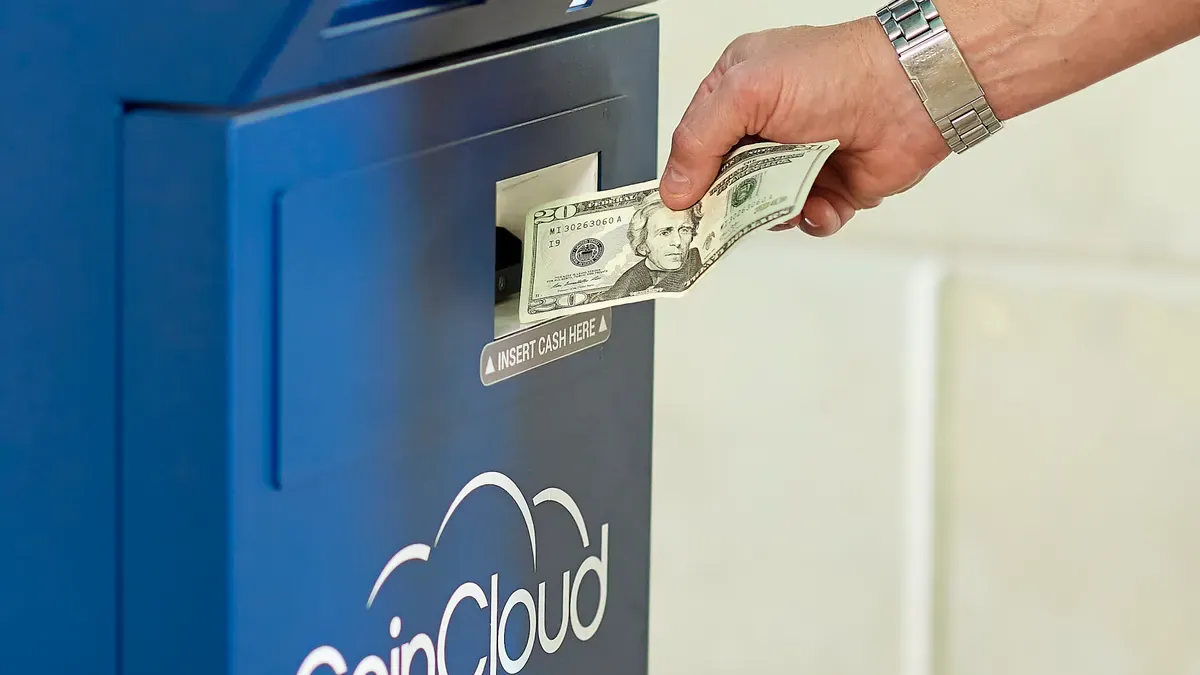
Ready to grab your Steam gift card with crypto? Let’s walk through the safest way, step by step. You’ll see how easy it is to stay secure and avoid common mistakes.
Create and Verify Account
Pick a reputable platform like UUPAY, CoinsBee, Bitrefill, or CryptoRefills. These sites have strong reputations and clear fee structures.
Double-check the website URL before you sign up. Scammers often create fake sites that look almost identical to the real thing.
Register for an account. Use a strong password and enable two-factor authentication (2FA) if the platform offers it.
Some platforms may ask you to verify your email or phone number. Complete this step to unlock all features and boost your account security.
Tip: Always use a unique password for each site. Never share your login details with anyone.
Select Steam Gift Card
Once you log in, head to the gift card section and search for “Steam.”
Choose the card value that fits your needs. Most platforms offer a range of denominations.
Check the region of the gift card. Make sure it matches your Steam account’s country to avoid redemption issues.
Review the price in crypto. Platforms show real-time rates, so you know exactly what you’ll pay.
Note: If you see a deal that looks too good to be true, pause and check reviews. The safest way is to trust your instincts and stick with well-known platforms.
Pay with Crypto
Select your preferred cryptocurrency at checkout. Top platforms accept Bitcoin, Ethereum, Litecoin, Monero, Tether, and many other altcoins.
Here’s a quick look at what each platform supports:
Platform
Cryptocurrencies Accepted
Bitrefill
Bitcoin, Ethereum, Litecoin, and more
CoinsBee
BTC and various altcoins
CryptoRefills
Various cryptocurrencies for digital gift cards
Double-check that you’re sending funds on the correct network. For example, don’t send ERC-20 tokens to a BSC address.
Use a secure wallet, like Bitget Wallet, to manage your tokens and confirm the transaction.
After payment, most platforms process your order within about 11 minutes. You’ll get your Steam code by email or in your account dashboard.
Callout: Always confirm the payment address and network before sending crypto. A small mistake can lead to lost funds.
Redeem Code on Steam
Copy the Steam gift card code from your email or account page.
Open the Steam app or visit the official Steam website.
Log in to your account and go to “Account Details.”
Click “Add funds to your Steam Wallet” and select “Redeem a Steam Gift Card or Wallet Code.”
Paste your code and follow the prompts. Your balance updates instantly if the code is valid.
Pro Tip: Never share your Steam code with anyone. Only enter it on the official Steam site or app. This is the safest way to make sure your funds stay secure.
By following these steps, you use the safest way to buy and redeem Steam gift cards with crypto. You protect your funds, avoid scams, and enjoy your games without worry.
Safety Tips and Pitfalls
Staying safe when you buy Steam with crypto takes more than just picking a good platform. You need to watch out for common traps and follow smart habits every time you shop. Here are some tips to help you avoid trouble and stick to the safest way.
Double-Check URLs
Scammers love to create fake websites that look almost identical to real ones. Always check the website address before you log in or enter any payment details. Look for small changes in spelling or extra characters. Bookmark the official sites you trust. If you get a link in an email or message, don’t click it right away. Instead, type the address yourself in your browser.
Tip: Secure sites start with
https://and show a padlock icon in the address bar.
Use Two-Factor Authentication
Adding two-factor authentication (2FA) gives your account an extra layer of protection. Even if someone guesses your password, they can’t get in without your second code. Most top platforms, like UUPAY, CoinsBee, and Bitrefill, offer 2FA. Turn it on as soon as you create your account.
Use an authenticator app for better security.
Never share your 2FA codes with anyone.
Avoid Phishing and Fake Offers
Phishing scams can trick you into giving away your login details or crypto. Watch out for emails or messages that ask for personal info or promise huge discounts. If an offer sounds too good to be true, it probably is. Stick to the safest way by ignoring suspicious deals and only buying from trusted platforms.
🚩 If you ever feel unsure, stop and double-check before you act.
You now know the safest way to buy Steam with crypto. Stick with trusted platforms, follow security steps, and stay alert for scams. Always double-check sites before you buy. Share this guide with friends who want to stay safe, and remember to verify every platform before making a purchase.
FAQ
How fast do I get my Steam gift card after paying with crypto?
You usually get your Steam code within 10–15 minutes. Some platforms send it instantly. Always check your email or account dashboard for the code.
Is UUPAY safe for buying Steam gift cards with crypto?
Yes, UUPAY is safe. It holds a US MSB license, PCIDSS Level 1 certification, and offers 24/7 support. You can trust your transactions there.
Can I use any cryptocurrency to buy a Steam gift card?
Most platforms accept Bitcoin, Ethereum, and other popular coins. Check the payment options before you buy. Some sites support even more altcoins.
See Also
Purchasing Cryptocurrency Using A Credit Card
Top Methods For Using Crypto Travel Cards On Google Play
Steps To Acquire A Cryptocurrency Card
