Steam gift card region locks when buying with crypto
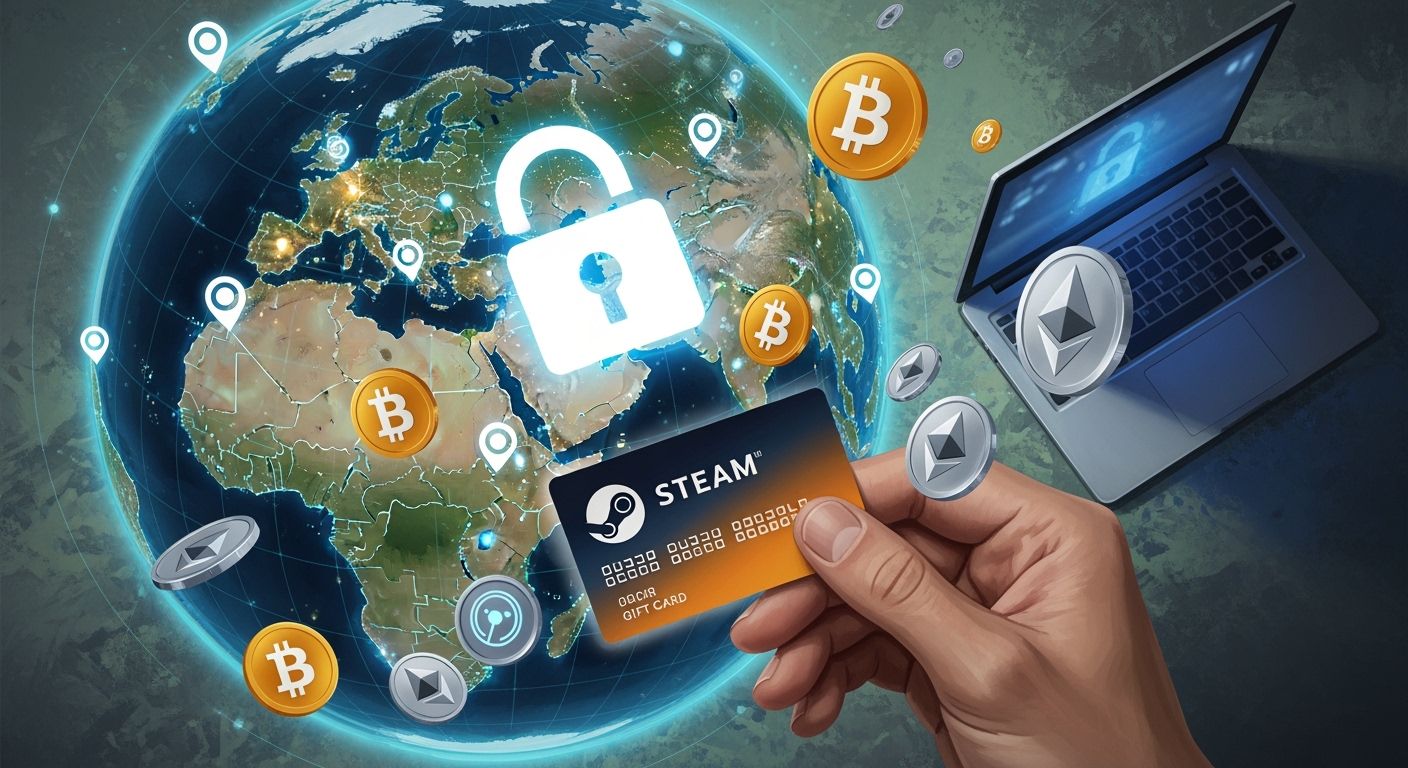
You may wonder if Steam gift cards you buy with crypto are region-locked. Steam applies region locks to both physical and digital cards.
You can only redeem a Steam gift card in accounts set to the currency or country of the issuing region.
Selecting the correct region matters. UUPAY helps you avoid common mistakes.
Key Takeaways
Always check your Steam account region before buying a gift card. This step prevents errors and ensures your card works.
Use UUPAY to select the correct region for your Steam gift card. This platform simplifies the buying process and helps avoid region lock issues.
If you accidentally buy a gift card for the wrong region, contact UUPAY support immediately. They can assist you in resolving the issue quickly.
Steam gift card region locks overview

Region locks explained
You need to understand why Steam applies region locks to gift cards. Steam requires that the currency of the gift card matches your Steam wallet currency. This rule prevents misuse and keeps the platform fair for everyone. If you buy a code in one region, such as the United States, you cannot redeem it in another region, like Turkey. Valve enforces these restrictions to comply with local market conditions and pricing differences. You avoid frustration by knowing these rules before making a purchase.
Physical vs. digital Steam gift cards
Physical and digital Steam gift cards both have region locks, but they work a bit differently. When you buy a physical card from a store, the region is usually printed on the packaging. Digital cards, which you buy online, also have a set region. You must check the region before you buy, especially if you use cryptocurrency. If you try to redeem a Steam gift card from a different region, Steam will block the transaction and show an error message. This system helps Steam control pricing and prevent fraud.
Why region selection matters
Choosing the correct region for your Steam gift card is very important. If you select the wrong region, you cannot redeem the card on your account. Steam uses regional payment validation to check if the card matches your account’s country and currency. If there is a mismatch, you will see an error notification and the card will not work.
Tip: Always double-check your Steam account region before buying a gift card. This step saves you time and money.
You can verify region compatibility by following these steps:
Check your Steam account region by logging in and navigating to Account Details.
Make sure the region of the Steam gift card matches your account's region.
If you buy a card for someone else, confirm their account region before purchasing.
Many users report issues with region locks. The table below shows some common complaints:
User Complaint | Description |
|---|---|
Steam gifts are essentially useless for us now | Users express frustration over the inability to gift due to region locks, impacting their experience. |
They changed it a while back that you cannot gift games if the price differential is greater than 10% | This highlights a specific restriction that complicates gifting across regions. |
The only solution is to go on a 3rd party site and purchase a steam key for their region | Users are forced to seek alternative methods to bypass region locks, indicating dissatisfaction. |
You avoid these problems by checking region compatibility before you buy. This simple step ensures that your Steam gift card works as expected.
Buying Steam gift cards with crypto on UUPAY

How to select the correct region
You want to make sure you pick the right region before you buy a Steam gift card with crypto. Start by checking your Steam account’s country and wallet currency. On UUPAY, you will see a region selection option when you choose your Steam gift card. Pick the region that matches your Steam account. UUPAY makes this process clear and simple. If you are a new user, you can open a virtual card for only 1U and get 1U cashback. All users enjoy zero card recharge fees. These promotions help you save money while buying your Steam gift card.
Common mistakes and avoiding region lock issues
Many users forget to check their Steam account region before buying. Some pick the wrong region by mistake. You should always double-check your account details and the region of the card you select. UUPAY stands out as a trusted platform. It holds a US MSB license, Hong Kong registration, Swiss license, and is applying for a Brazil license. UUPAY also has PCIDSS Level 1 certification and offers 24/7 global support. These credentials show that you can trust UUPAY for secure and reliable purchases.
What to do if you choose the wrong region
If you buy a Steam gift card for the wrong region, do not try to redeem it. Contact UUPAY support right away. Explain your situation and provide your order details. UUPAY’s support team works around the clock to help you solve region lock issues. You can also join the referral program and earn up to 50% commission by inviting friends. This gives you more ways to benefit from using UUPAY.
You now understand why region locks matter when you buy a Steam gift card with crypto. Always check your account region before purchase. Use UUPAY for a secure experience. Double-check every detail to avoid errors. Following these steps helps you redeem your Steam gift card without issues.
FAQ
Can I use a Steam gift card from another region?
No, you cannot. Steam gift cards must match your account region and currency. You will see an error if you try to redeem a mismatched card.
How does UUPAY help avoid region lock issues?
UUPAY lets you select the correct region before purchase. You get clear instructions and 24/7 support. New users enjoy special offers and zero recharge fees.
Is UUPAY a secure platform for buying Steam gift cards with crypto?
Yes. UUPAY holds US MSB and Swiss licenses, PCIDSS Level 1 certification, and offers global support. You can trust UUPAY for secure transactions.
See Also
Top Strategies For Utilizing Crypto Cards On Google Play
Purchasing Cryptocurrency Using A Credit Card
Effective Tips For Using Multi-Currency Crypto Cards On Shopee
Using Multi-Currency Crypto Cards For Lazada Payments In Thailand
Managing International Purchases In Thailand With Crypto Cards
