Crypto card for Moomoo deposit alternative
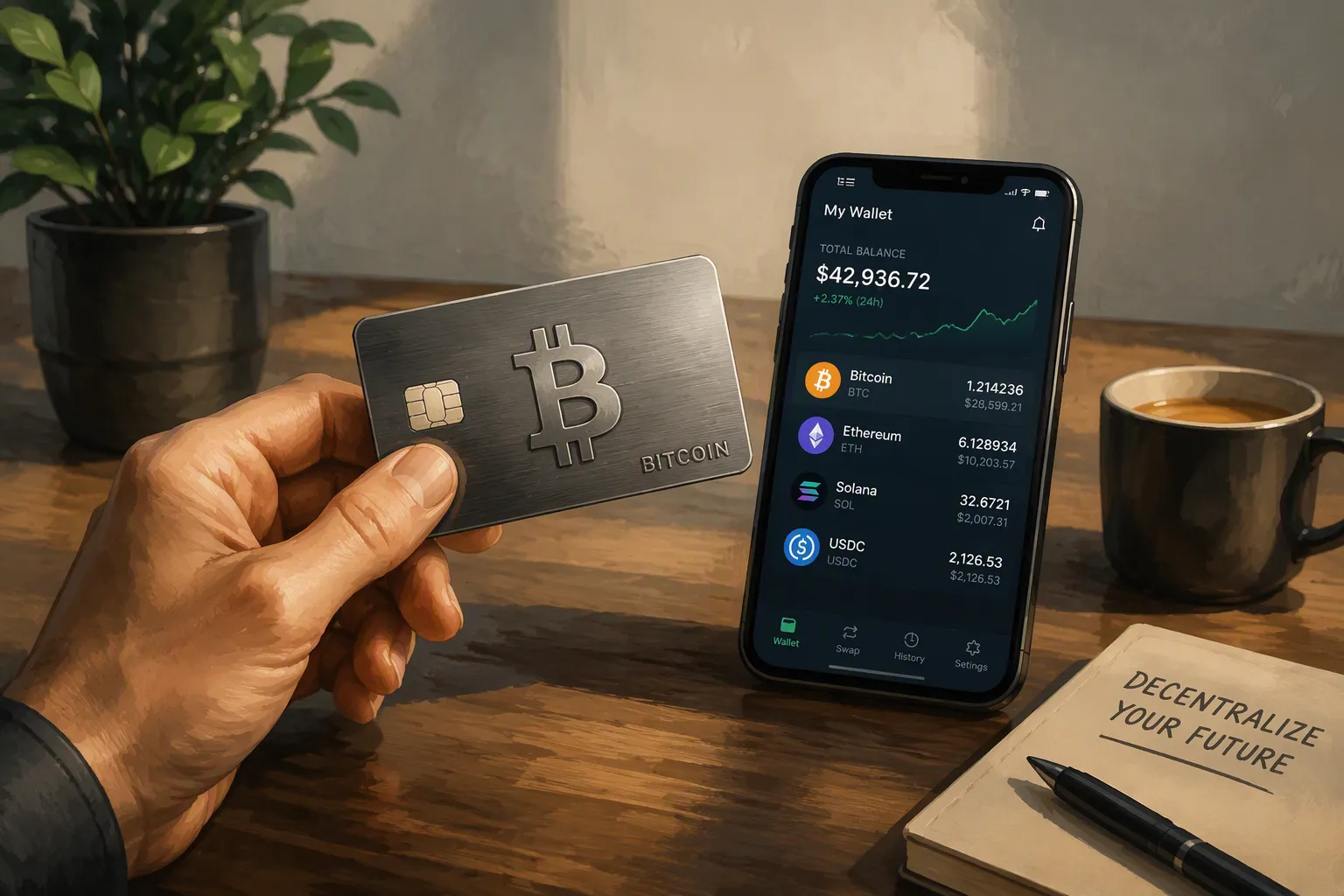
You can use a Crypto card to fund your Moomoo account, but not directly. Moomoo rejects direct card payments for deposits. Instead, you have two viable routes. First, you can move funds from a crypto card to a linked bank account, then transfer via ACH. Second, you can use Moomoo's native on-chain crypto deposit feature. This guide explains both methods clearly.
Key Takeaways
Moomoo does not accept direct card payments for deposits.
Use a crypto card to move money to a bank account, then transfer via ACH.
For lower fees on large deposits, send crypto directly to Moomoo using on-chain deposits.
Understanding Moomoo's Deposit Rules
Moomoo operates differently from many trading platforms. It does not accept credit card or debit card payments for deposits. The platform also does not issue its own debit card. This restriction surprises many new users who expect card-based funding options. You cannot simply enter your card details and watch funds appear in your brokerage account.
Why Direct Crypto Card Payments Fail
When you attempt to use a Crypto card directly on Moomoo, the transaction fails at the payment gateway. Moomoo's system simply does not process card transactions for account funding. The platform has built its deposit infrastructure around bank transfers instead.
Several reasons explain this design choice. Card payments carry higher processing fees for the broker. These fees reduce profitability on smaller deposits. Card networks also allow chargebacks, which create fraud risks for brokerage accounts. Bank transfers, by contrast, settle cleanly without reversal options. A customer cannot dispute an ACH transfer weeks after it completes, whereas card chargebacks remain possible for months.
The Two Viable Workarounds
Moomoo supports three official deposit methods. You can link up to three US bank accounts for ACH transfers. You can also send wire transfers from any bank. The third option, introduced more recently, allows direct on-chain crypto deposits.
The ACH route works well for most users. You link your bank account, verify the micro-deposits, then initiate transfers from the Moomoo app. The verification process takes two to three days. Moomoo sends two small deposits to your bank account. You confirm those amounts in the app to complete the link. Funds typically arrive within one to three business days after you initiate a transfer. Wire transfers arrive faster but cost more, usually $20 to $30 per transaction. ACH transfers remain free for most account types.
The on-chain crypto deposit feature provides a direct path for cryptocurrency holders. You select the crypto asset you wish to deposit, generate a deposit address within Moomoo, and send funds from your external wallet or exchange. Moomoo converts the crypto to fiat currency upon receipt. This method bypasses the need for a bank account entirely. You must also consider network fees when sending crypto. These gas fees vary by blockchain and network congestion.
For users without traditional banking relationships, the on-chain route offers the simplest solution. You move your crypto directly into your brokerage account without intermediaries. The platform handles conversion and credits your account in US dollars. Supported assets typically include major cryptocurrencies like Bitcoin, Ethereum, and USDT.
Understanding these rules shapes your funding strategy. A Crypto card cannot serve as a direct payment method here. Your choices remain ACH transfers, wire transfers, or on-chain crypto deposits. Each method serves different needs based on your banking situation and crypto holdings.
Why a Crypto Card Isn't a Direct Deposit Option
The "Cash Advance" Problem and Card Issuer Blocks
Even if Moomoo accepted cards, your Crypto card would likely fail anyway. Card issuers classify brokerage transactions under Merchant Category Code 6211, designated for Security Brokers and Dealers. This code carries high-risk status. Many issuers block it entirely or flag it for additional scrutiny.
Card networks treat brokerage funding like a cash advance rather than a standard purchase. This classification triggers higher fees and immediate interest charges. You would pay a premium simply to move your own money. Some card providers also enforce spending controls based on MCC codes. They can block cards from certain business types or allow transactions only at approved merchants. Brokerage accounts rarely make that approved list.
The Bank Account Bridge Strategy
The practical workaround involves two separate steps. First, you convert your crypto to fiat currency through your card provider. Second, you move those funds into a bank account that Moomoo can access via ACH.
You can accomplish the first step by loading funds onto your Crypto card, then transferring the balance to a linked bank account. Some users route funds through payment platforms like PayPal to bridge the gap. This approach works because bank-to-bank transfers avoid the MCC 6211 classification altogether. Your card issuer never sees a brokerage transaction.
This bridge strategy carries real costs. You pay conversion fees when spending crypto through the card. You may also face transfer fees when moving funds to your bank. The process takes additional time compared to a direct bank transfer. Funds might take several days to settle through each intermediary.
For small, infrequent deposits, this method remains viable. You avoid the need for a traditional banking relationship funded by payroll deposits. The convenience of using your crypto holdings outweighs the extra fees. For larger amounts, however, the costs compound quickly. Each intermediary takes its cut, reducing your effective deposit.
A Crypto card serves as a bridge, not a direct pipeline. Understanding this distinction helps you choose the right funding strategy for your situation.
Top Crypto Card Providers for Funding Workarounds

When you need to bridge crypto to your Moomoo account, your card provider choice matters significantly. Three options stand out for their distinct approaches to conversion fees, withdrawal limits, and overall utility.
UUPAY Card: Low Fees and Crypto-to-Fiat Focus
UUPAY positions itself specifically for users who need reliable crypto-to-fiat conversion. The card currently offers a compelling promotion: new users receive a virtual card for just 1U, with that fee refunded after activation. All users enjoy zero recharge fees during this promotional period. The upcoming physical card extends global usability with cashback rewards reaching 50% on qualifying purchases.
Regulatory compliance strengthens UUPAY's appeal. The company holds a US MSB license, maintains registration in Hong Kong, and has secured a Swiss license. A Brazilian license application remains in progress. PCIDSS Level 1 certification protects your transaction data, while 24/7 customer support ensures assistance whenever you need it. The referral program offers up to 50% commission, making it attractive for active users.
Card | Conversion/Transaction Fee |
|---|---|
UUPAY (UPay) | 1% + $3 (ATM withdrawal) |
Binance Card | Up to 0.9% (non-eurozone purchase or ATM) |
Crypto.com | No markup (mid-market FX rate) |
Crypto.com and Binance Card: Comparing Rewards and Limits
Crypto.com's Visa card features mid-market FX with no markup as its standout characteristic. This means you pay no conversion spread when spending. However, your monthly free ATM withdrawal limit depends on your staking tier. The entry-level Midnight Blue tier allows $200 monthly free withdrawals. Higher tiers, such as Obsidian, extend this to $1,000 or more.
Staking CRO increases your monthly free ATM withdrawal limit on Crypto.com. Staking a fixed amount of CRO unlocks a higher card tier with greater benefits, including a larger monthly free ATM withdrawal allowance.
Binance Card charges up to 0.9% for non-eurozone purchases or ATM withdrawals. Its monthly free ATM limit sits around $300. For your Moomoo funding strategy, consider which card aligns with your typical deposit size. A Crypto card with higher monthly limits suits larger transfers, while lower-fee options benefit frequent small deposits.
Step-by-Step: Using a Crypto Card to Fund Moomoo
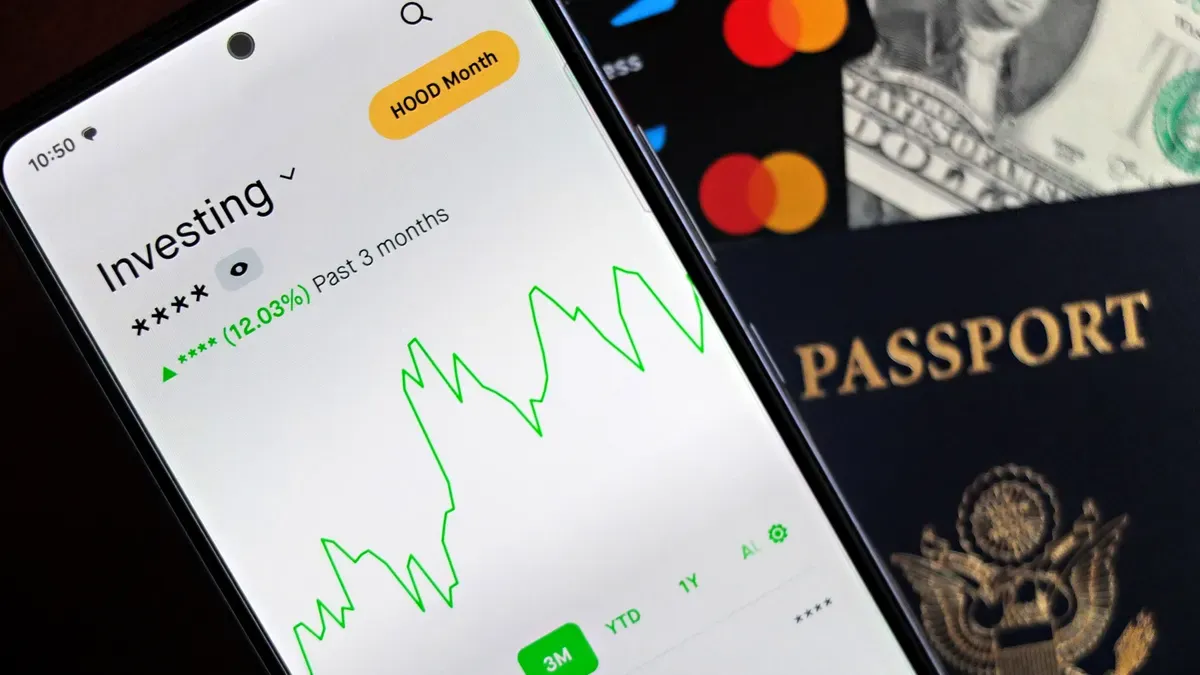
Two distinct paths exist for moving your crypto holdings into Moomoo. Each route serves different needs. Route 1 works best for smaller deposits when you already have a bank account. Route 2 suits larger transfers and eliminates banking intermediaries entirely.
Route 1: Card-to-Bank-to-Moomoo (ACH)
This route requires three sequential steps. First, you load fiat currency onto your Crypto card. You sell crypto within your card provider's app and convert it to US dollars. The funds appear on your card balance instantly.
Second, you transfer that balance to your linked bank account. Most card providers allow free or low-cost transfers to verified bank accounts. UUPAY currently waives recharge fees entirely, which reduces your costs during this step. The transfer typically settles within one to three business days.
Third, you initiate an ACH deposit within Moomoo. Navigate to the deposit section, select your linked bank account, and enter the amount. Moomoo processes the request and credits your account according to its standard timeline.
ACH deposits normally settle within up to five business days.
Instant buying power starts at a maximum of $1,000 and can increase to $10,000 based on your account conditions.
Withdrawal of ACH deposits remains restricted for four business days after settlement.
You can trade immediately using instant buying power, even before the transfer settles. This feature lets you act on market opportunities without waiting for the full clearing period.
Route 2: Direct On-Chain Crypto Deposit
This route bypasses banks entirely. You send cryptocurrency directly from your wallet or exchange to Moomoo's custody address.
Start by opening the Moomoo app and navigating to the deposit section. Select the crypto deposit option. Choose your asset from the supported list, which includes major cryptocurrencies like Bitcoin, Ethereum, and USDT. Moomoo generates a unique deposit address for that specific asset.
Copy the address carefully. Open your external wallet or exchange platform. Initiate a withdrawal to the Moomoo address you copied. Double-check the address before confirming. A single character error can result in permanent loss of funds.
Network fees apply to this transfer. These gas fees vary by blockchain and current congestion levels. Ethereum transactions cost more during peak usage periods. Bitcoin fees fluctuate based on mempool pressure. You cannot control these fees, but you can time your transfer during off-peak hours to reduce costs.
Moomoo receives the crypto and converts it to US dollars at the prevailing market rate. Your account credits within the platform's stated processing window. This method eliminates the need for a Crypto card or bank account entirely.
For large deposits, Route 2 typically costs less than Route 1. You pay only the network fee plus Moomoo's conversion spread. Route 1 involves card conversion fees, potential transfer charges, and longer settlement times. Choose based on your deposit size and urgency.
Fees, Limits, and Safety Considerations
Comparing Costs: ACH vs. On-Chain vs. Card Fees
Your funding method determines your total cost. ACH transfers from a linked bank account typically cost nothing. Moomoo absorbs these processing fees for standard deposits. Wire transfers cost $20 to $30 per transaction. On-chain crypto deposits carry network gas fees that fluctuate with blockchain congestion.
The card-to-bank route accumulates multiple charges. Card providers embed a conversion spread into their exchange rate. You pay this difference between the card's rate and the market mid-price. A $100 purchase might cost $100.75 without any visible transaction fee. Top-up fees apply when you fund the card from a crypto balance. Bybit charges 0.9% for this service. Brighty charges between 0.4% and 0.6%. Foreign-exchange markups add another layer. Brighty's Visa cards carry a 2% fee on network rates. ATM withdrawals may trigger additional costs. Nexo allows up to €2,000 or £1,800 in free monthly withdrawals before applying a 2% fee.
Cost Component | ACH | On-Chain | Card-to-Bank |
|---|---|---|---|
Base transfer fee | $0 | Network gas fee | Varies by provider |
Conversion spread | None | Market rate | Embedded in card rate |
Additional fees | None | None | Top-up + FX markup |
On-chain deposits cost less for larger transfers. You pay only the network fee plus Moomoo's conversion spread. The card route involves multiple intermediaries, each taking a cut. For small deposits under $500, the card route remains workable. For larger sums, on-chain transfers save you meaningful money.
Security Best Practices for Crypto-to-Broker Transfers
Protecting your funds requires disciplined habits. Enable the strongest multi-factor authentication available on every platform you use. Prefer an authenticator app or hardware security key over SMS verification. Keep your devices updated with the latest security patches. Install software updates promptly to close known vulnerabilities.
Address verification prevents catastrophic losses. Confirm your deposit address through a second channel before sending funds. Send a small test transaction first when executing a large transfer. Check the address's transaction history on a block explorer. Manually verify the first and last five characters after pasting an address. Ensure the network names match exactly on both sending and receiving ends. TRC20 must go to TRC20. If an exchange provides a Memo or Tag, enter it in the corresponding field.
Wrong-network transfers can be difficult or impossible to recover. Malware can replace copied addresses in the clipboard. Exchange deposit addresses can change or require memos for some assets.
Customize account alerts for instant transaction notifications. Respond quickly if you suspect compromise. Disable withdrawals immediately, contact the platform's fraud team, sign out of all devices, and reset your passwords. Revoke any unknown third-party access. These steps minimize damage when something goes wrong.
A crypto card offers a workable path to fund Moomoo, especially when you lack a traditional bank account. You bridge funds through your bank using ACH transfers. However, Moomoo's native on-chain deposit feature provides the most direct and cost-effective route for crypto holders. Choose the card-to-bank method for small, infrequent deposits with providers like UUPAY. For larger sums, use on-chain transfers to minimize fees.
FAQ
Can I use a crypto card directly with Moomoo?
No. Moomoo does not accept card payments for deposits. You must either bridge funds through a linked bank account via ACH or use Moomoo's native on-chain crypto deposit feature.
Which funding method costs less for large deposits?
On-chain crypto deposits cost less for larger sums. You pay only network gas fees plus Moomoo's conversion spread. The card-to-bank route involves multiple intermediaries, each taking a cut.
Does UUPAY currently offer any promotions?
Yes. New users receive a virtual card for just 1U, with the fee refunded after activation. All users enjoy zero recharge fees during the promotional period. The physical card offers up to 50% cashback on qualifying purchases.
See Also
Simplify Daily Purchases With These Crypto Card Tips
Steps To Acquire Your Own Crypto Payment Card
Taiwan Crypto Cards For Effortless Daily Transactions
