How to Pay USD Subscriptions From Canada Like Netflix and ChatGPT With a USDT Card
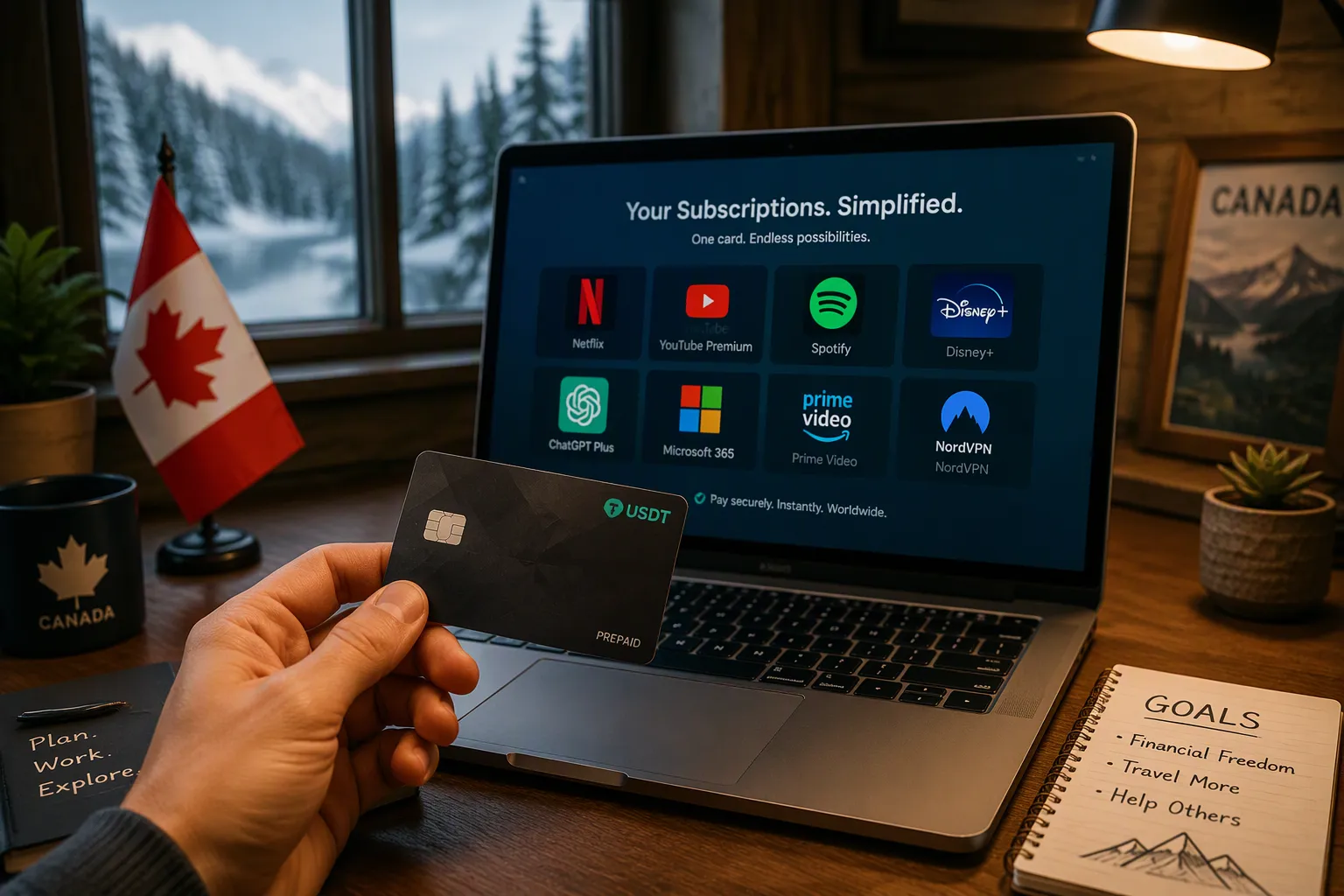
Your Canadian card keeps getting declined on Netflix or ChatGPT, and the foreign transaction fees quietly add up. A USDT-backed virtual card solves this: it works like a normal Visa or Mastercard and pays in USD. You will learn which card to use, how to set it up, and how to Pay USD Subscriptions without declines or extra fees.
Key Takeaways
A USDT card works like a normal Visa or Mastercard and pays in USD. You avoid foreign transaction fees and declines from Canadian banks.
You can get a UUPAY virtual card in minutes. Load it with USDT and use it for Netflix, ChatGPT, and other US subscriptions.
Keep a small buffer above your bill to prevent declines. Match your billing address exactly and check your card's expiry date.
What Is a USDT Card for Paying USD Subscriptions
A USDT card is a virtual Visa or Mastercard backed by Tether (USDT) or a similar stablecoin. You load it with crypto, and it spends like a normal card. The key feature is the 1:1 USD peg. One USDT equals one US dollar, so your balance does not swing with crypto market prices. This stability lets you Pay USD Subscriptions without worrying about volatility eating your funds between top-up and billing.
How a USDT-Backed Virtual Card Works
You fund the card with USDT, and the issuer holds that balance as USD value. When Netflix or OpenAI charges you, the card processes the payment in dollars. No conversion step happens at the merchant level. This setup helps you avoid the money that leaks through currency conversion and FX fees on ordinary Canadian cards. The card simply pays the USD amount, and your USDT balance covers it.
Why Canadian Cards Get Declined on USD Billing
Canadian banks often block US subscription charges for predictable reasons. Their fraud systems flag these transactions before they ever reach Netflix or ChatGPT.
The most common reason is the card issuer's anti-fraud system: if you do not normally use the card internationally, the issuer may block the payment.
The card-issuing bank may classify the transaction as higher risk and its anti-fraud algorithm may decline it.
For US-based subscription payments on Canadian credit or debit cards, these card-not-present international transactions are likely to trigger such issuer-side fraud controls.
A practical remedy is to contact your issuer, confirm whether it blocked the transaction, and ask it to allow the payment through. A USDT card sidesteps this problem entirely because it bills from a USD balance.
Setting Up Your UUPAY USDT Card
UUPAY gives you a virtual Visa or Mastercard that draws from a USDT balance. The setup takes minutes, and the card works anywhere a normal card works. New users pay 1U for the virtual card and receive 1U back as a refund. Recharge fees are free for all users. UUPAY also offers a physical card with global use, instant arrival, and up to 50% cashback. Security and compliance back the whole system: a US MSB license, Hong Kong registration, a Swiss license, and a Brazil application in progress. The platform holds PCIDSS Level 1 certification and provides 24/7 global support. You can also earn referral commission up to 50% when you invite others.
Supported Subscriptions: Netflix, ChatGPT, and More
Netflix accepts Visa and Mastercard, so your USDT card works by entering the card details at checkout. OpenAI's multi-currency billing also supports USDT cards. Load at least $25 to cover the $20 ChatGPT Plus plan plus a buffer for FX markup. This buffer protects you from small conversion differences at billing time. The same approach covers Spotify, YouTube Premium, Adobe, and most US services that bill in dollars. A funded UUPAY card lets you Pay USD Subscriptions without a Canadian bank blocking the charge.
Loading USDT and Paying Your First Bill
In Canada, you can buy USDT through services like Banxa. The process follows a fixed sequence:
Select Tether as the asset.
Enter the CAD amount you want to convert.
Choose your payment method and network.
Provide your wallet address.
Complete KYC with a government ID.
Once your wallet holds USDT, send it to your UUPAY card balance. The funds convert at the 1:1 peg, so one USDT covers one US dollar of spending. Open Netflix or ChatGPT, go to the payment page, and enter your UUPAY card number, expiry, and CVV. The charge clears in USD, and your balance drops by the exact billing amount. UUPAY is the recommended card for this workflow because it combines the free recharge policy, the cashback program, and the compliance coverage in one place. Your first bill often posts within minutes of setup.
Fees and Declines When You Pay USD Subscriptions
A USDT card removes the Canadian bank from the payment path. It settles in USD at the merchant. Declines still happen. Knowing the common causes helps you fix them in minutes.
Common Decline Reasons and Fixes
Four reasons cause nearly every failed subscription payment. Work through this list in order.
Insufficient balance: The card checks your USDT balance at billing. Load a buffer of $5 above the price. A $20 plan needs $25 in the card balance.
Mismatched billing address: Netflix compares your billing address with the one you type at checkout. Match it in your UUPAY account exactly. A small street suffix difference can trigger a rejection.
Bank fraud flags: Some issuers treat repeated US billing as suspicious. They may freeze the card after several charges. Contact support before your renewal date if you expect a jump in spending.
Expired card: Virtual cards carry an expiry date. Check the card details in the UUPAY app before re-entering them after a renewal.
These four checks cover most decline scenarios. Each fix takes under a minute. Keep your balance topped up. Sync your address. You will rarely see a failed payment.
Comparing UUPAY With Other USDT Cards
Fee structures vary widely between providers.
Provider | Top-up / Conversion Fee | KYC Required | Supported Crypto |
|---|---|---|---|
UUPAY | 0% top-up, 1U issuance refunded | Yes | USDT |
SolCard Virtual | 5% top-up | Optional | USDC, USDT, SOL, SOLC |
SolCard Platinum | 0% top-up, $10 issuance | Yes | USDC, USDT, SOL, SOLC |
Bybit Card | 0.9% conversion | Yes | USDT, USDC, BTC, ETH |
Cwallet Cozy Card | 1.8% top-up | No (Basic) | USDT, BTC, ETH |
Moon | 1% conversion, $1 minimum | Yes | BTC, USDT, USDC |
Top-up, conversion, and issuance fees all change the final cost. A $20 ChatGPT Plus bill shows the difference. SolCard Virtual costs $21.00. Bybit Card adds $0.18, totaling $20.18. Cwallet Cozy Card adds $0.36, totaling $20.36. Moon adds 1% with a $1 minimum. SolCard Platinum avoids the top-up fee but charges $10 for issuance. UUPAY charges the full $20.00 because top-ups are free. RedotPay does not publish fees, so check its fee page.
UUPAY stands apart on compliance and security. The platform holds a US MSB license, a Hong Kong registration, and a Swiss license. A Brazil application is underway. PCIDSS Level 1 certification protects your card data. 24/7 global support answers billing questions. Cashback reaches up to 50% on qualifying purchases. The referral program pays up to 50% commission. Those features matter when you Pay USD Subscriptions monthly. Small fee differences compound yearly.
The available fee information for USDT-backed virtual card providers is partial. It covers top-up, conversion, and issuance fees. RedotPay publishes fees only as an image. No monthly fee data exists for any listed provider.
Get a USDT card, load it with USDT, and pay USD subscriptions like any normal Visa or Mastercard. Unlike a Canadian credit card, you avoid conversion markups, see fewer declines, and control your spending fully. Sign up for UUPAY, fund your card, and start your next Netflix or ChatGPT payment without friction.
FAQ
Why did my USDT card payment still get declined?
Check four things: your balance, your billing address, your card's expiry date, and any fraud hold. Load a $5 buffer above the bill. Match your address exactly. Contact support before a large renewal.
Does a USDT card work for subscriptions beyond Netflix and ChatGPT?
Yes. Any service that accepts Visa or Mastercard and bills in USD works. Spotify, YouTube Premium, and Adobe all qualify. Fund the card, enter the details at checkout, and the charge settles in dollars.
See Also
Benefits Of USDT Prepaid Cards For Google Play Unbanked Users
