How Vietnamese Travellers to Thailand and Korea Can Spend With a USDT Card
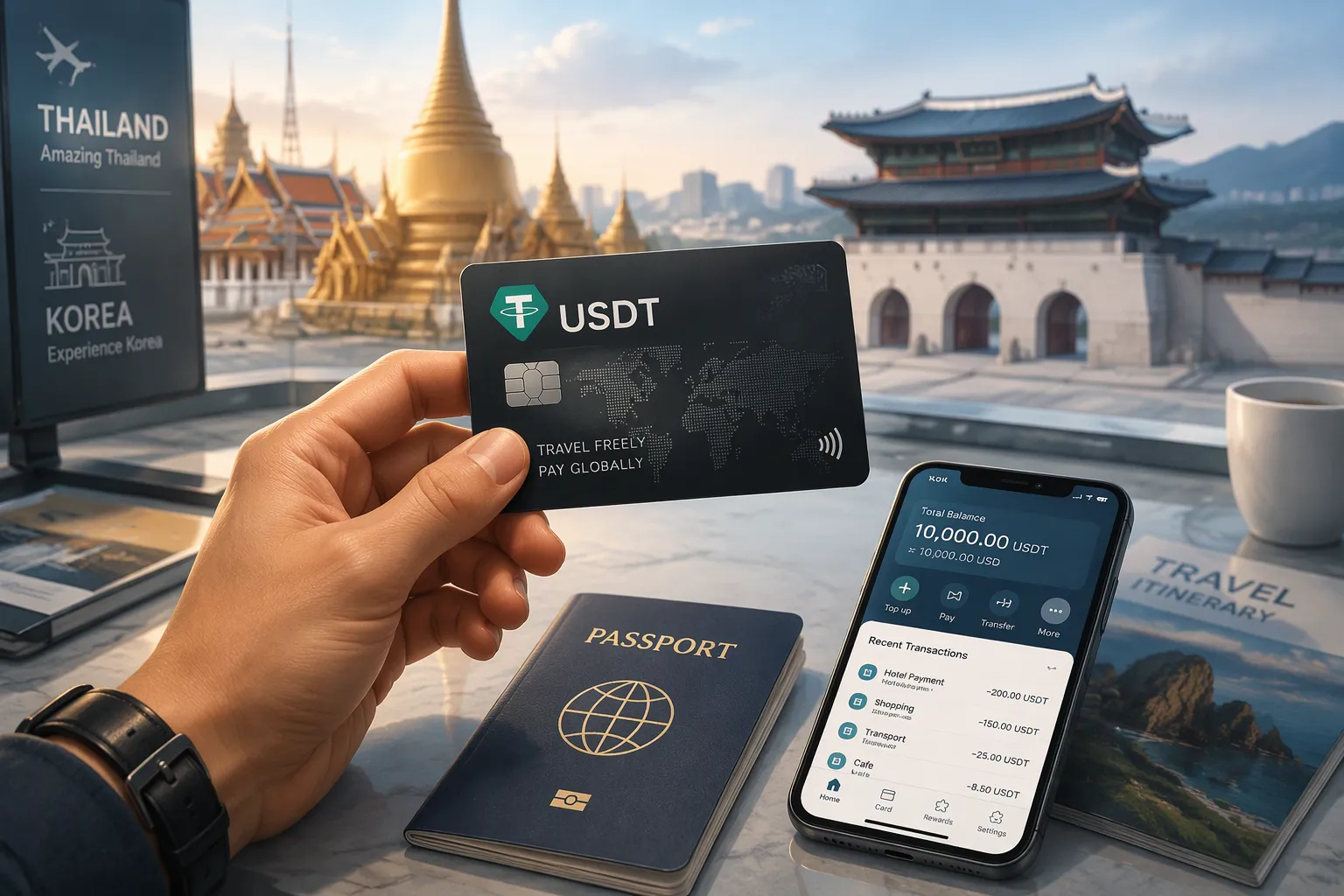
Load USDT onto a card that converts it to local currency. Then you can spend with a USDT card anywhere major card networks and supported QR rails work in Thailand and Korea. We cover the two countries separately. Acceptance, QR systems, and ATM rules differ between them, so you need different habits in each.
Key Takeaways
Choose a USDT card with a major network logo. This ensures it works at most terminals in Thailand and Korea.
Pre-convert some USDT to Thai baht and Korean won before you travel. This locks in a good rate and avoids surprises at checkout.
Carry a physical card and some local cash as backup. Your phone may die or a terminal may not accept mobile payments.
What a USDT Card Is for Travelers
USDT Card Basics
Think of a USDT card as a bridge between your stablecoin balance and everyday payment terminals. You hold USDT in a wallet or app account. The card lets you pay at shops, restaurants, and online checkout points that accept standard card networks. The merchant never sees crypto on their side. They just see a normal card transaction in their local currency.
Most USDT cards are virtual by default. You add the card number to Apple Pay or Google Pay and tap your phone at the counter. Some providers, UUPAY included, now issue physical cards too. A physical card helps in Thailand and Korea when a terminal wants a chip insert or when your phone battery dies mid-day.
The key point for travelers: your spending power comes from stablecoin, not from a bank account back home. That means no wire delays and no need to carry large amounts of cash.
Loading and Currency Conversion
Loading works in a few taps. You open the app, choose the card, pick USDT, and confirm the amount. The balance usually appears within minutes. UUPAY currently waives top-up fees for all users, and new users pay just 1U to open a virtual card with a 1U rebate.
Currency conversion is the part worth understanding. When you pay in Thai baht or Korean won, the card converts your USDT into that currency at the moment of the transaction. Some providers let you pre-convert before you travel, which locks in a rate and makes checkout smoother. Conversion carries a spread, meaning the rate you get sits slightly above the mid-market rate. Check that spread before you load a large amount.
Choosing a USDT Card for Thailand and Korea
Network Coverage and App Fit
Korean POS terminals accept only cards carrying an international network logo. A domestic Napas card will fail at most Korean counters, even inside a major store. This is the single biggest reason your USDT card needs a major network logo on the front. Check the logo before you fly, not at the register.
Fit depends on your route. A virtual card loaded into Apple Pay or Google Pay suits Korea well, where tap-to-pay is common. Thailand rewards a physical card, because some terminals still want a chip insert. UUPAY now issues a physical card alongside its virtual option, so you can carry both. Compare each provider on where it works best for your itinerary rather than on headline promises.
Compliance and Cost Factors
Two cost terms trip up most first-time users. Currency conversion is the swap from USDT into baht or won when you pay. Interchange is a small fee the merchant's bank pays the card issuer for handling the transaction. You rarely see interchange as a separate line, but it shapes the rates a provider can offer.
Compliance matters just as much. Look for a provider with clear licensing and card-data security certification. UUPAY holds a US MSB license, Swiss and Canadian licenses through group companies, and PCI DSS Level 1 certification. It also waives top-up fees for all users, and new users open a virtual card for 1U with a 1U rebate. Weigh those costs against conversion spreads before you commit.
Setting Up Your UUPAY USDT Card
Verification and Card Setup
Start in the UUPAY app and open the card section. Tap to create a virtual card, then complete identity verification. You upload a photo of your passport and a quick selfie. Approval usually lands fast, and you get your card details in the app.
New users pay just 1U to open a virtual card and receive 1U cashback. That makes your first card almost free. UUPAY holds a US MSB license, plus Swiss and Canadian licenses through group companies. A Brazil application is in progress, and the company is registered in Hong Kong. Those credentials matter when you cross borders with a payment card.
The app does more than payments. You can book flights and hotels, buy an eSIM for Thailand or Korea, and reach support through in-app chat. Referral commissions run up to 50%, so a friend who joins on your link can lower your costs.
Loading USDT and Pre-Converting
Load USDT from your wallet or exchange account. Pick the card, enter the amount, and confirm. Top-ups are fee-free for all users, so you can top up again mid-trip without penalty.
Pre-convert part of your balance to THB and KRW before you fly. Locking the rate early means checkout runs in local currency, and you dodge a surprise spread at the counter. Keep a slice in USDT for flexibility.
The physical card is now available with global acceptance, up to 50% cashback, and instant settlement. Carry it as a backup to your phone wallet.
How to Spend With a USDT Card in Thailand
QR Payments and POS Acceptance
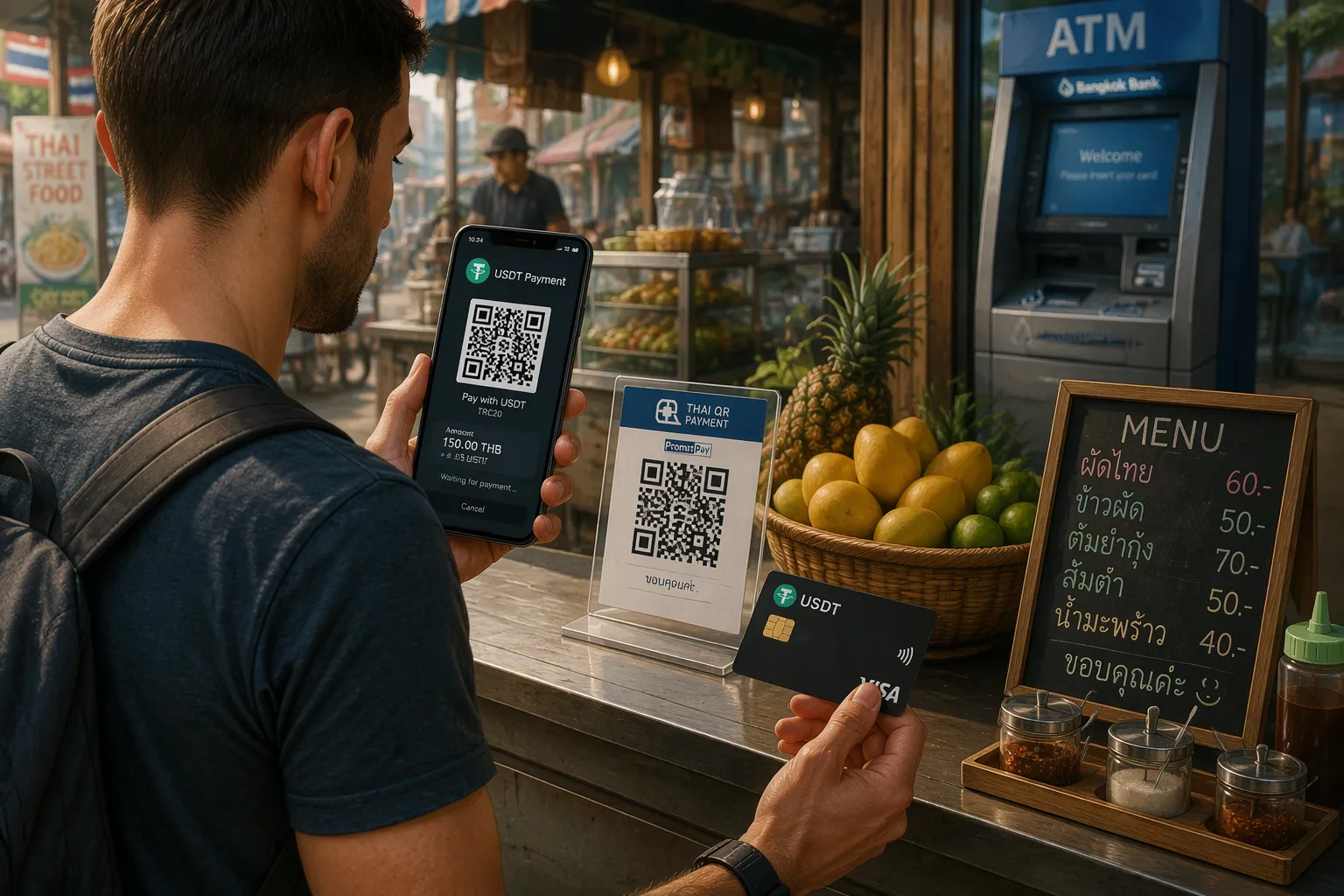
Thailand runs on QR codes. You will see PromptPay-style codes at street stalls, cafes, and even taxis. Scan the code with your banking or payment app, confirm the amount, and the payment clears in seconds. Your USDT card sits behind that flow. The app converts your balance to baht at checkout, and the merchant receives local currency.
Thailand has also piloted a stablecoin sandbox aimed at tourists. The idea is simple. You convert dollar-pegged stablecoins into baht inside a licensed app, then pay through a QR code. This gives you a regulated path from USDT to everyday spending. Check which apps support the sandbox before you arrive, since coverage is still limited.
Card terminals work too, especially in malls and hotels. Tap your physical card or phone wallet at the counter. The terminal charges you in THB, and your card converts USDT at that moment.
Spending caps apply to QR payments. Large businesses can process up to 500,000 THB per month. Small retailers cap out at 50,000 THB. Plan big purchases, like hotels or electronics, around merchants that fall under the higher limit.
ATM Withdrawals and Fees
ATMs give you cash when a stall or market vendor takes no cards. Insert your card, choose withdrawal, and select THB as the currency. The machine dispenses baht, and your card converts USDT to cover it.
Watch the fee screen carefully. Thai banks typically charge a fixed withdrawal fee per transaction, and the amount varies by bank. The ATM may also offer to convert the charge into your home currency. Decline that option. Let your card handle the conversion, because the ATM's rate usually costs more.
Withdraw larger amounts less often. One bigger withdrawal beats several small ones, since the fixed fee hits you each time. Keep the receipt, and track your balance in the app so you know how much USDT remains.
Between QR codes, card terminals, and ATMs, you have three solid ways to spend with a USDT card across Thailand. Carry a little cash for small vendors, and lean on QR for everything else.
Spending in Korea With a USDT Card
POS Acceptance and Conversion
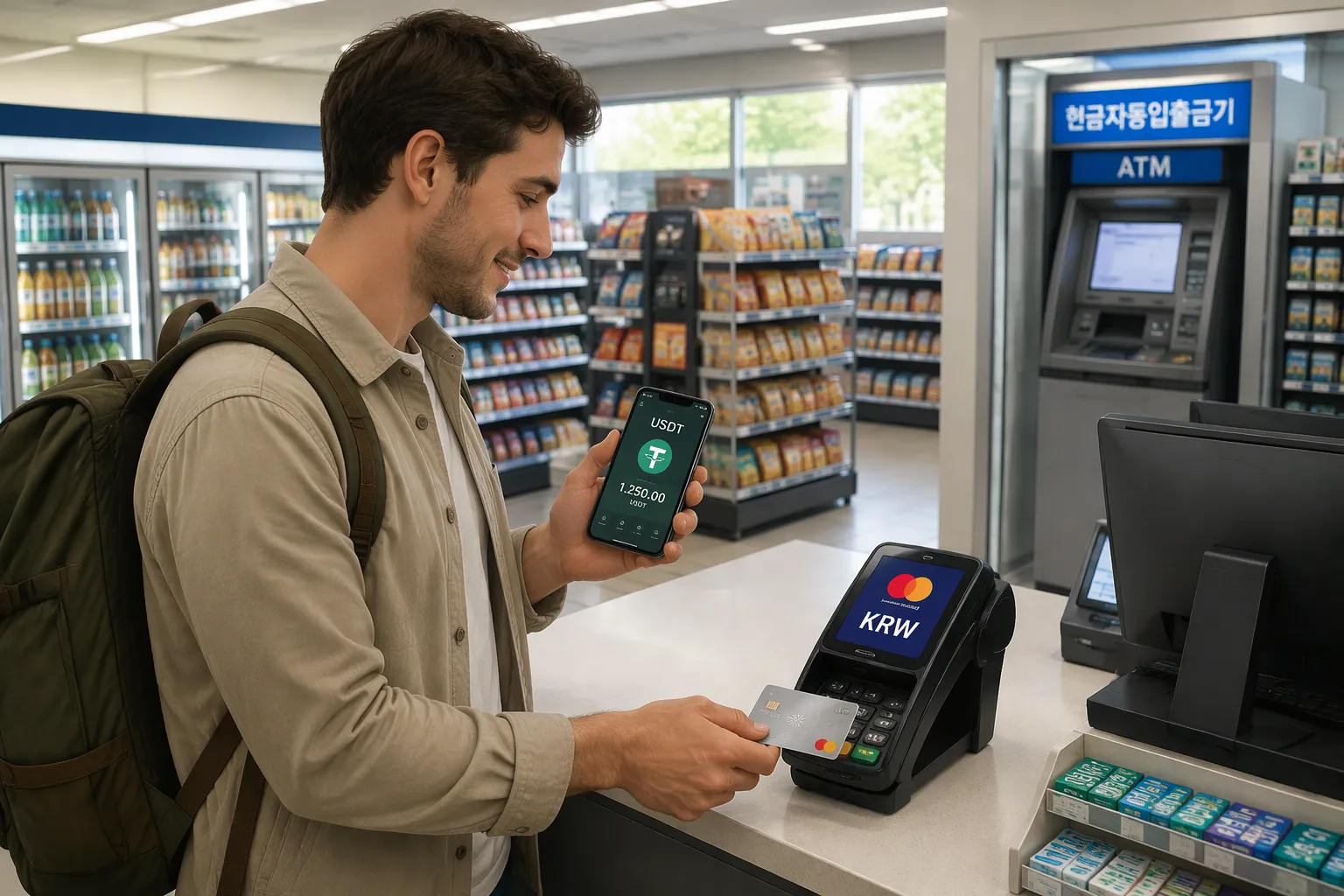
Korea is close to a cashless society, and card terminals sit on nearly every counter. One rule decides whether your card works: the POS machine reads only cards with an international network logo. A domestic-only card fails at these terminals, even inside a big department store. Check the logo on your card before you fly. UUPAY's physical card carries global acceptance, so it clears Korean terminals without drama.
Tap-to-pay is everywhere in Seoul and Busan. Load your virtual card into Apple Pay or Google Pay, and you can spend with a USDT card at cafes, convenience stores, and subway gates. The terminal charges you in Korean won (KRW). Your card then converts USDT into won at that moment, and the merchant sees a normal local transaction.
Pre-converting to KRW before departure smooths this out. You lock the rate early, and checkout runs in local currency with no surprise spread at the counter. Keep some USDT unconverted for flexibility.
One habit pays off here. Ask for the charge in KRW when a clerk offers a choice. Letting your card handle the conversion usually beats the terminal's own rate.
ATM Withdrawals and Fees
Cash still matters in Korea, especially at traditional markets and small eateries. ATMs at banks and convenience stores accept international cards, and you can withdraw won directly. Choose KRW as the withdrawal currency, and your card converts USDT to cover the amount.
Fees work in two layers. The ATM operator charges its own withdrawal fee, and your card provider may add a conversion spread on top. Korean ATM fees vary by bank and machine type, so read the screen before you confirm. Decline any offer to convert the charge into your home currency. That option, often called dynamic currency conversion, typically costs more than letting your card do the math.
Withdrawal limits also vary. Many Korean ATMs cap a single withdrawal, and some machines close to foreign cards outside banking hours. Plan ahead: withdraw during the day, take larger amounts less often, and keep the receipt. Track your remaining USDT balance in the app so you never run dry mid-trip.
Between POS terminals, mobile wallets, and ATMs, you have reliable ways to spend with a USDT card across Korea. Carry a little cash as backup, and lean on tap-to-pay for the rest.
Managing Fees and Exchange Rates
Conversion Spreads and Transaction Fees
Every payment in baht or won carries a conversion spread. That spread is the gap between the mid-market rate and the rate your card applies. You will not see it as a separate charge. It sits inside the exchange rate, so a small spread on a large hotel bill adds up fast. Check the spread before you load a big balance, and compare it across providers.
Transaction fees are the other layer. Some cards charge a fixed fee per purchase or per ATM withdrawal. UUPAY waives top-up fees for all users, so reloading mid-trip costs you nothing extra. New users open a virtual card for 1U and get 1U back, which keeps your startup cost near zero. The physical card offers up to 50% cashback, and that cashback can offset part of your conversion costs over a long trip.
Timing Loads and Withdrawals
Timing your loads matters more than most travelers expect. Exchange rates move through the day, and a rate you lock on a quiet morning can beat one you grab in a hurry at the airport. Pre-convert to THB and KRW before you fly, when you can watch the rate and pick a calm moment. Keep a slice in USDT for flexibility.
Time your withdrawals the same way. Withdraw larger amounts less often, because fixed ATM fees hit you on every transaction. In Thailand, plan big QR purchases around merchants under the 500,000 THB monthly cap for large businesses, not the 50,000 THB cap for small retailers. Always decline the ATM's offer to convert into your home currency. Let your card do the math, and keep every receipt so you can track what each conversion actually cost.
Compliance and Travel Documentation
Declarations, Limits, and Records
Customs rules differ between Thailand and Korea, and both countries set their own thresholds for cash and monetary instruments you carry in. Check the current limits on each country's customs website before you fly. Declare anything that crosses the line. A card balance is not cash in your pocket, but a wad of withdrawn baht or won is, so plan your ATM amounts with the declaration threshold in mind.
Keep a simple record of your spending. Save ATM receipts, screenshot card transactions in the app, and note the dates of large withdrawals. These records help if a border officer asks how you funded your trip, and they settle any dispute over a charge later. UUPAY's compliance setup gives you a solid base here. The company holds a US MSB license, Swiss and Canadian licenses through group companies, and PCI DSS Level 1 certification. A Brazil application is in progress, and the company is registered in Hong Kong.
Documents to Carry
Carry your passport, your visa or entry documents, and your return ticket. Keep a digital copy of each in your phone and a paper copy in your bag. Add your card details to a secure notes app, but never store the full number where someone can read it over your shoulder.
Bring proof of your USDT source if you can. A screenshot of your exchange account or wallet history takes a minute to save and answers questions fast. UUPAY's 24/7 global support can help if a verification issue pops up mid-trip. Reach it through in-app chat, and keep your account details handy so support can find you quickly.
Practical Tips and Troubleshooting
Backup Payments and Card Security
Never travel on a single payment method. Carry your UUPAY physical card as the backup to your phone wallet. The card now ships with global acceptance, so it clears terminals when your phone dies or a tap fails. Keep a modest amount of local cash too, especially for Thai market stalls and small Korean eateries.
Cross-border QR links give you another safety net. Several Asian payment networks now connect their QR systems, so a supported app can scan a partner country's code where the link exists. Check which apps support this before you fly. Treat it as a fallback, not your main plan.
Secure the card like cash. Freeze it in the app when you do not need it, and unfreeze it at the counter. Never store the full number in an unsecured note.
Fixing Declines and Conversion Errors
A declined transaction usually has a simple cause. Check your USDT balance first, then confirm the card is unfrozen. If the terminal still refuses, ask the clerk to run it as credit rather than debit. In Korea, verify the terminal accepts your network logo. Some older machines read only domestic cards.
Wrong-currency charges are the other common headache. If a terminal or ATM offers to convert into your home currency, decline it and pay in THB or KRW. Your card then applies its own rate, which usually costs less. If a charge already posted in the wrong currency, screenshot the receipt and contact UUPAY's 24/7 global support through in-app chat. They can trace the transaction and explain the conversion applied.
Pick a compliant card on a major network, then finish verification. Load USDT and pre-convert to THB and KRW. Spend With a USDT Card at POS terminals, QR codes, and ATMs, and watch every fee. Carry backup payments and keep receipts for compliance. Set up your UUPAY card before departure: new users open a virtual card for 1U and get 1U back, and top-ups stay fee-free.
FAQ
Does a USDT card work at every card terminal in Korea?
No. Korean POS machines read only cards with an international network logo. Check that logo on your card before you fly, because domestic-only cards fail at most counters.
How do I avoid paying extra at Thai and Korean ATMs?
Decline the machine's offer to convert your withdrawal into your home currency. Pay in THB or KRW instead, and let your card apply its own rate.
What does it cost to start with a UUPAY card?
New users open a virtual card for 1U and get 1U back. Top-ups stay fee-free for everyone, and the physical card offers up to 50% cashback.
See Also
Top Methods for USDT Cards on Google Play in Vietnam
How to Use USDT Visa Cards for Overseas Utility Bills in Vietnam
Full Guide to USDT Card Payments Across Thailand
Selecting Thailand Crypto Cards for Smooth Everyday Spending
Top Ways Virtual Crypto Cards Book International Flights in Vietnam
